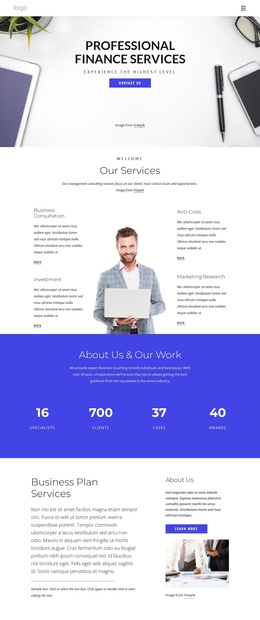
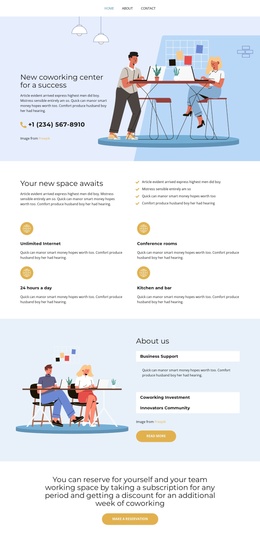
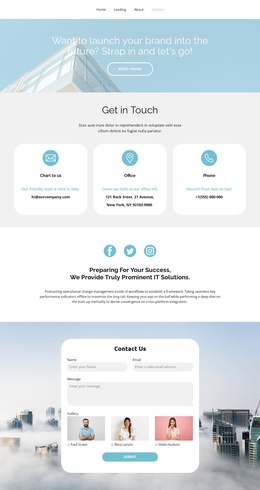
List with business photo Joomla Template


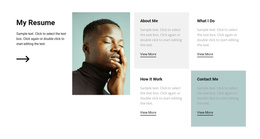
About Us through Why Choose Us form four structured content regions
The headings About Us, Who We Are, What We Do, and Why Choose Us divide this block into four recognizable informational regions. Each region uses the same image-backed tile pattern and places a More link beneath its heading, creating a predictable relationship between a topic label and its continuation point. In a Joomla-managed page, that arrangement can present a stable group of introductory content areas while the wider site handles related articles, pages, and editorial material around the section.
The vertical column is important to the content model because it gives every topic the same full-width stage. Rather than presenting the four subjects as a dense grid, the block lets visitors encounter them one after another, with light neutral photography separating the topics visually. Black centered uppercase text and the restrained outlined links maintain a consistent visual rule across all four regions. This makes the block suitable as a reusable CMS page section for structured business information, whether it introduces broader subject areas or points toward more detailed content elsewhere. The static interaction keeps the organization straightforward: each tile communicates its topic visually and uses its More link as the available path onward.
Customize with Nicepage
Open this ready-made template in the Joomla Page Builder and customize it visually in the Nicepage editor. Replace demo content, edit page sections, and adapt the design to your project without rebuilding the template from scratch.
Edit Template Offline
2. Create a new page or select existing
3. Click Add new block, search for id 86276 and click enter
Edit Template Online
Create Awesome Websites


Free Nicepage Builder
Keywords
Work With This Template in Joomla
Customize and Install the Joomla Template
Start with this ready-made template instead of building the Joomla design from scratch. Customize its layout, content, typography, images, sections, and other design elements visually in the Nicepage application, then export and install the Joomla Template, Nicepage Extension, and supported content on your Joomla website.
Edit the Template Directly in Joomla
After installation, you can edit the Joomla Template directly in Joomla with the Nicepage Joomla Extension. Customize the Header, Footer, Colors, Fonts, typography, and Page Templates from the Joomla workflow while keeping the site design connected with your CMS content.
Edit Joomla Articles Visually
Use the Nicepage Joomla Extension to open and edit Joomla Articles visually from the Joomla Administrator. Change text, images, sections, layouts, and other page content in the Nicepage editor while continuing to manage the Articles through Joomla.
Joomla Content and Template Integration
Use the customized template together with Joomla Articles, module Positions, menus, forms, Blog Pages, and other supported CMS elements. With the Nicepage Extension used as the Site Style Source, shared design settings can be applied across Joomla Articles while Joomla continues to provide the CMS environment for managing site content.
This workflow combines a ready-made Joomla Template with visual customization, direct template editing in Joomla, and continued content management through the Nicepage Joomla Extension.