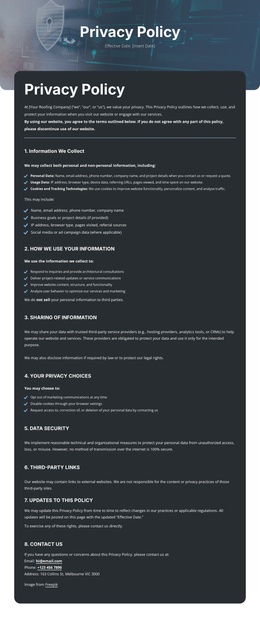
Confidentiality you can rely on Joomla Template


Edit Template Offline
2. Create new page and search for id 6543606
Edit Template Online
Create Awesome Websites


Free Nicepage Builder
Keywords
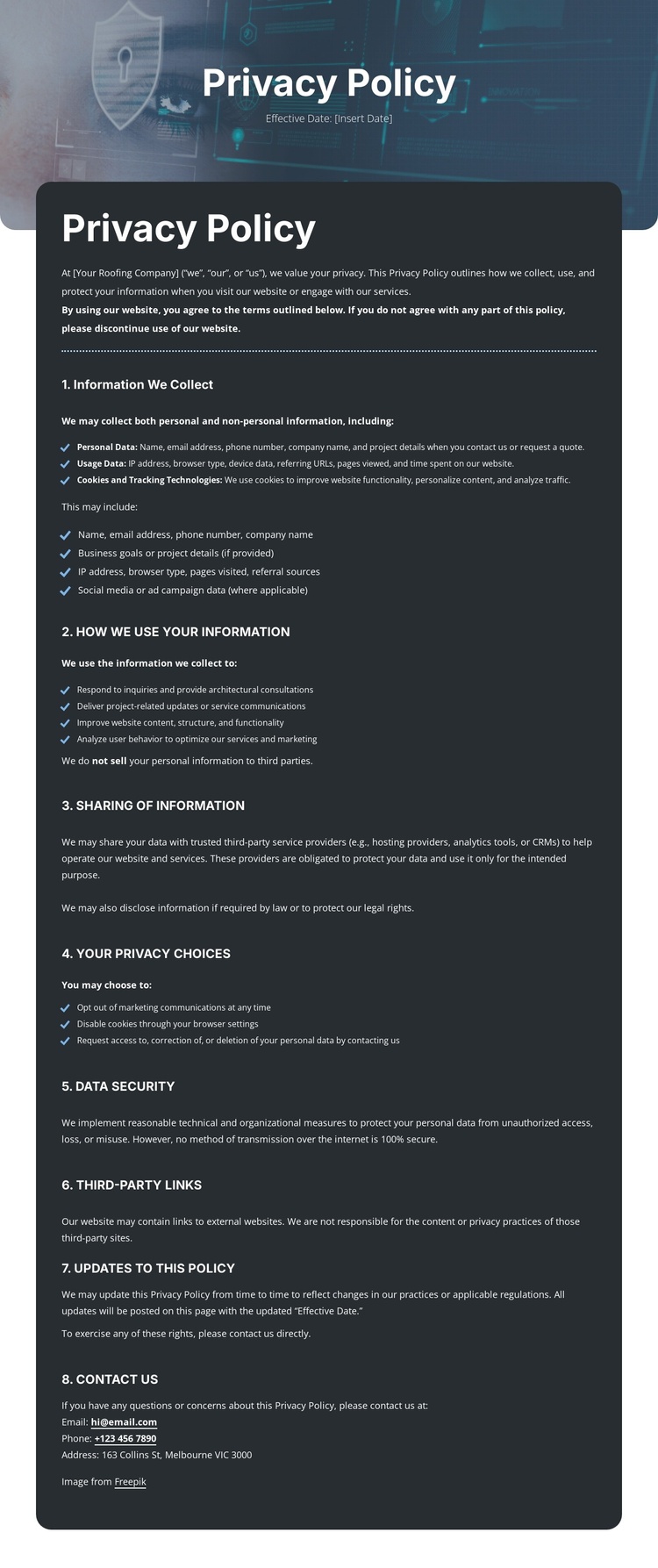
Numbered Privacy Topics Fit Structured CMS Content Regions
The page divides privacy information into recognizable content regions that can be understood and maintained separately in a CMS-oriented project. The opening navigation supplies shared site context, while the title panel identifies the policy and leaves a defined place for its effective date. The introduction then establishes the document’s scope before the eight numbered topics present the substantive information. This separation is useful for a policy page because collection, cookies, sharing, choices, security, links, updates, and contact rights do not compete for the same visual space.
The repeated heading-and-content pattern also suits structured editorial maintenance. Paragraphs and bullet lists can be reviewed as distinct information groups, while the email, phone, and postal channels form a clearly recognizable contact region. The final Questions? bar extends that contact relationship into the page ending without turning the document into a sales page. Navigation remains separate from the policy body, so site-level links can continue to frame the document.
In a Joomla project, these regions can be interpreted as CMS-managed content and reusable site areas rather than as an invented set of existing Joomla Articles or modules. The design’s practical contribution is its organized policy hierarchy and shared header/footer treatment. If a documented Joomla integration is needed, Nicepage’s Joomla Extension can connect visual page design with Joomla-managed content, but installation and editing workflow belong outside this template-specific explanation.
Customize with Nicepage
Open this ready-made template in the Joomla Page Builder and customize it visually in the Nicepage editor. Replace demo content, edit page sections, and adapt the design to your project without rebuilding the template from scratch.
Work With This Template in Joomla
Customize and Install the Joomla Template
Start with this ready-made template instead of building the Joomla design from scratch. Customize its layout, content, typography, images, sections, and other design elements visually in the Nicepage application, then export and install the Joomla Template, Nicepage Extension, and supported content on your Joomla website.
Edit the Template Directly in Joomla
After installation, you can edit the Joomla Template directly in Joomla with the Nicepage Joomla Extension. Customize the Header, Footer, Colors, Fonts, typography, and Page Templates from the Joomla workflow while keeping the site design connected with your CMS content.
Edit Joomla Articles Visually
Use the Nicepage Joomla Extension to open and edit Joomla Articles visually from the Joomla Administrator. Change text, images, sections, layouts, and other page content in the Nicepage editor while continuing to manage the Articles through Joomla.
Joomla Content and Template Integration
Use the customized template together with Joomla Articles, module Positions, menus, forms, Blog Pages, and other supported CMS elements. With the Nicepage Extension used as the Site Style Source, shared design settings can be applied across Joomla Articles while Joomla continues to provide the CMS environment for managing site content.
This workflow combines a ready-made Joomla Template with visual customization, direct template editing in Joomla, and continued content management through the Nicepage Joomla Extension.