Creative studio works Joomla Template


Edit Template Offline
2. Create new page and search for id 6458252
Edit Template Online
Create Awesome Websites


Free Nicepage Builder
Keywords
Portfolio Categories and Contact Regions Form Clear Joomla Content Areas
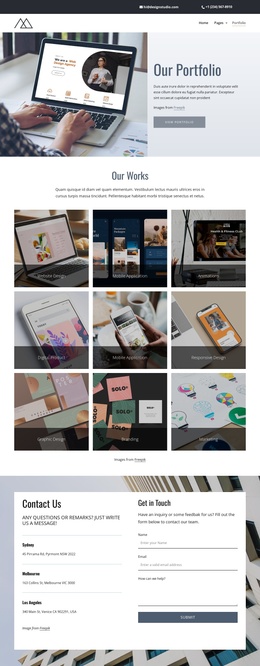
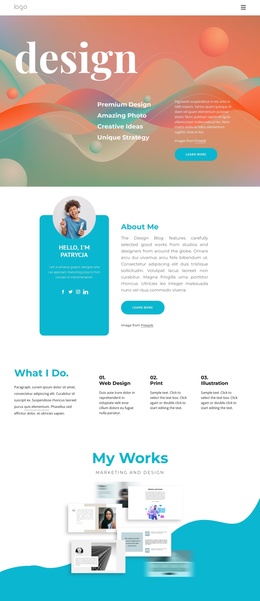
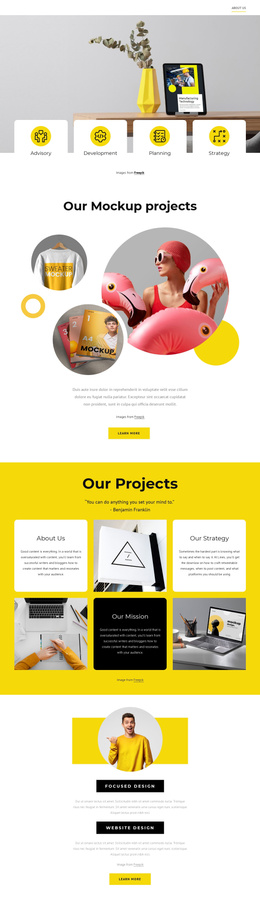
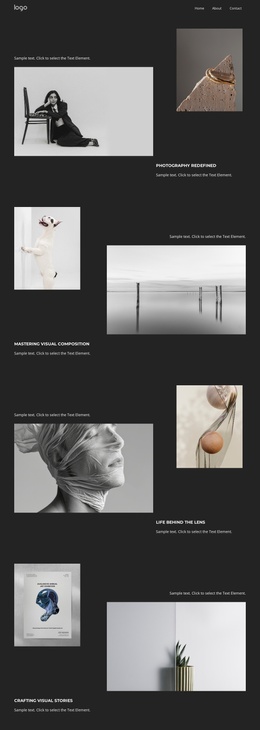
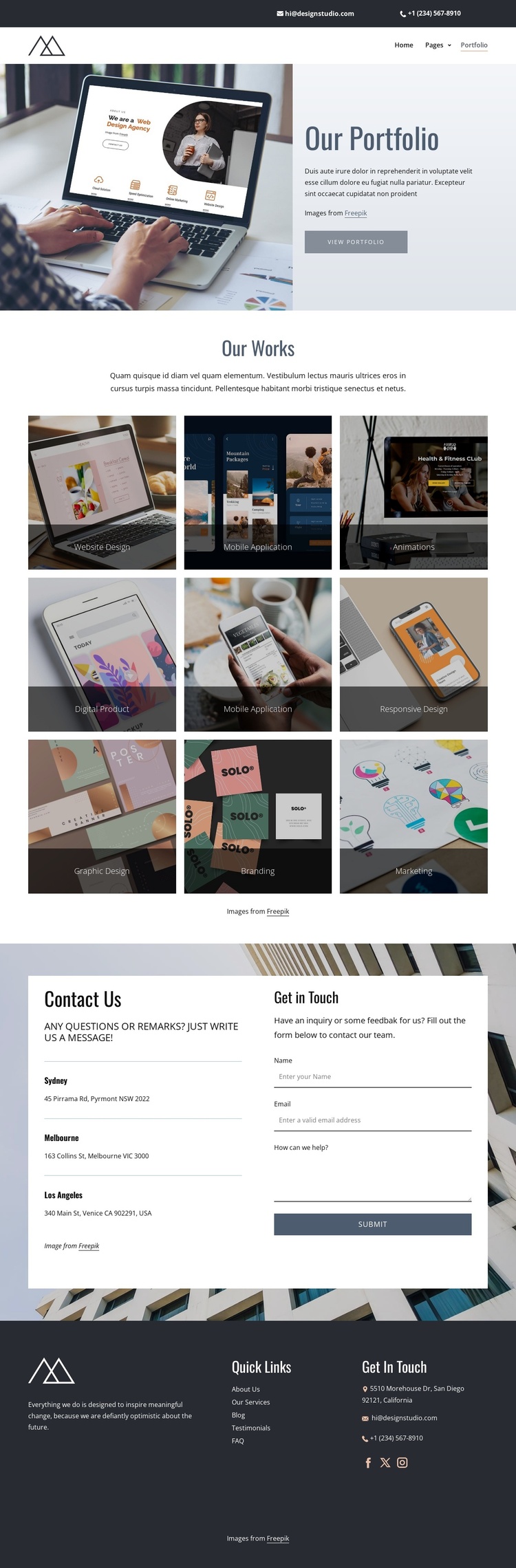
The nine labeled portfolio tiles divide the creative studio’s work into recognizable content areas rather than presenting one undifferentiated image collection. Website design, mobile applications, animation, digital products, responsive design, graphic design, branding, and marketing can each act as a structured subject for portfolio content while remaining part of the same visual presentation. The centered “Our Works” heading and three-column gallery give those categories a consistent region for images and labels.
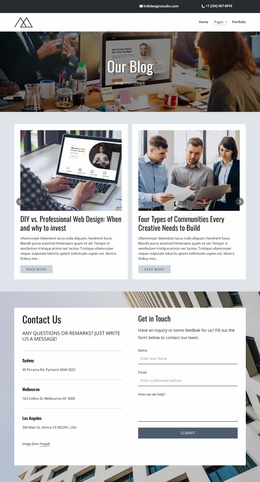
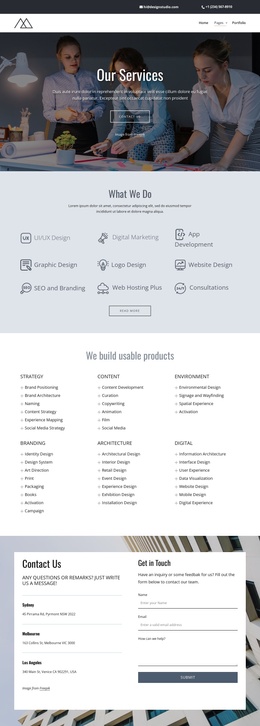
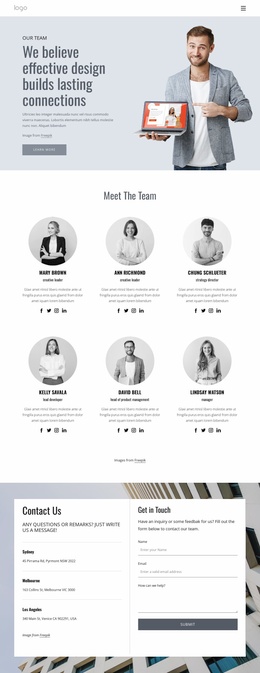
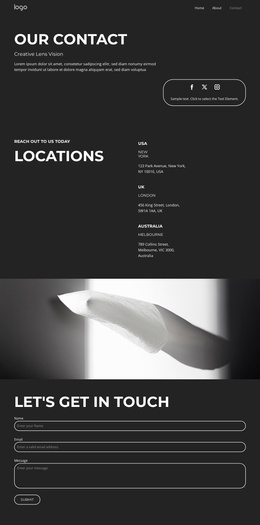
The contact section introduces a different type of site information. Three location entries are placed beside an inquiry form with name, email, message, and submission controls, so location details and visitor communication remain easy to distinguish. Navigation at the top and the footer’s Quick Links, contact details, and social links create shared site regions around the main portfolio content. This combination is useful for a Joomla-managed creative-services site because recurring informational areas, portfolio categories, and contact content have clear boundaries without requiring unsupported assumptions about particular articles or modules.
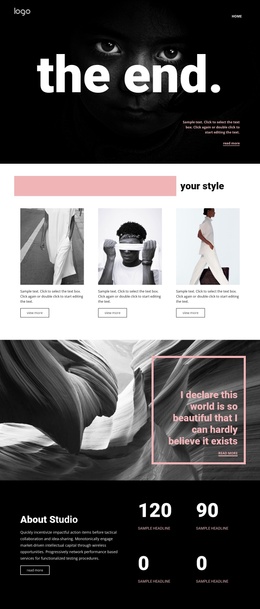
The dark charcoal, pale blue, white, and muted neutral palette, together with serif headings and compact sans-serif text, provides a consistent presentation for those content areas. The design can therefore keep portfolio information, contact details, and shared navigation visually coordinated as the site content is organized through Joomla.
Customize with Nicepage
Open this ready-made template in the Joomla Page Builder and customize it visually in the Nicepage editor. Replace demo content, edit page sections, and adapt the design to your project without rebuilding the template from scratch.
Work With This Template in Joomla
Customize and Install the Joomla Template
Start with this ready-made template instead of building the Joomla design from scratch. Customize its layout, content, typography, images, sections, and other design elements visually in the Nicepage application, then export and install the Joomla Template, Nicepage Extension, and supported content on your Joomla website.
Edit the Template Directly in Joomla
After installation, you can edit the Joomla Template directly in Joomla with the Nicepage Joomla Extension. Customize the Header, Footer, Colors, Fonts, typography, and Page Templates from the Joomla workflow while keeping the site design connected with your CMS content.
Edit Joomla Articles Visually
Use the Nicepage Joomla Extension to open and edit Joomla Articles visually from the Joomla Administrator. Change text, images, sections, layouts, and other page content in the Nicepage editor while continuing to manage the Articles through Joomla.
Joomla Content and Template Integration
Use the customized template together with Joomla Articles, module Positions, menus, forms, Blog Pages, and other supported CMS elements. With the Nicepage Extension used as the Site Style Source, shared design settings can be applied across Joomla Articles while Joomla continues to provide the CMS environment for managing site content.
This workflow combines a ready-made Joomla Template with visual customization, direct template editing in Joomla, and continued content management through the Nicepage Joomla Extension.