Professional and dedicated services Joomla Template


Edit Template Offline
2. Create new page and search for id 6328169
Edit Template Online
Create Awesome Websites


Free Nicepage Builder
Keywords
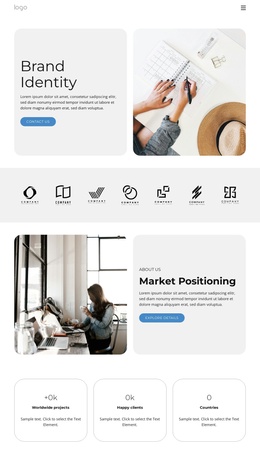
Capability Rows and Contact Regions Shape a Joomla Content Structure
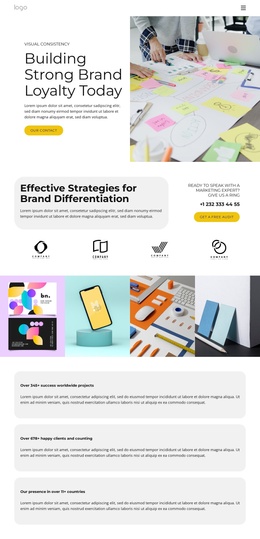
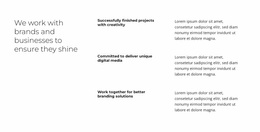
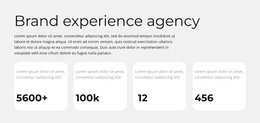
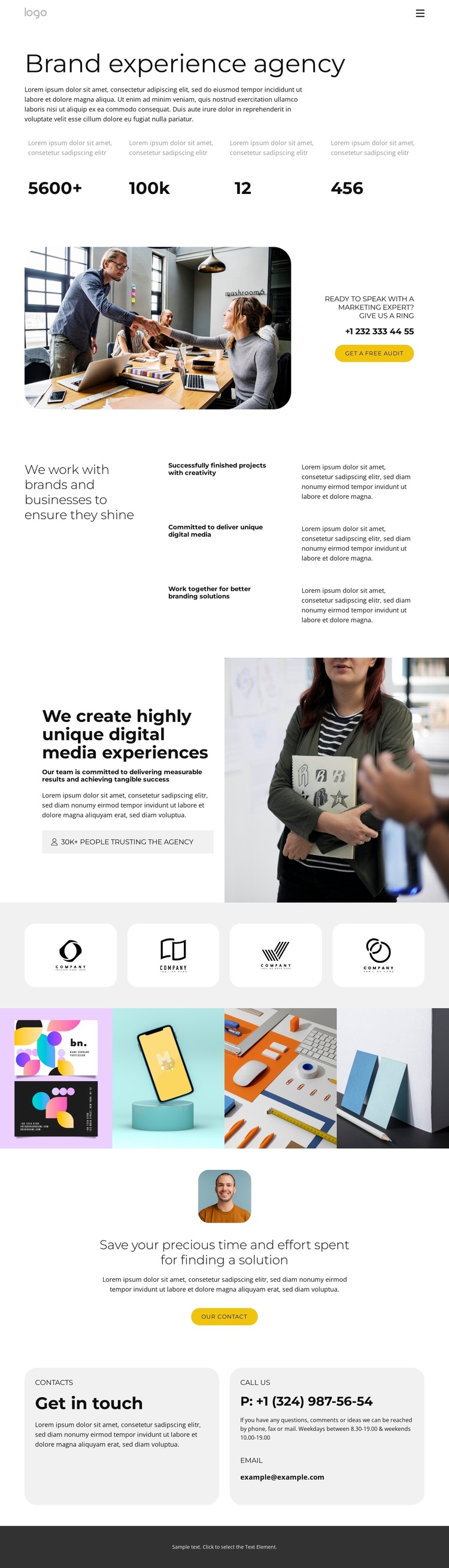
The three repeated capability rows give the page a clear set of structured information areas: successful project delivery, unique digital media, and collaborative branding solutions. They sit beside broader agency statements rather than appearing as isolated promotional fragments, so a Joomla implementation can treat them as organized service or agency content while preserving the same visual relationship. The four brand marks and four numeric callouts add separate proof-oriented regions, allowing the page to distinguish agency positioning from supporting evidence without relying on the sample values as verified business results.
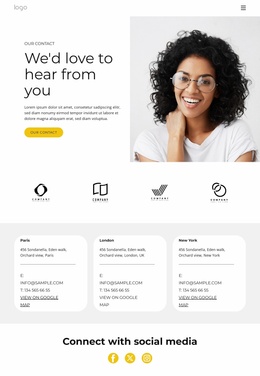
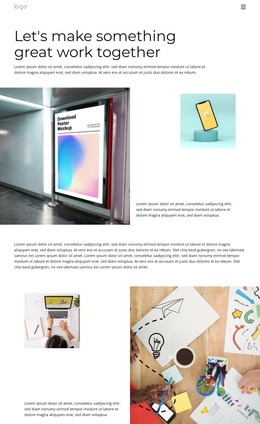
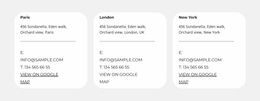
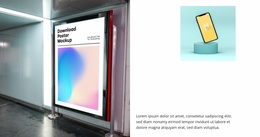
The gallery and split image sections then provide visual content zones that can sit alongside those informational areas. A full-width row of four portfolio images supports the agency’s visual emphasis, while the contact-focused sections supply practical destinations for phone, email, and audit-related communication. The top navigation already names the main content categories, including Services, Portfolio, and Contact, and the closing dark footer provides a shared endpoint for the page. Together, these regions suit a Joomla-managed site where structured agency information, visual showcases, navigation, and contact content need to remain coordinated. The design can therefore serve as a Joomla template foundation without claiming that Joomla Articles or module positions already exist in the source page.
Customize with Nicepage
Open this ready-made template in the Joomla Page Builder and customize it visually in the Nicepage editor. Replace demo content, edit page sections, and adapt the design to your project without rebuilding the template from scratch.
Work With This Template in Joomla
Customize and Install the Joomla Template
Start with this ready-made template instead of building the Joomla design from scratch. Customize its layout, content, typography, images, sections, and other design elements visually in the Nicepage application, then export and install the Joomla Template, Nicepage Extension, and supported content on your Joomla website.
Edit the Template Directly in Joomla
After installation, you can edit the Joomla Template directly in Joomla with the Nicepage Joomla Extension. Customize the Header, Footer, Colors, Fonts, typography, and Page Templates from the Joomla workflow while keeping the site design connected with your CMS content.
Edit Joomla Articles Visually
Use the Nicepage Joomla Extension to open and edit Joomla Articles visually from the Joomla Administrator. Change text, images, sections, layouts, and other page content in the Nicepage editor while continuing to manage the Articles through Joomla.
Joomla Content and Template Integration
Use the customized template together with Joomla Articles, module Positions, menus, forms, Blog Pages, and other supported CMS elements. With the Nicepage Extension used as the Site Style Source, shared design settings can be applied across Joomla Articles while Joomla continues to provide the CMS environment for managing site content.
This workflow combines a ready-made Joomla Template with visual customization, direct template editing in Joomla, and continued content management through the Nicepage Joomla Extension.