Create identities and brands Joomla Template


Edit Template Offline
2. Create new page and search for id 6187310
Edit Template Online
Create Awesome Websites


Free Nicepage Builder
Keywords
Service categories and shared regions suit structured Joomla content
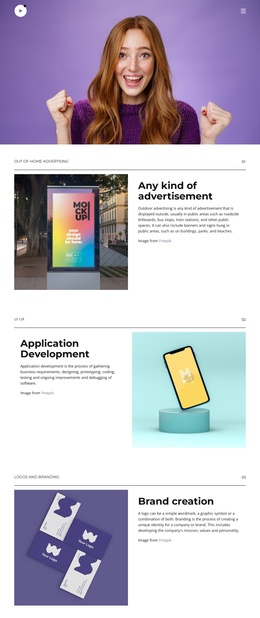
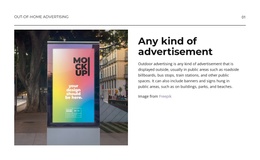
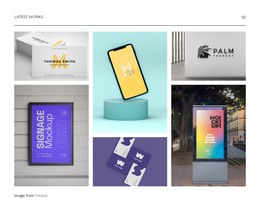
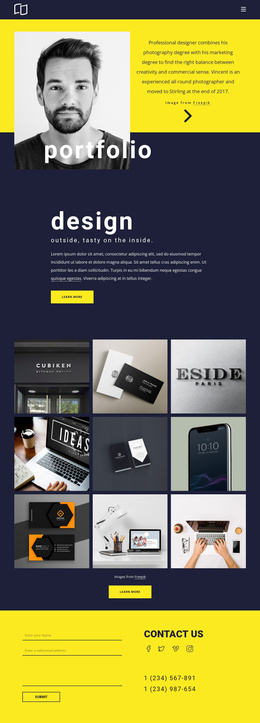
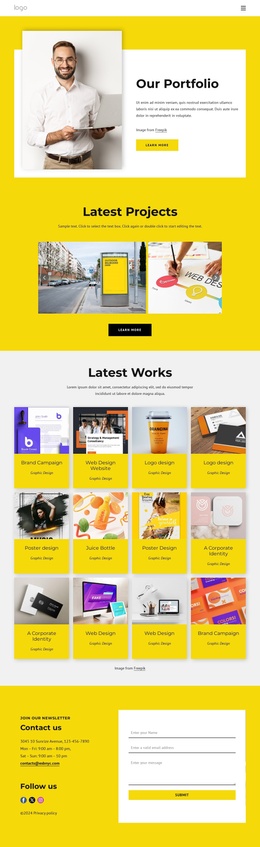
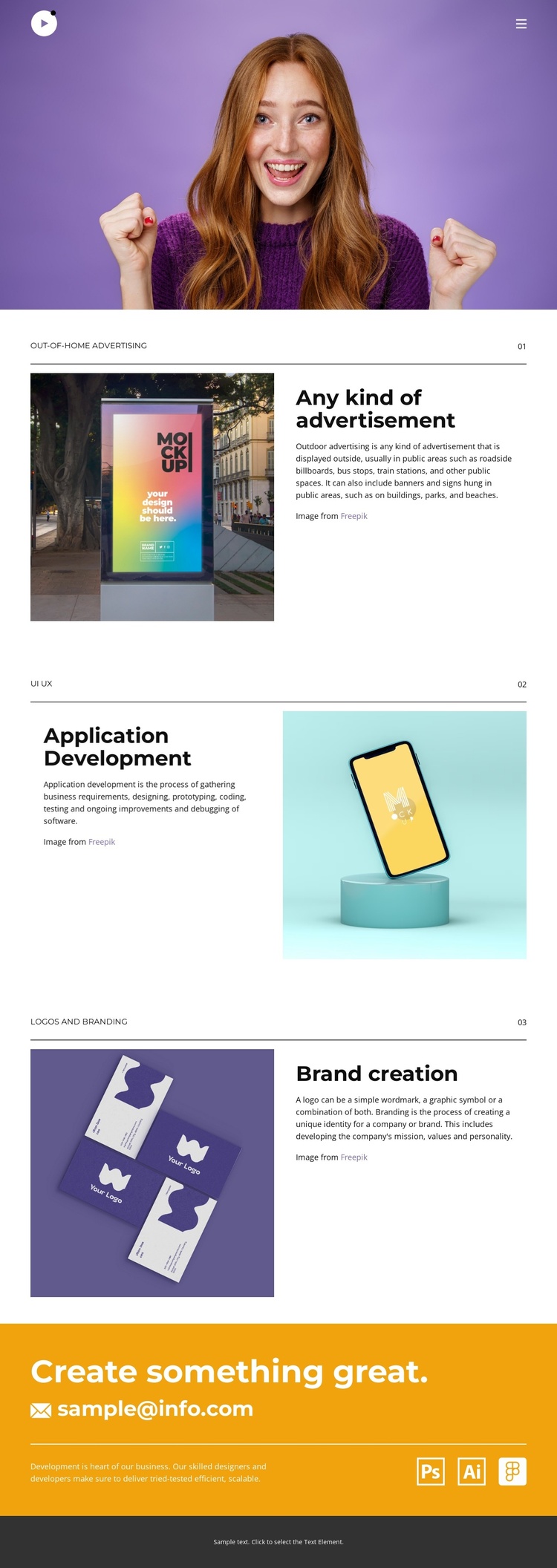
The three numbered categories divide the portfolio into distinct information areas that can be interpreted as recurring content sections in a CMS-managed site. Out-of-home advertising, application development, and brand creation each have a heading, supporting description, and related project image. Because the split layout alternates from section to section, the content remains visually varied while the underlying categories stay easy to identify and maintain.
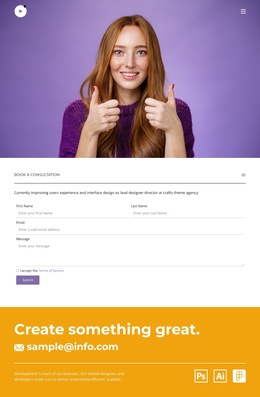
The top navigation provides a shared route through Home, About, Portfolio, and Contact, and the social links add a separate group of external destinations. These elements belong to the page’s broader site structure rather than to one project category. At the opposite end, the orange “Create something great.” band gathers the contact invitation and displayed email address into a clear communication region, followed by a centered footer line that closes the page. This separation between navigation, portfolio content, contact content, and footer gives the design useful CMS-oriented boundaries.
For a Joomla project, the template can therefore serve as a visual arrangement for structured service and portfolio information rather than merely a static image of a design. The existing categories can remain coordinated as the content changes, while the shared navigation and footer preserve continuity across related site areas. The Joomla ecosystem is relevant when those content regions need to participate in a larger managed website, but the analysis does not prove that Joomla articles or modules already exist in this template.
Customize with Nicepage
Open this ready-made template in the Joomla Page Builder and customize it visually in the Nicepage editor. Replace demo content, edit page sections, and adapt the design to your project without rebuilding the template from scratch.
Work With This Template in Joomla
Customize and Install the Joomla Template
Start with this ready-made template instead of building the Joomla design from scratch. Customize its layout, content, typography, images, sections, and other design elements visually in the Nicepage application, then export and install the Joomla Template, Nicepage Extension, and supported content on your Joomla website.
Edit the Template Directly in Joomla
After installation, you can edit the Joomla Template directly in Joomla with the Nicepage Joomla Extension. Customize the Header, Footer, Colors, Fonts, typography, and Page Templates from the Joomla workflow while keeping the site design connected with your CMS content.
Edit Joomla Articles Visually
Use the Nicepage Joomla Extension to open and edit Joomla Articles visually from the Joomla Administrator. Change text, images, sections, layouts, and other page content in the Nicepage editor while continuing to manage the Articles through Joomla.
Joomla Content and Template Integration
Use the customized template together with Joomla Articles, module Positions, menus, forms, Blog Pages, and other supported CMS elements. With the Nicepage Extension used as the Site Style Source, shared design settings can be applied across Joomla Articles while Joomla continues to provide the CMS environment for managing site content.
This workflow combines a ready-made Joomla Template with visual customization, direct template editing in Joomla, and continued content management through the Nicepage Joomla Extension.