International Law Firm Joomla Template



Edit Template Offline
2. Create new page and search for id 6159964
Edit Template Online
Create Awesome Websites


Free Nicepage Builder
Keywords
Practice Areas, Recruitment, and Contact Regions for Joomla Content
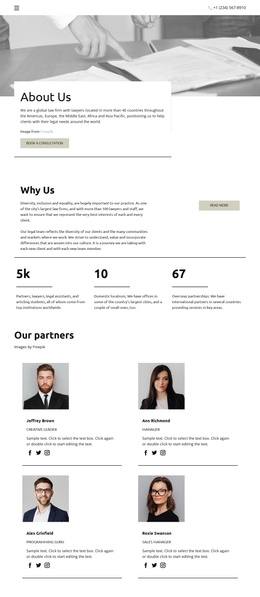
The three-item Practice areas section gives the design a useful division of structured legal information. Family Law, Real Estate Law, and Immigration Law appear beside a shared heading, so each service area can remain distinct while following the same visual direction. The hero adds the wider site context with a legal-office image, trust-focused introduction, phone contact, and “Book a consultation” action, making navigation from the opening message into service content straightforward.
Other regions support different kinds of managed information. The Accordion contains three expandable open-position entries for Criminal lawyer, Commercial lawyer, and Articling student, creating a separate recruitment-oriented area without changing the service presentation. The six-image legal gallery supplies a visual content region, while the two partner cards and seven monochrome logos provide identifiable profile and association areas. These sections can be understood as recurring site regions rather than as one undifferentiated block of copy.
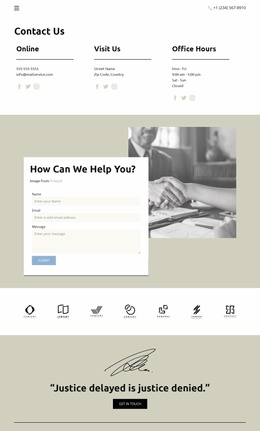
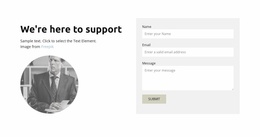
The lower contact structure is especially clear: “We’re here to support” introduces an image and a form with name, email, and message inputs, followed by a closing legal quotation and “Get in touch” action. In a Joomla project, these service, recruitment, gallery, profile, and contact regions give CMS-managed content a practical organization while the navigation and dark footer maintain continuity across the design. The result is a structured template interpretation, not merely a CMS label attached to a visual page.
Customize with Nicepage
Open this ready-made template in the Joomla Page Builder and customize it visually in the Nicepage editor. Replace demo content, edit page sections, and adapt the design to your project without rebuilding the template from scratch.
Work With This Template in Joomla
Customize and Install the Joomla Template
Start with this ready-made template instead of building the Joomla design from scratch. Customize its layout, content, typography, images, sections, and other design elements visually in the Nicepage application, then export and install the Joomla Template, Nicepage Extension, and supported content on your Joomla website.
Edit the Template Directly in Joomla
After installation, you can edit the Joomla Template directly in Joomla with the Nicepage Joomla Extension. Customize the Header, Footer, Colors, Fonts, typography, and Page Templates from the Joomla workflow while keeping the site design connected with your CMS content.
Edit Joomla Articles Visually
Use the Nicepage Joomla Extension to open and edit Joomla Articles visually from the Joomla Administrator. Change text, images, sections, layouts, and other page content in the Nicepage editor while continuing to manage the Articles through Joomla.
Joomla Content and Template Integration
Use the customized template together with Joomla Articles, module Positions, menus, forms, Blog Pages, and other supported CMS elements. With the Nicepage Extension used as the Site Style Source, shared design settings can be applied across Joomla Articles while Joomla continues to provide the CMS environment for managing site content.
This workflow combines a ready-made Joomla Template with visual customization, direct template editing in Joomla, and continued content management through the Nicepage Joomla Extension.