We create thoughtful experiences for humans Joomla Template


Edit Template Offline
2. Create new page and search for id 5768360
Edit Template Online
Create Awesome Websites


Free Nicepage Builder
Keywords
Capability Lists and Gallery Content Divide the Studio Story
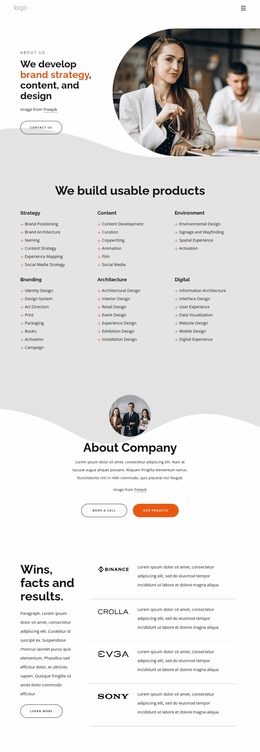
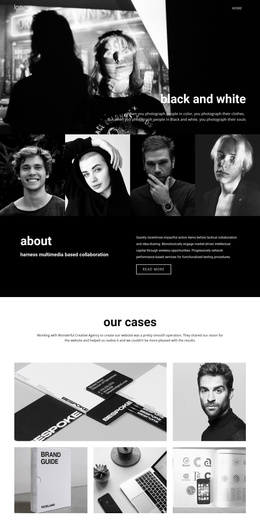
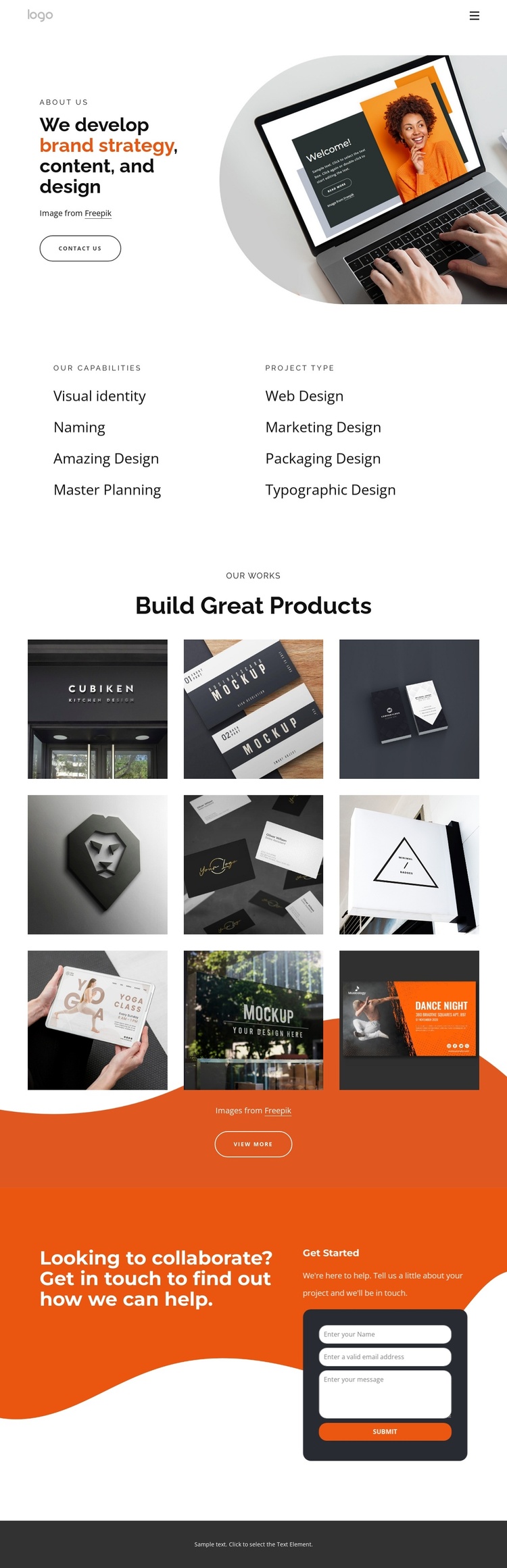
The two adjacent category columns give this design a useful content division for a CMS-managed studio site. One side can represent capabilities such as visual identity, naming, amazing design, and master planning, while the other groups project types including web, marketing, packaging, and typographic design. Their parallel placement makes the relationship between what the studio offers and the kinds of work it undertakes easy to preserve when content is revised. The navigation and mobile-navigation components can provide the shared route into these areas without changing the page’s visual hierarchy.
The portfolio section adds a second, more visual content region. Nine images are arranged in a three-column gallery beneath the Our Works and Build Great Products headings, with a View More action that can lead visitors toward additional project information. This makes the gallery a natural region for organized portfolio content, while the capability lists remain a concise reference area. The final collaboration block supplies a separate contact region: its invitation copy, Get Started wording, and form fields for name, email address, and message create a clear editorial boundary for inquiries. In a Joomla project, these regions can be treated as coordinated site content while the page retains its warm orange contact area, dark rounded form panel, white space, and image-led portfolio presentation.
Customize with Nicepage
Open this ready-made template in the Joomla Page Builder and customize it visually in the Nicepage editor. Replace demo content, edit page sections, and adapt the design to your project without rebuilding the template from scratch.
Work With This Template in Joomla
Customize and Install the Joomla Template
Start with this ready-made template instead of building the Joomla design from scratch. Customize its layout, content, typography, images, sections, and other design elements visually in the Nicepage application, then export and install the Joomla Template, Nicepage Extension, and supported content on your Joomla website.
Edit the Template Directly in Joomla
After installation, you can edit the Joomla Template directly in Joomla with the Nicepage Joomla Extension. Customize the Header, Footer, Colors, Fonts, typography, and Page Templates from the Joomla workflow while keeping the site design connected with your CMS content.
Edit Joomla Articles Visually
Use the Nicepage Joomla Extension to open and edit Joomla Articles visually from the Joomla Administrator. Change text, images, sections, layouts, and other page content in the Nicepage editor while continuing to manage the Articles through Joomla.
Joomla Content and Template Integration
Use the customized template together with Joomla Articles, module Positions, menus, forms, Blog Pages, and other supported CMS elements. With the Nicepage Extension used as the Site Style Source, shared design settings can be applied across Joomla Articles while Joomla continues to provide the CMS environment for managing site content.
This workflow combines a ready-made Joomla Template with visual customization, direct template editing in Joomla, and continued content management through the Nicepage Joomla Extension.