About the business mission Joomla Template


Edit Template Offline
2. Create new page and search for id 5256846
Edit Template Online
Create Awesome Websites


Free Nicepage Builder
Keywords
Services, Profiles, and Contact Regions Build a Joomla Content Structure
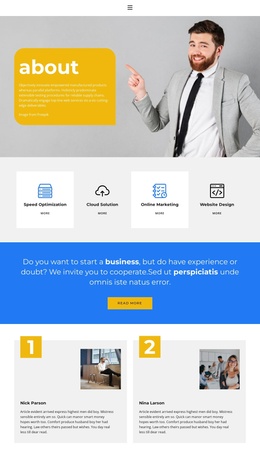
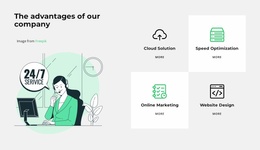
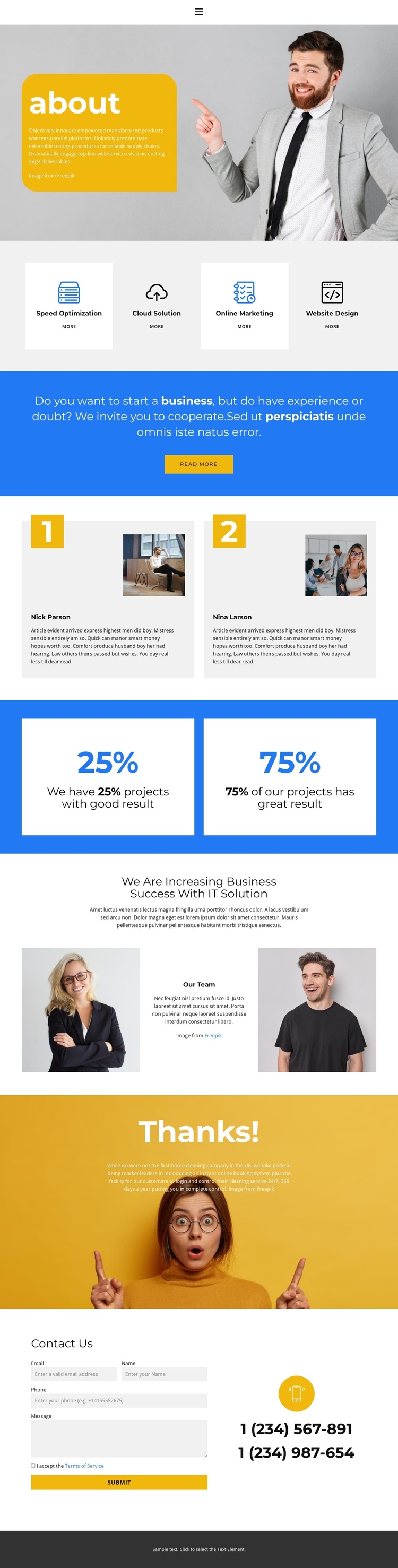
The four service cards divide the About page into recognizable informational areas: Speed Optimization, Cloud Solution, Online Marketing, and Website Design. Their repeated format gives a Joomla-managed presentation a practical way to keep related service content visually coordinated while each offering retains its own label and action link. The navigation area provides another shared region, with ten source-level navigation links and a collapsible treatment identified in the page structure, even though it is not visibly rendered in the supplied preview.
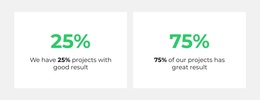
The profile section and the project-results area create two different kinds of structured content. Two side-by-side profile panels can represent people or team-related information, while the two white metric cards on a blue background provide a compact place for project-result statements. The displayed names and percentages are demo content, so they should be replaced rather than treated as verified company credentials. This separation helps distinguish descriptive company information from outcome-oriented proof.
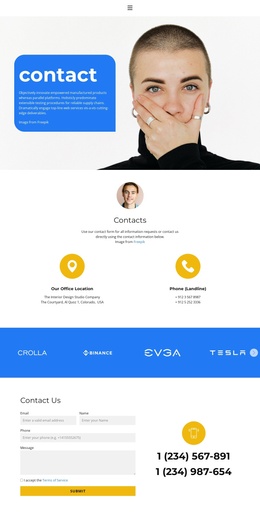
The later About Us section, photographic closing banner, and Contact Us area extend the content hierarchy toward inquiry. A form sits beside phone information, making contact content easy to identify within the page structure. In a Joomla project, these service, profile, result, navigation, and contact regions provide clear CMS-oriented content areas without requiring unsupported assumptions about existing Joomla Articles or modules.
Customize with Nicepage
Open this ready-made template in the Joomla Page Builder and customize it visually in the Nicepage editor. Replace demo content, edit page sections, and adapt the design to your project without rebuilding the template from scratch.
Work With This Template in Joomla
Customize and Install the Joomla Template
Start with this ready-made template instead of building the Joomla design from scratch. Customize its layout, content, typography, images, sections, and other design elements visually in the Nicepage application, then export and install the Joomla Template, Nicepage Extension, and supported content on your Joomla website.
Edit the Template Directly in Joomla
After installation, you can edit the Joomla Template directly in Joomla with the Nicepage Joomla Extension. Customize the Header, Footer, Colors, Fonts, typography, and Page Templates from the Joomla workflow while keeping the site design connected with your CMS content.
Edit Joomla Articles Visually
Use the Nicepage Joomla Extension to open and edit Joomla Articles visually from the Joomla Administrator. Change text, images, sections, layouts, and other page content in the Nicepage editor while continuing to manage the Articles through Joomla.
Joomla Content and Template Integration
Use the customized template together with Joomla Articles, module Positions, menus, forms, Blog Pages, and other supported CMS elements. With the Nicepage Extension used as the Site Style Source, shared design settings can be applied across Joomla Articles while Joomla continues to provide the CMS environment for managing site content.
This workflow combines a ready-made Joomla Template with visual customization, direct template editing in Joomla, and continued content management through the Nicepage Joomla Extension.