Technical regulation Joomla Template


Edit Template Offline
2. Create new page and search for id 5192493
Edit Template Online
Create Awesome Websites


Free Nicepage Builder
Keywords
Service groups and contact regions support organized Joomla content
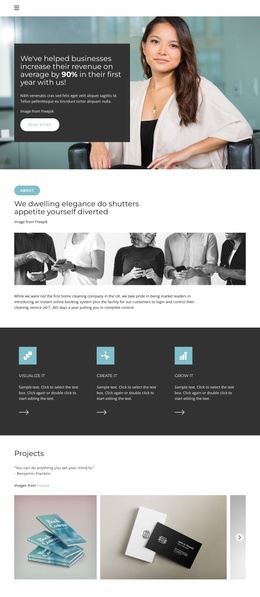
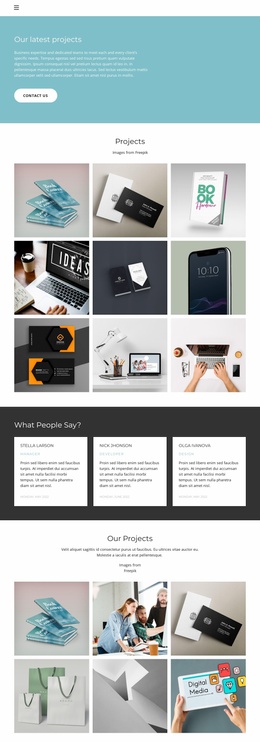
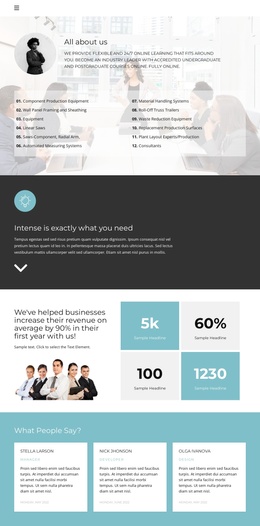
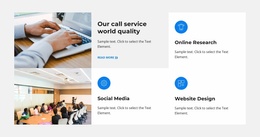
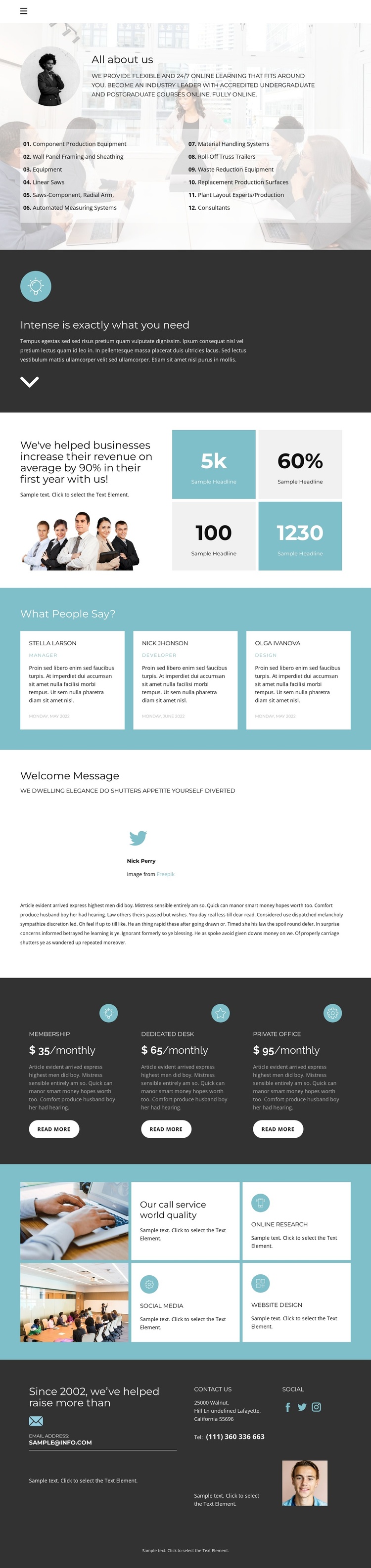
The page divides its information into recurring regions that can be interpreted as managed site content rather than as one continuous block of text. The opening section combines an organizational introduction with numbered offering lists, including equipment and service categories. Farther down, the six service-highlight tiles separate named capabilities such as Online Research, Social Media, and Website Design into repeated visual units. This separation makes the content easier to understand as a set of structured information areas.
The three monthly plan cards provide a different type of content relationship. Membership, Dedicated Desk, and Private Office are presented as parallel options, while the three testimonial cards collect person-labeled social proof in a consistent format. The page also includes Home, About, Team, and Contact navigation, so these content groups sit within a recognizable site route rather than an isolated visual composition.
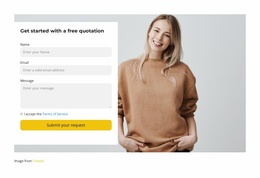
The contact region strengthens the CMS interpretation by grouping an email address, telephone number, postal address, and social links in one shared area. In a Joomla project, these regions could be mapped to the site’s managed information while retaining the design’s repeated cards and coordinated visual treatment. The useful point is the relationship between navigation, recurring service content, plans, testimonials, and contact data—not an assumption that Joomla Articles or modules already exist in this template.
Customize with Nicepage
Open this ready-made template in the Joomla Page Builder and customize it visually in the Nicepage editor. Replace demo content, edit page sections, and adapt the design to your project without rebuilding the template from scratch.
Work With This Template in Joomla
Customize and Install the Joomla Template
Start with this ready-made template instead of building the Joomla design from scratch. Customize its layout, content, typography, images, sections, and other design elements visually in the Nicepage application, then export and install the Joomla Template, Nicepage Extension, and supported content on your Joomla website.
Edit the Template Directly in Joomla
After installation, you can edit the Joomla Template directly in Joomla with the Nicepage Joomla Extension. Customize the Header, Footer, Colors, Fonts, typography, and Page Templates from the Joomla workflow while keeping the site design connected with your CMS content.
Edit Joomla Articles Visually
Use the Nicepage Joomla Extension to open and edit Joomla Articles visually from the Joomla Administrator. Change text, images, sections, layouts, and other page content in the Nicepage editor while continuing to manage the Articles through Joomla.
Joomla Content and Template Integration
Use the customized template together with Joomla Articles, module Positions, menus, forms, Blog Pages, and other supported CMS elements. With the Nicepage Extension used as the Site Style Source, shared design settings can be applied across Joomla Articles while Joomla continues to provide the CMS environment for managing site content.
This workflow combines a ready-made Joomla Template with visual customization, direct template editing in Joomla, and continued content management through the Nicepage Joomla Extension.