About successful projects Joomla Template


Edit Template Offline
2. Create new page and search for id 5118227
Edit Template Online
Create Awesome Websites


Free Nicepage Builder
Keywords
Gallery, Contact, and Social Regions Create a Manageable Joomla Page
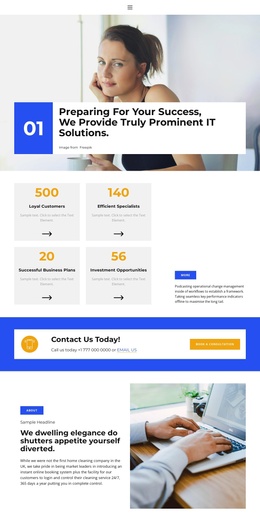
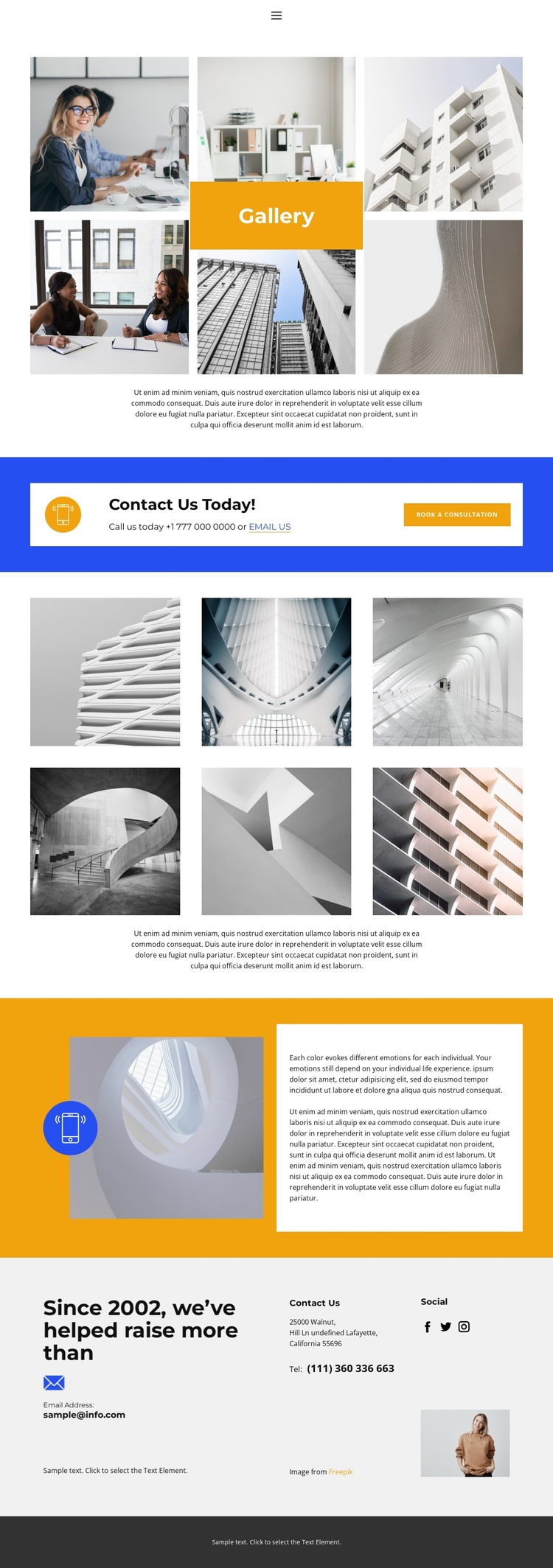
The two six-image collections divide the main visual material into clear content regions. The first gallery introduces the page with a Gallery heading and supporting text, while the later collection returns to architectural imagery and another explanatory passage. That separation is useful for a Joomla-managed page because the design distinguishes primary showcase content from a second image-led information area instead of presenting one undifferentiated media block.
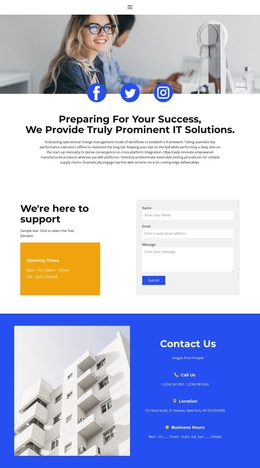
The contact regions add a different kind of structure. A blue band places phone and email options beside the Book a consultation action, giving visitors a visible route from viewing projects to making contact. Farther down, the three-column information area groups contact details, social links, and a portrait image. These recurring regions can remain visually coordinated while their text, links, and images are maintained as site content. The orange split section supports the same organization by pairing a featured image with an adjacent explanatory panel.
The page also contains navigation, Facebook, Twitter, and Instagram links, so the visual showcase is connected to broader site access and communication channels. In a Joomla project, this combination of galleries, contact information, social destinations, and shared footer content provides a structured page foundation for CMS-managed material without claiming that the sample names, address, phone numbers, or placeholder copy are real business data.
Customize with Nicepage
Open this ready-made template in the Joomla Page Builder and customize it visually in the Nicepage editor. Replace demo content, edit page sections, and adapt the design to your project without rebuilding the template from scratch.
Work With This Template in Joomla
Customize and Install the Joomla Template
Start with this ready-made template instead of building the Joomla design from scratch. Customize its layout, content, typography, images, sections, and other design elements visually in the Nicepage application, then export and install the Joomla Template, Nicepage Extension, and supported content on your Joomla website.
Edit the Template Directly in Joomla
After installation, you can edit the Joomla Template directly in Joomla with the Nicepage Joomla Extension. Customize the Header, Footer, Colors, Fonts, typography, and Page Templates from the Joomla workflow while keeping the site design connected with your CMS content.
Edit Joomla Articles Visually
Use the Nicepage Joomla Extension to open and edit Joomla Articles visually from the Joomla Administrator. Change text, images, sections, layouts, and other page content in the Nicepage editor while continuing to manage the Articles through Joomla.
Joomla Content and Template Integration
Use the customized template together with Joomla Articles, module Positions, menus, forms, Blog Pages, and other supported CMS elements. With the Nicepage Extension used as the Site Style Source, shared design settings can be applied across Joomla Articles while Joomla continues to provide the CMS environment for managing site content.
This workflow combines a ready-made Joomla Template with visual customization, direct template editing in Joomla, and continued content management through the Nicepage Joomla Extension.