Our flowers team Joomla Template



Supporting Text Columns Give the Team Section a Structured CMS Role
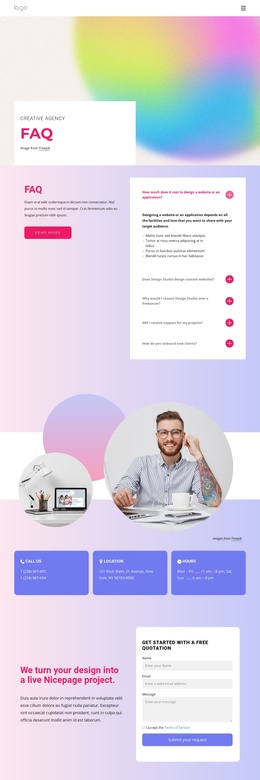
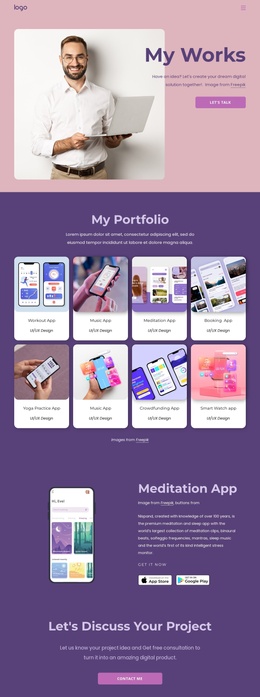
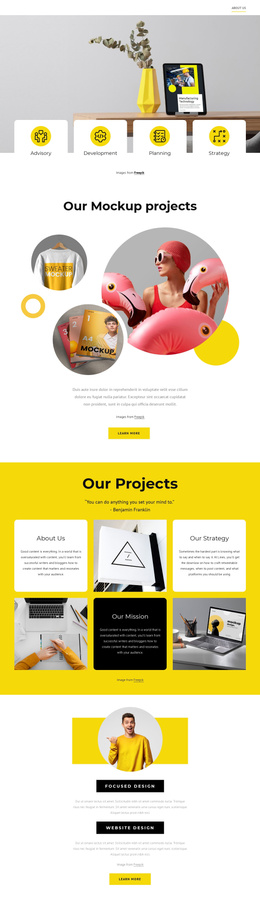
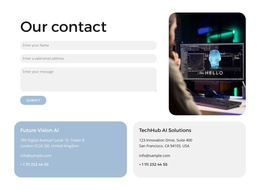
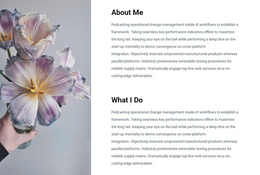
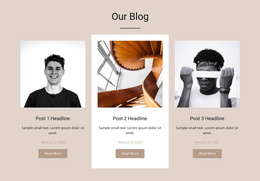
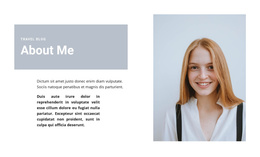
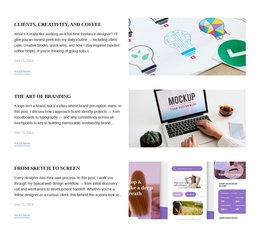
The two rows divide the block into complementary information groups. Above, the circular portraits and centered “Our Team” panel introduce the people or organization visually. The side images create symmetry around the colored center, making the heading easy to recognize when the section appears among other page content. Below, the composition becomes more text-led: two substantial paragraphs occupy narrow columns on either side of a centered logo, allowing organizational information to remain readable while the brand mark holds the middle position.
Within a Joomla-managed page, this arrangement can function as a stable structured content region for team and company information. The paragraphs reference home cleaning operations, online booking, customer expectations, and service management, so the section can explain the organization around the portrait-led introduction. The logo adds a visual identity point without replacing the text, and the pale blue-gray background keeps the upper and lower rows related as one section.
The block is especially suited to a page flow where visitors first encounter the organization, then read concise supporting information before moving to more detailed service or contact content. Joomla can provide the broader editorial environment around the section, while the block preserves its two-row, three-column relationships and static presentation. No additional component is needed for the section to communicate its intended team-and-organization role.
Customize with Nicepage
Open this ready-made template in the Joomla Page Builder and customize it visually in the Nicepage editor. Replace demo content, edit page sections, and adapt the design to your project without rebuilding the template from scratch.
Edit Template Offline
2. Create a new page or select existing
3. Click Add new block, search for id 442225 and click enter
Edit Template Online
Create Awesome Websites


Free Nicepage Builder
Keywords
Work With This Template in Joomla
Customize and Install the Joomla Template
Start with this ready-made template instead of building the Joomla design from scratch. Customize its layout, content, typography, images, sections, and other design elements visually in the Nicepage application, then export and install the Joomla Template, Nicepage Extension, and supported content on your Joomla website.
Edit the Template Directly in Joomla
After installation, you can edit the Joomla Template directly in Joomla with the Nicepage Joomla Extension. Customize the Header, Footer, Colors, Fonts, typography, and Page Templates from the Joomla workflow while keeping the site design connected with your CMS content.
Edit Joomla Articles Visually
Use the Nicepage Joomla Extension to open and edit Joomla Articles visually from the Joomla Administrator. Change text, images, sections, layouts, and other page content in the Nicepage editor while continuing to manage the Articles through Joomla.
Joomla Content and Template Integration
Use the customized template together with Joomla Articles, module Positions, menus, forms, Blog Pages, and other supported CMS elements. With the Nicepage Extension used as the Site Style Source, shared design settings can be applied across Joomla Articles while Joomla continues to provide the CMS environment for managing site content.
This workflow combines a ready-made Joomla Template with visual customization, direct template editing in Joomla, and continued content management through the Nicepage Joomla Extension.