Design studio team Joomla Template


Edit Template Offline
2. Create new page and search for id 4302354
Edit Template Online
Create Awesome Websites


Free Nicepage Builder
Keywords
Profile Groups and Contact Regions Form Structured CMS Content
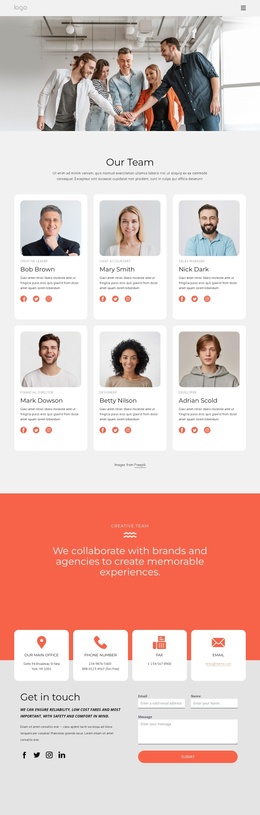
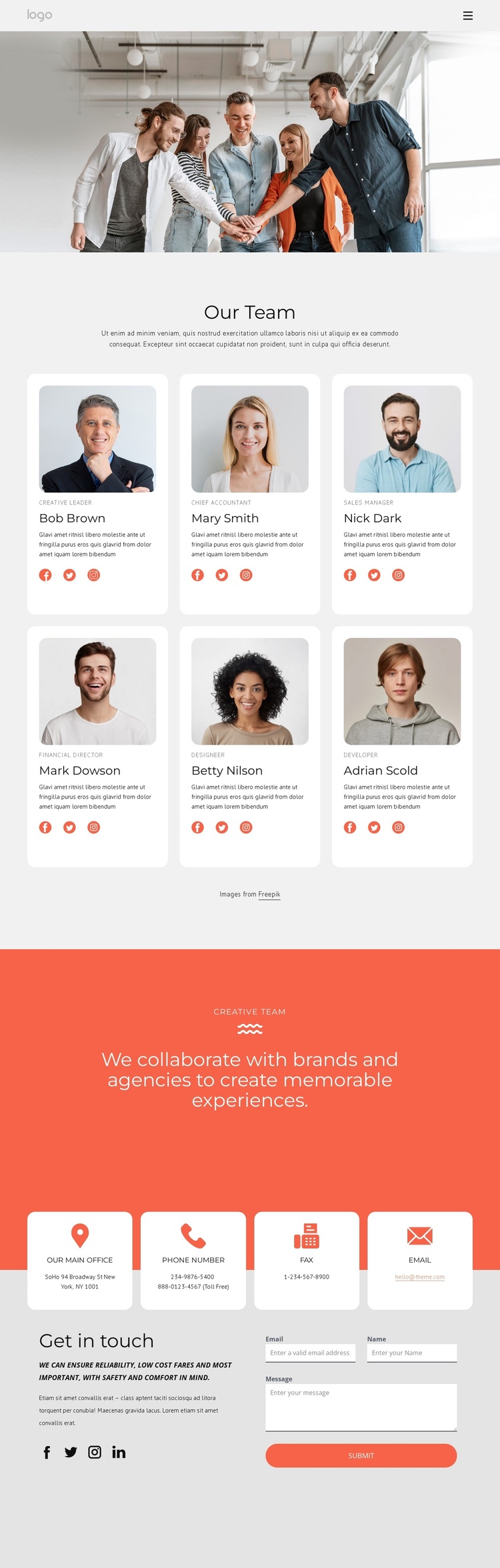
The six profile cards divide the central page into repeatable informational units. Each unit has a portrait, a role label, and social links, so the design gives a CMS-managed team presentation a clear relationship between people and their supporting details. The repeated profile pattern can remain visually coordinated while the underlying names, roles, images, and links are replaced with the project’s confirmed content.
The coral Creative Team band provides a separate shared-information region. It is not another individual profile; instead, its centered collaboration statement can represent the group’s broader relationship with brands and agencies. That distinction helps separate recurring member content from a common page message. Navigation at the top and the mobile-navigation arrangement also provide consistent entry points to the page’s content regions.
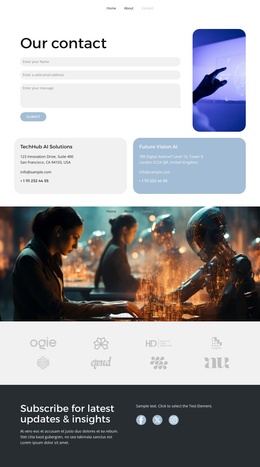
The lower area is especially suited to structured contact content. Four channels distinguish office address, phone, fax, and email before the visitor reaches the Get in touch area. The adjacent form contains name, email, and message inputs, while social links add another contact-related layer. In a Joomla-oriented project, these areas can be treated as coordinated site content regions rather than as isolated visual objects: profiles support team information, the accent panel carries shared positioning, and the contact region gathers practical communication content within one page design.
Customize with Nicepage
Open this ready-made template in the Joomla Page Builder and customize it visually in the Nicepage editor. Replace demo content, edit page sections, and adapt the design to your project without rebuilding the template from scratch.
Work With This Template in Joomla
Customize and Install the Joomla Template
Start with this ready-made template instead of building the Joomla design from scratch. Customize its layout, content, typography, images, sections, and other design elements visually in the Nicepage application, then export and install the Joomla Template, Nicepage Extension, and supported content on your Joomla website.
Edit the Template Directly in Joomla
After installation, you can edit the Joomla Template directly in Joomla with the Nicepage Joomla Extension. Customize the Header, Footer, Colors, Fonts, typography, and Page Templates from the Joomla workflow while keeping the site design connected with your CMS content.
Edit Joomla Articles Visually
Use the Nicepage Joomla Extension to open and edit Joomla Articles visually from the Joomla Administrator. Change text, images, sections, layouts, and other page content in the Nicepage editor while continuing to manage the Articles through Joomla.
Joomla Content and Template Integration
Use the customized template together with Joomla Articles, module Positions, menus, forms, Blog Pages, and other supported CMS elements. With the Nicepage Extension used as the Site Style Source, shared design settings can be applied across Joomla Articles while Joomla continues to provide the CMS environment for managing site content.
This workflow combines a ready-made Joomla Template with visual customization, direct template editing in Joomla, and continued content management through the Nicepage Joomla Extension.