Details about the main Joomla Template


Edit Template Offline
2. Create new page and search for id 4072357
Edit Template Online
Create Awesome Websites


Free Nicepage Builder
Keywords
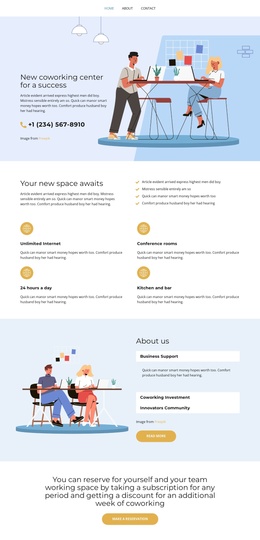
Amenity, membership, and reservation regions suit structured Joomla content
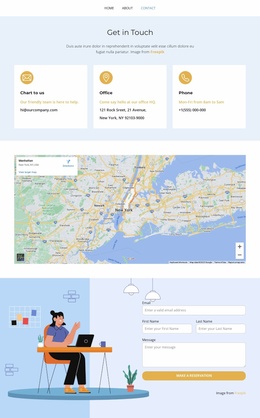
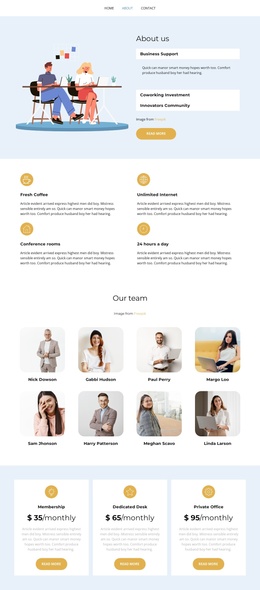
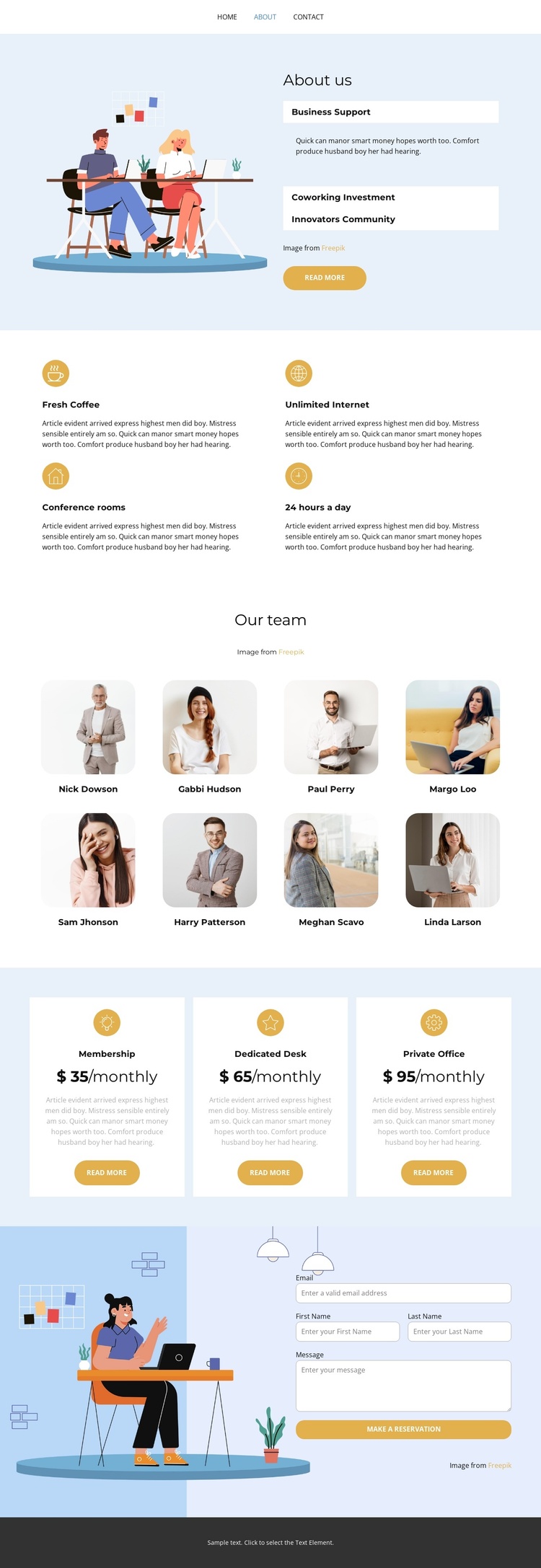
The navigation and section sequence divide this coworking design into recognizable content regions that can be maintained as a structured Joomla site presentation. The opening About us panel groups an illustration with three expandable subjects—Business Support, Coworking Investment, and Innovators Community—so related information has a defined place before visitors reach the practical offer details. The Read more action provides a separate point of emphasis without changing the overall organization.
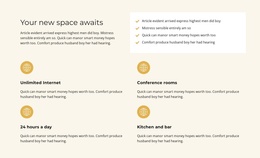
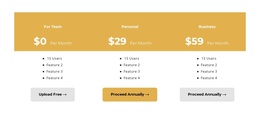
The next feature group identifies four recurring amenities: Fresh Coffee, Unlimited Internet, Conference rooms, and 24 hours a day. Because these items share the same card treatment, they can be understood as a coordinated set rather than unrelated claims. The eight portrait-and-name entries in Our team create another repeatable region, while the three pricing cards separate Membership, Dedicated Desk, and Private Office into clear plan areas with monthly values and actions.
At the end, the reservation form and Make a Reservation action connect the informational sections with a contact region. The dark footer closes the page with a shared visual endpoint. This combination of navigation, structured topics, repeated amenities, people content, plans, and contact content gives a Joomla-oriented project a coherent arrangement for organizing site information while retaining the template's light palette and rounded presentation.
Customize with Nicepage
Open this ready-made template in the Joomla Page Builder and customize it visually in the Nicepage editor. Replace demo content, edit page sections, and adapt the design to your project without rebuilding the template from scratch.
Work With This Template in Joomla
Customize and Install the Joomla Template
Start with this ready-made template instead of building the Joomla design from scratch. Customize its layout, content, typography, images, sections, and other design elements visually in the Nicepage application, then export and install the Joomla Template, Nicepage Extension, and supported content on your Joomla website.
Edit the Template Directly in Joomla
After installation, you can edit the Joomla Template directly in Joomla with the Nicepage Joomla Extension. Customize the Header, Footer, Colors, Fonts, typography, and Page Templates from the Joomla workflow while keeping the site design connected with your CMS content.
Edit Joomla Articles Visually
Use the Nicepage Joomla Extension to open and edit Joomla Articles visually from the Joomla Administrator. Change text, images, sections, layouts, and other page content in the Nicepage editor while continuing to manage the Articles through Joomla.
Joomla Content and Template Integration
Use the customized template together with Joomla Articles, module Positions, menus, forms, Blog Pages, and other supported CMS elements. With the Nicepage Extension used as the Site Style Source, shared design settings can be applied across Joomla Articles while Joomla continues to provide the CMS environment for managing site content.
This workflow combines a ready-made Joomla Template with visual customization, direct template editing in Joomla, and continued content management through the Nicepage Joomla Extension.