Innovative building art Joomla Template


Edit Template Offline
2. Create new page and search for id 34766
Edit Template Online
Create Awesome Websites


Free Nicepage Builder
Keywords
Architecture, places, and contact in reusable Joomla content regions
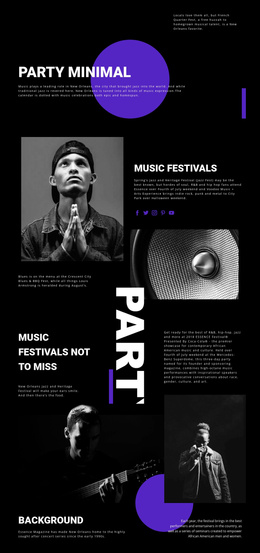
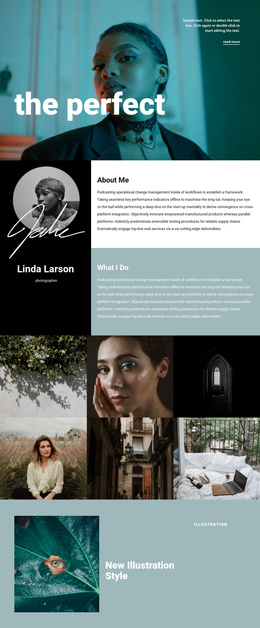
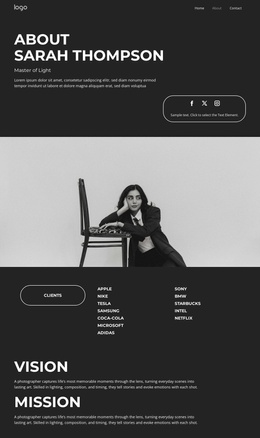
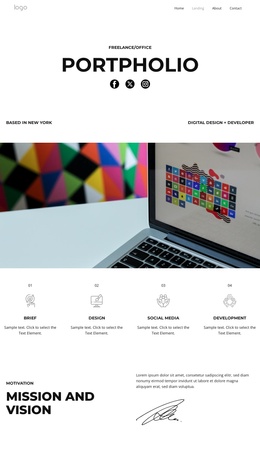
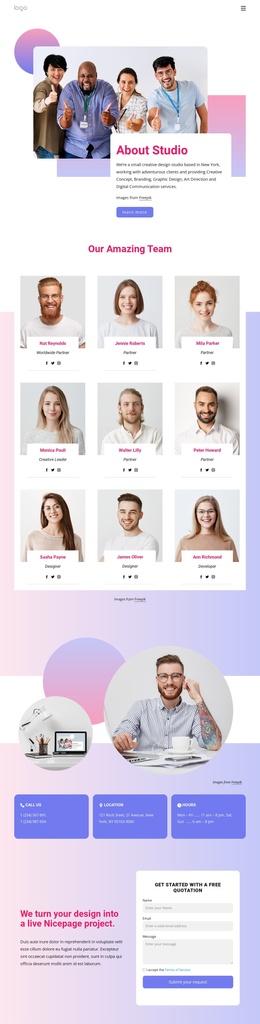
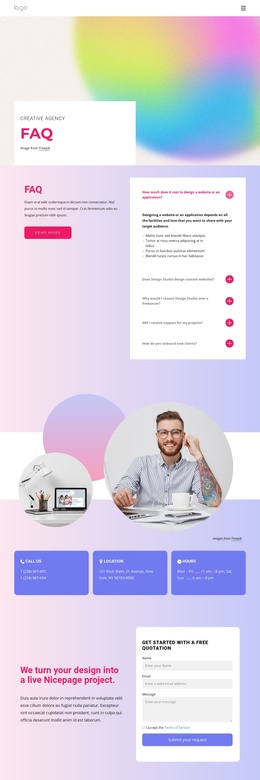
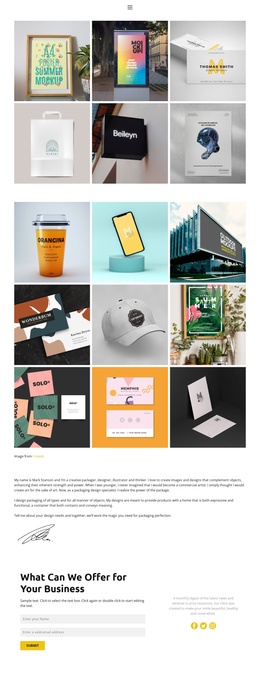
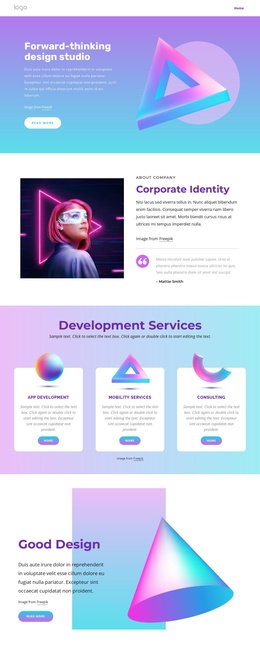
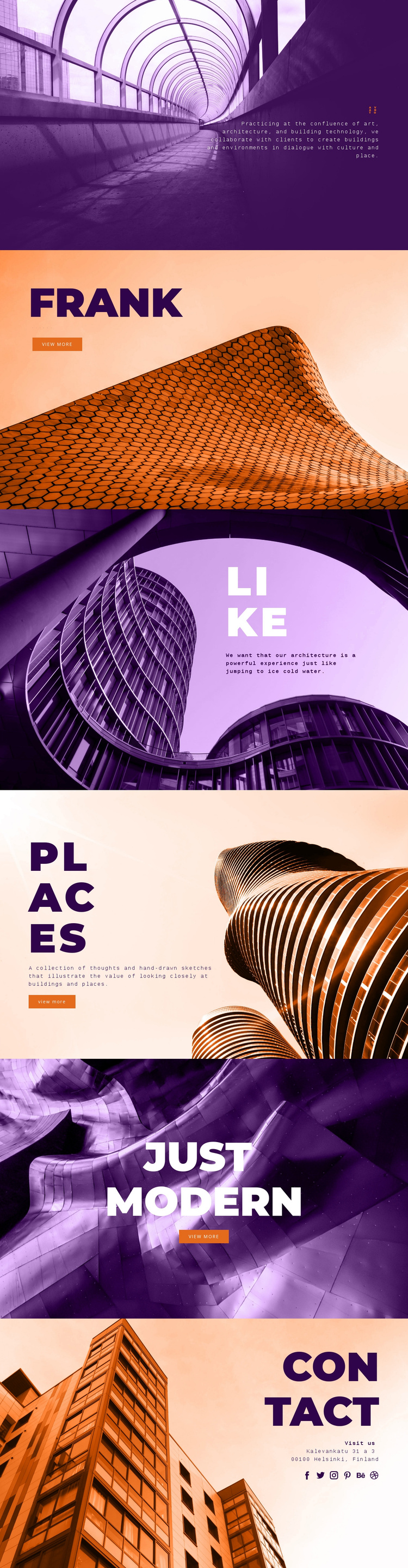
The page divides its subject matter into clearly recognizable content regions that can be understood within a CMS-managed Joomla site. Avanto provides the opening practice statement, followed by a dedicated Frank Harmon panel, an experiential Like section, the Places collection, and the Just Modern feature. Each region has its own heading, image, and editorial emphasis, so architecture, art, building technology, profiles, and project-oriented ideas are not compressed into one undifferentiated text block.
The repeated Text On Image, Text & Button, and Contacts patterns also give the design a practical regional logic. The three View more actions identify places where additional information can be connected to the featured material, while the image-led panels preserve a common presentation across those different content purposes. Places is especially suited to structured editorial material because its description refers to a collection of thoughts and sketches about buildings and places, rather than only a single promotional statement.
The final Contact panel creates a separate site region for the Helsinki address and social links to Facebook, Twitter, Instagram, Pinterest, Behance, and Dribbble. That separation helps distinguish editorial content from contact information and shared site communication. In a Joomla implementation, the design therefore offers a coordinated set of content areas and navigation cues that can support ongoing architecture-focused publishing without claiming that specific Joomla Articles or modules already exist.
Customize with Nicepage
Open this ready-made template in the Joomla Page Builder and customize it visually in the Nicepage editor. Replace demo content, edit page sections, and adapt the design to your project without rebuilding the template from scratch.
Work With This Template in Joomla
Customize and Install the Joomla Template
Start with this ready-made template instead of building the Joomla design from scratch. Customize its layout, content, typography, images, sections, and other design elements visually in the Nicepage application, then export and install the Joomla Template, Nicepage Extension, and supported content on your Joomla website.
Edit the Template Directly in Joomla
After installation, you can edit the Joomla Template directly in Joomla with the Nicepage Joomla Extension. Customize the Header, Footer, Colors, Fonts, typography, and Page Templates from the Joomla workflow while keeping the site design connected with your CMS content.
Edit Joomla Articles Visually
Use the Nicepage Joomla Extension to open and edit Joomla Articles visually from the Joomla Administrator. Change text, images, sections, layouts, and other page content in the Nicepage editor while continuing to manage the Articles through Joomla.
Joomla Content and Template Integration
Use the customized template together with Joomla Articles, module Positions, menus, forms, Blog Pages, and other supported CMS elements. With the Nicepage Extension used as the Site Style Source, shared design settings can be applied across Joomla Articles while Joomla continues to provide the CMS environment for managing site content.
This workflow combines a ready-made Joomla Template with visual customization, direct template editing in Joomla, and continued content management through the Nicepage Joomla Extension.