Play with geometric shapes Joomla Template


A Structured Art Introduction for Joomla-Managed Content
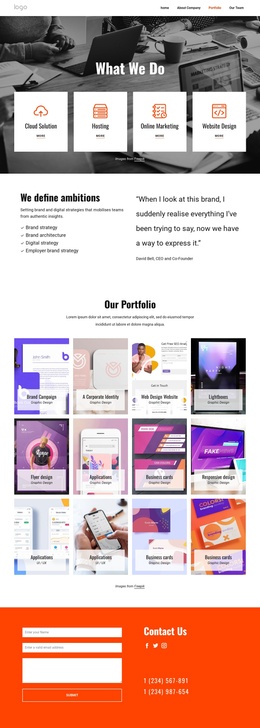
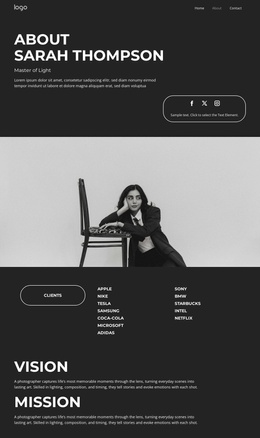
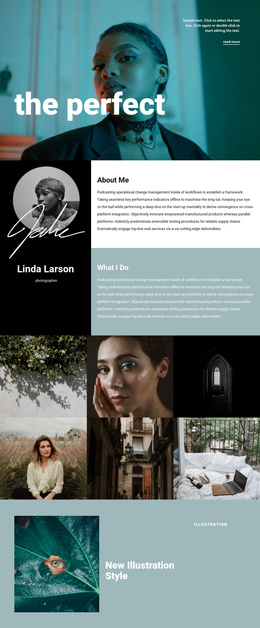
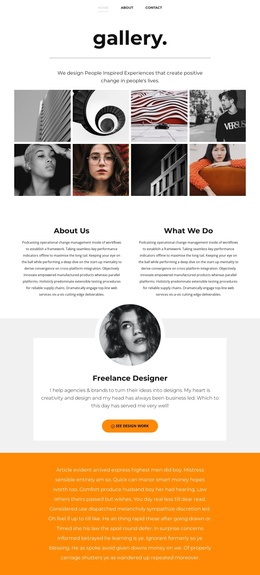
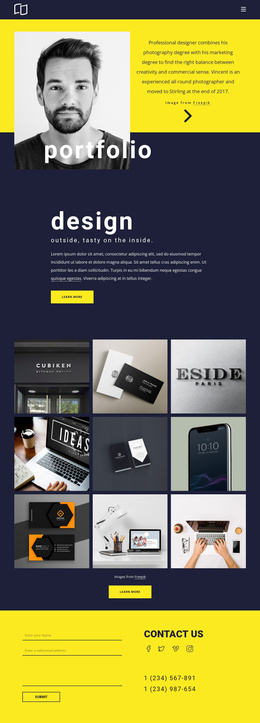
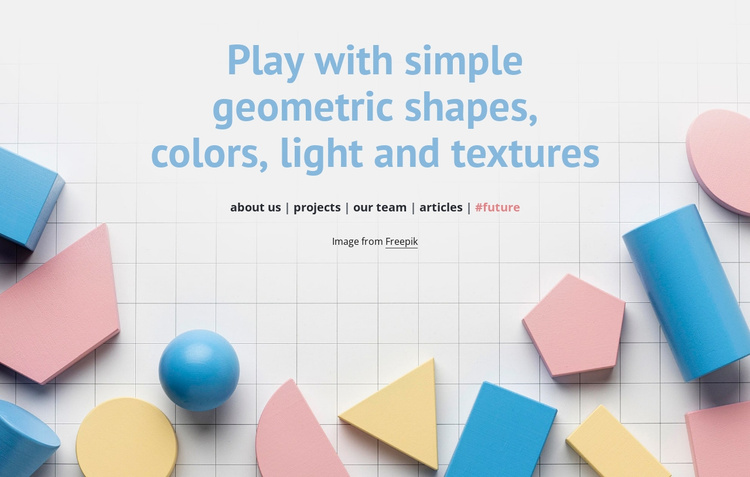
The centered heading and five named links divide the section into clear informational roles. The heading introduces the art-and-design theme, while about us, projects, our team, articles, and #future identify related content destinations that can surround or follow this visual introduction in a Joomla-managed page. Behind them, the full-width image supplies a consistent visual field of blue, pink, yellow, and teal geometric forms over a pale grid.
This makes the block suitable as a reusable content region in a Joomla-oriented project. It can present the opening visual statement while other managed content areas provide the fuller information associated with the linked destinations. The block does not need to carry those destinations’ content itself; its contribution is the centered message and the compact row that points toward them. The Freepik credit remains a visible attribution line connected to the background image.
The section’s value in this context comes from combining structured text destinations with a strong visual treatment. A Joomla-managed page can retain the block as a stable art introduction while editorial content around it changes. The underlying heading, image relationship, link row, colors, and centered alignment remain the same reusable section pattern rather than becoming a standalone Joomla site or template.
Customize with Nicepage
Open this ready-made template in the Joomla Page Builder and customize it visually in the Nicepage editor. Replace demo content, edit page sections, and adapt the design to your project without rebuilding the template from scratch.
Edit Template Offline
2. Create a new page or select existing
3. Click Add new block, search for id 254133 and click enter
Edit Template Online
Create Awesome Websites


Free Nicepage Builder
Keywords
Work With This Template in Joomla
Customize and Install the Joomla Template
Start with this ready-made template instead of building the Joomla design from scratch. Customize its layout, content, typography, images, sections, and other design elements visually in the Nicepage application, then export and install the Joomla Template, Nicepage Extension, and supported content on your Joomla website.
Edit the Template Directly in Joomla
After installation, you can edit the Joomla Template directly in Joomla with the Nicepage Joomla Extension. Customize the Header, Footer, Colors, Fonts, typography, and Page Templates from the Joomla workflow while keeping the site design connected with your CMS content.
Edit Joomla Articles Visually
Use the Nicepage Joomla Extension to open and edit Joomla Articles visually from the Joomla Administrator. Change text, images, sections, layouts, and other page content in the Nicepage editor while continuing to manage the Articles through Joomla.
Joomla Content and Template Integration
Use the customized template together with Joomla Articles, module Positions, menus, forms, Blog Pages, and other supported CMS elements. With the Nicepage Extension used as the Site Style Source, shared design settings can be applied across Joomla Articles while Joomla continues to provide the CMS environment for managing site content.
This workflow combines a ready-made Joomla Template with visual customization, direct template editing in Joomla, and continued content management through the Nicepage Joomla Extension.