Discovering levels of art Joomla Template



Edit Template Offline
2. Create new page and search for id 24552
Edit Template Online
Create Awesome Websites


Free Nicepage Builder
Keywords
Web Design Trends Divide Naturally Into Joomla Content Areas
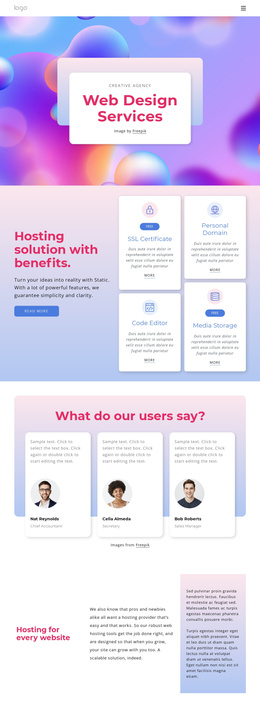
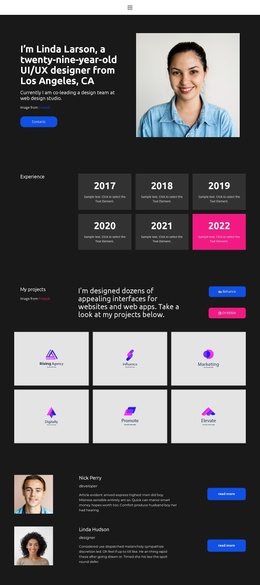
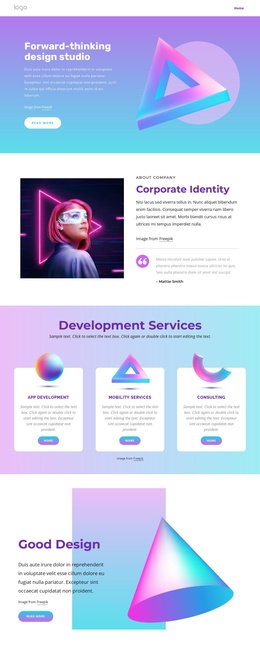
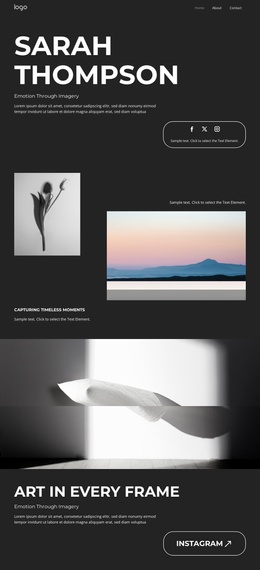
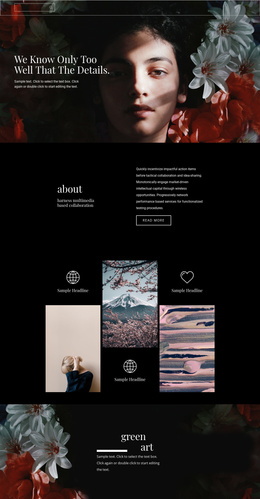
The New Level and Web Design Trends sections separate the design’s main visual ideas into recognizable information areas. The first large collage introduces the concept through layered photographs, expressive type, and red geometric shapes, while the second combines trend-oriented text with an asymmetrical image arrangement. In a Joomla-managed project, these distinct areas provide a practical basis for organizing structured design or branding information without reducing the page to one undifferentiated image block.
The large “Take Your Web Design to the Next Level” statement creates another content region, using a narrow explanatory text block and red accent bar to mark a change in emphasis. The two split features that follow can hold related presentation content: one places supporting text beside an editorial image and a Learn more link, while the other pairs a small text feature with a taller four-image collage. Their shared visual pattern helps recurring information remain coordinated as content is maintained.
The Creatively Branding section extends the subject into a separate branding-oriented area, and the dark footer groups three text columns above a divider. That combination of focused sections and a defined closing region suits a Joomla site where navigation, informational content, and reusable site areas need to remain visually connected. The design therefore offers a structured content framework rather than only a decorative landing composition.
Customize with Nicepage
Open this ready-made template in the Joomla Page Builder and customize it visually in the Nicepage editor. Replace demo content, edit page sections, and adapt the design to your project without rebuilding the template from scratch.
Work With This Template in Joomla
Customize and Install the Joomla Template
Start with this ready-made template instead of building the Joomla design from scratch. Customize its layout, content, typography, images, sections, and other design elements visually in the Nicepage application, then export and install the Joomla Template, Nicepage Extension, and supported content on your Joomla website.
Edit the Template Directly in Joomla
After installation, you can edit the Joomla Template directly in Joomla with the Nicepage Joomla Extension. Customize the Header, Footer, Colors, Fonts, typography, and Page Templates from the Joomla workflow while keeping the site design connected with your CMS content.
Edit Joomla Articles Visually
Use the Nicepage Joomla Extension to open and edit Joomla Articles visually from the Joomla Administrator. Change text, images, sections, layouts, and other page content in the Nicepage editor while continuing to manage the Articles through Joomla.
Joomla Content and Template Integration
Use the customized template together with Joomla Articles, module Positions, menus, forms, Blog Pages, and other supported CMS elements. With the Nicepage Extension used as the Site Style Source, shared design settings can be applied across Joomla Articles while Joomla continues to provide the CMS environment for managing site content.
This workflow combines a ready-made Joomla Template with visual customization, direct template editing in Joomla, and continued content management through the Nicepage Joomla Extension.