We make your brand well-defined Joomla Template


Edit Template Offline
2. Create new page and search for id 20980
Edit Template Online
Create Awesome Websites


Free Nicepage Builder
Keywords
Branding and capability areas form clear Joomla content regions
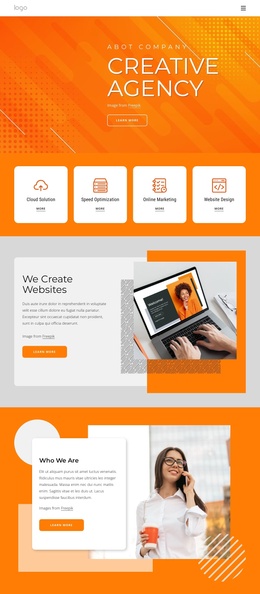
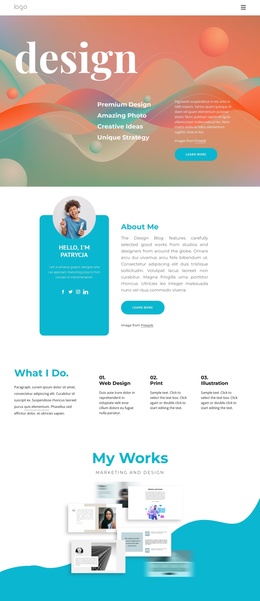
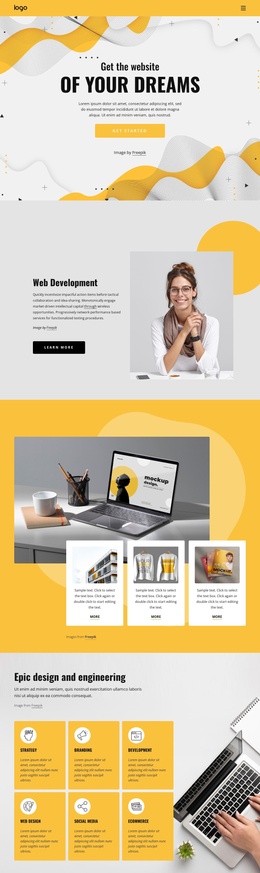
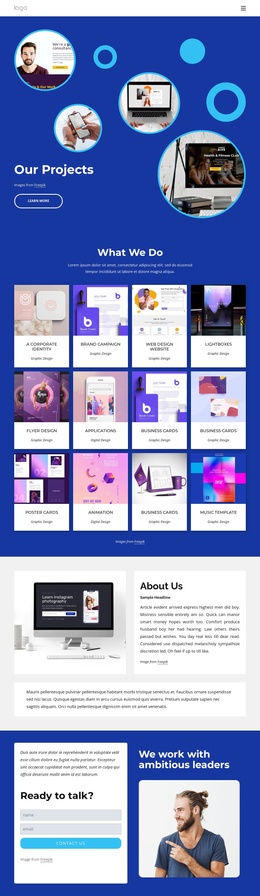
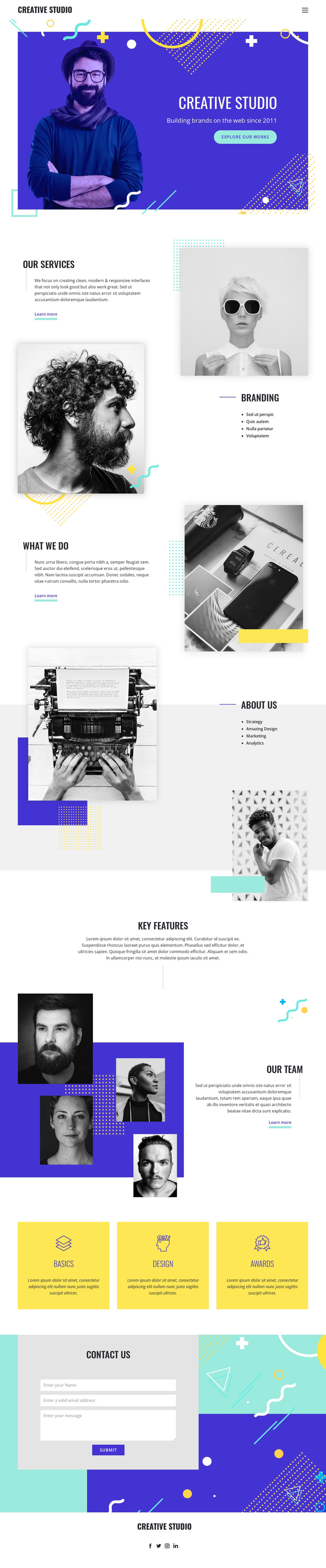
Branding, Strategy, Amazing Design, Marketing, and Analytics divide the design into recognizable informational areas rather than one uninterrupted studio statement. The Our Services and What we do sections introduce those areas through text-and-image compositions, while the dedicated Branding and About Us sections give specific capabilities a stronger place in the page hierarchy. This makes the design suitable for a Joomla project where service information, company details, and recurring navigation need to remain easy to distinguish.
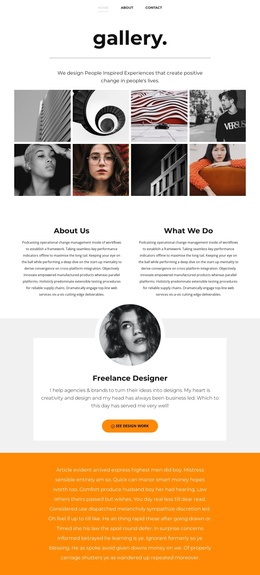
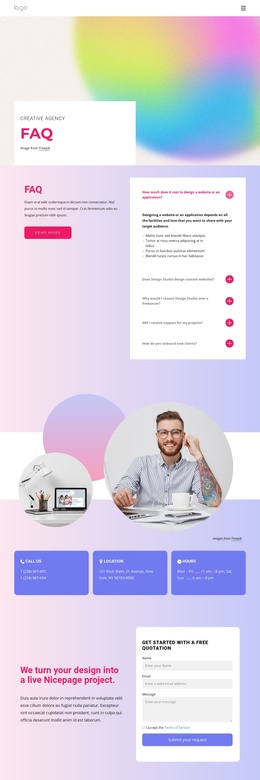
The header provides the primary navigation, and the footer gathers the Creative Studio identity with Facebook, Twitter, Instagram, and LinkedIn links. Between them, the Our Team section uses multiple portraits to create a people-focused content region, while the Basics, Design, and Awards cards summarize supporting categories in a repeated format. The contact form adds name, email, and message fields at the end of the sequence, creating a practical inquiry area after visitors have encountered the studio’s capabilities and team presentation. These relationships give the design a structured CMS-oriented arrangement: navigation leads into service and company information, repeated content supports scanning, and contact content closes the page without requiring unsupported assumptions about specific Joomla articles or modules.
Customize with Nicepage
Open this ready-made template in the Joomla Page Builder and customize it visually in the Nicepage editor. Replace demo content, edit page sections, and adapt the design to your project without rebuilding the template from scratch.
Work With This Template in Joomla
Customize and Install the Joomla Template
Start with this ready-made template instead of building the Joomla design from scratch. Customize its layout, content, typography, images, sections, and other design elements visually in the Nicepage application, then export and install the Joomla Template, Nicepage Extension, and supported content on your Joomla website.
Edit the Template Directly in Joomla
After installation, you can edit the Joomla Template directly in Joomla with the Nicepage Joomla Extension. Customize the Header, Footer, Colors, Fonts, typography, and Page Templates from the Joomla workflow while keeping the site design connected with your CMS content.
Edit Joomla Articles Visually
Use the Nicepage Joomla Extension to open and edit Joomla Articles visually from the Joomla Administrator. Change text, images, sections, layouts, and other page content in the Nicepage editor while continuing to manage the Articles through Joomla.
Joomla Content and Template Integration
Use the customized template together with Joomla Articles, module Positions, menus, forms, Blog Pages, and other supported CMS elements. With the Nicepage Extension used as the Site Style Source, shared design settings can be applied across Joomla Articles while Joomla continues to provide the CMS environment for managing site content.
This workflow combines a ready-made Joomla Template with visual customization, direct template editing in Joomla, and continued content management through the Nicepage Joomla Extension.