Progetti commerciali Modello di sito Web


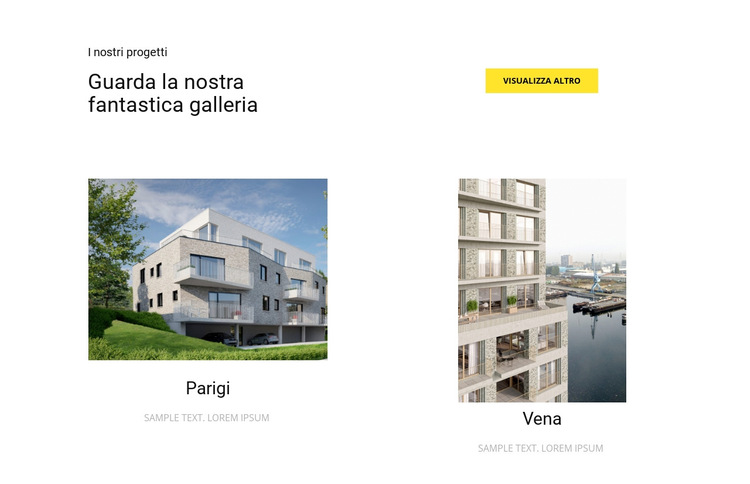
Personalizza con Nicepage
Quando utilizzi Generatore di modelli di siti Web sarai in grado di regolare colori, caratteri, intestazione e fooer, layout, colonne e altri elementi di design, nonché contenuti e immagini.
Modifica modello offline
2. Creare una nuova pagina o selezionare esistente
3. Fai clic su Aggiungi nuovo blocco, cerca l'ID 42189 e fai clic su Invio
Modifica modello online
Crea fantastici siti web


Nicepage Builder gratuito
Parole chiave
Crea un sito web completo da questo template
Personalizza il sito web a livello visivo
Usa questo template predefinito come punto di partenza per il tuo progetto e personalizza le sue pagine a livello visivo in Nicepage. Modifica contenuti, immagini, tipografia, navigazione, sezioni e altri elementi di design, mantenendo il sito web come un unico progetto modificabile.
Gestisci le pagine del sito web in un unico progetto
Usa il pannello Pagine per aprire, aggiungere, duplicare e gestire le pagine del tuo sito web. Lavora sulle singole pagine mantenendo la navigazione e la struttura generale del sito accessibili dallo stesso progetto, semplificando lo sviluppo di un sito web completo anziché la gestione di file di pagina separati.
Espandi il sito web con design coordinati
Quando hai bisogno di pagine o sezioni aggiuntive, usa i Set di design di pagina per trovare design di pagina e di blocco creati nello stesso stile visivo. I Design Set raggruppano design compatibili, semplificando l'espansione del sito web con nuovi contenuti e mantenendo un aspetto coerente tra pagine e sezioni.
Organizzare siti web multipagina più grandi
Man mano che il sito web cresce, utilizza le Cartelle di pagina per organizzare le pagine correlate e rendere più agevole la navigazione nell'editor di progetti multipagina più grandi. Questo è particolarmente utile per siti web con pagine separate per servizi, informazioni aziendali, contatti, landing page e altre aree di contenuto.
Questo flusso di lavoro rende il template una base pratica per la creazione e l'espansione di un sito web completo, gestendo pagine, contenuti e design visivo all'interno di un unico progetto Nicepage.

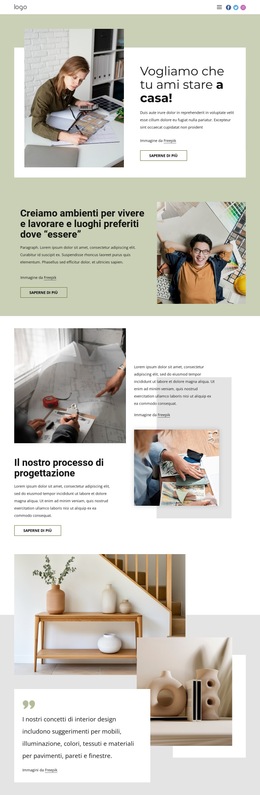
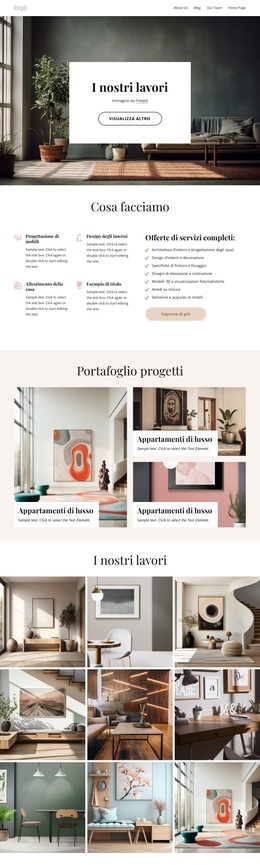
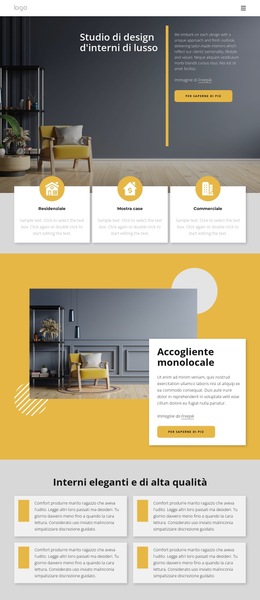
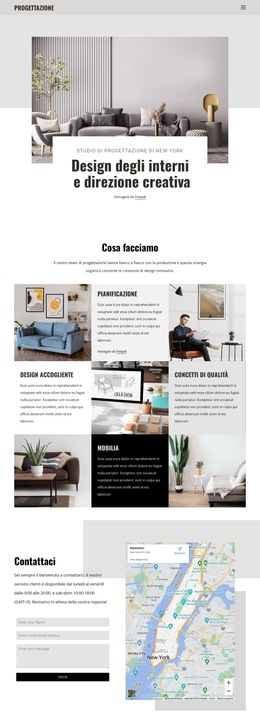
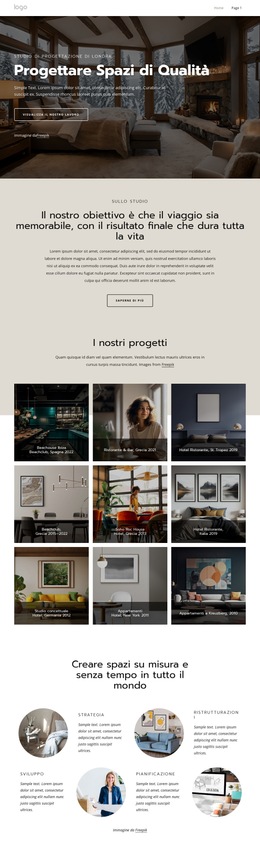
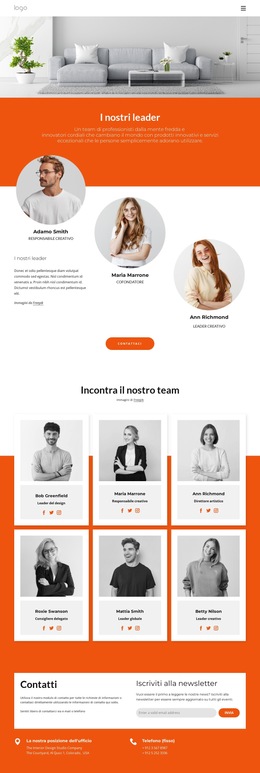
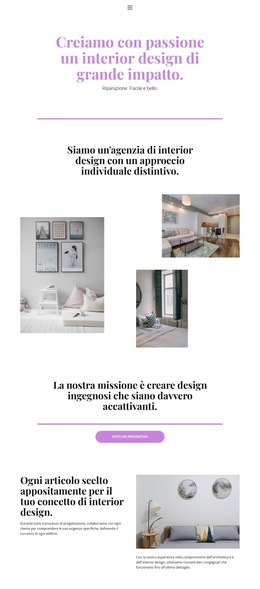
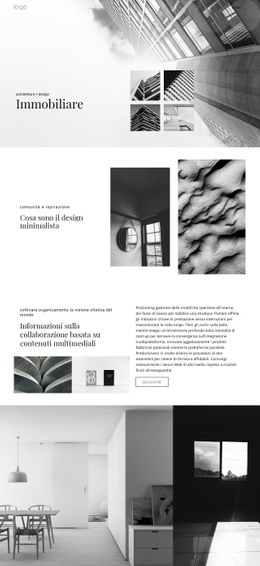
Altro da interni Blocchi
-
EN
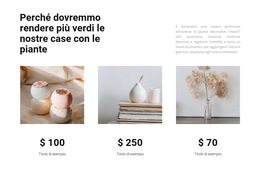
-
EN

-
-
EN
-
EN
-
EN
-
EN
-
-
-
-
EN
-
EN
-
EN
-
EN
-
EN
-
EN
-
EN
-
EN
-
EN
-
EN
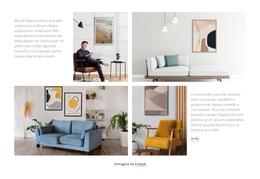
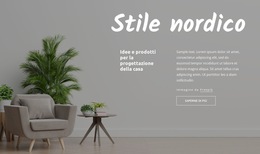


Altro da Griglia Blocchi
-
-
EN
-
EN
-
EN
-
EN
-
EN
-
EN
-
EN
-
EN
-
EN
-
EN
-
EN
-
EN
-
-
EN
-
EN
-
EN
-
EN
-
EN
-
EN