Plan your camping trip HTML Template


Edit Template Offline
2. Create new page and search for id 4536951
Edit Template Online
Create Awesome Websites


Free Nicepage Builder
Keywords
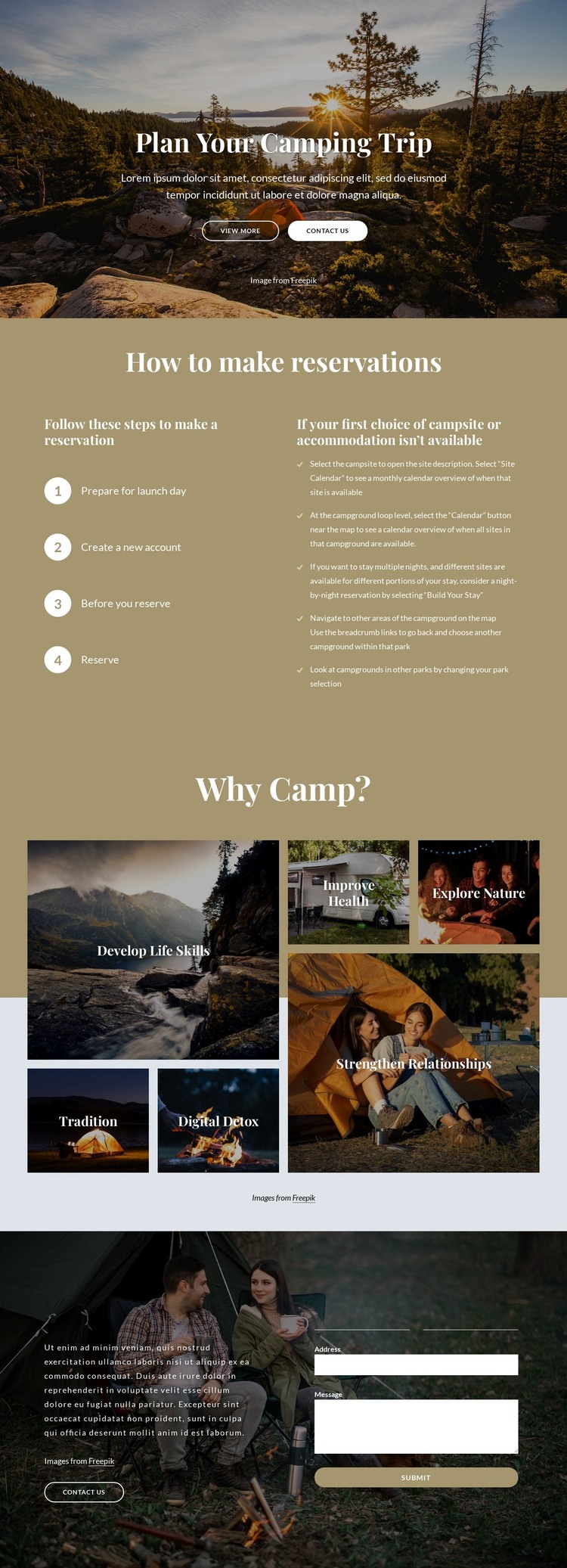
A Scenic Camping Page With Reservation and Contact Content
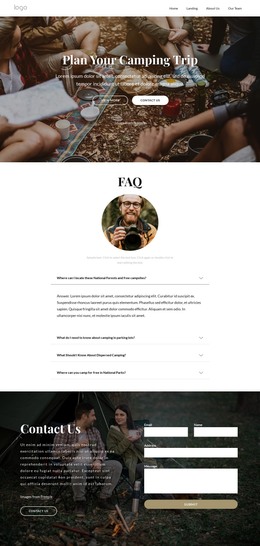
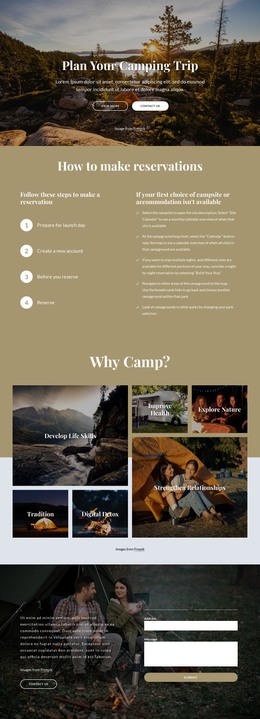
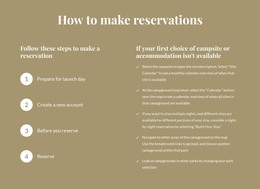
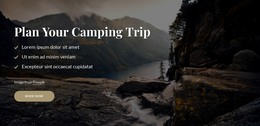
The full-width hero establishes the camping subject immediately through outdoor photography, the Plan Your Camping Trip heading, and two visible actions. The following reservation section gives the page practical substance: four numbered steps explain how to make a reservation, while the neighboring text addresses what to do when the preferred campsite or accommodation is unavailable. These sections make the page more than a visual introduction; they provide a coherent information arrangement for a standalone camping presentation.
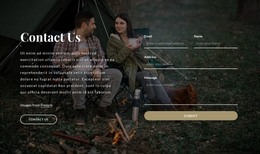
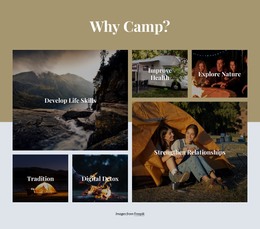
The Why Camp? section adds visual and thematic coverage through six labeled image tiles. Develop Life Skills, Tradition, Digital Detox, Improve Health, Explore Nature, and Strengthen Relationships give visitors several reasons to engage with the camping topic without relying on unsupported business claims or sample details. The closing Contact Us block supplies the page’s final interaction, pairing a short invitation with inputs for name, email, address, and message. As a static HTML implementation, this arrangement already covers introduction, practical guidance, subject-related benefits, and inquiry content in one finished page. Its sections can be adapted to real reservation information while retaining a clear beginning, middle, and contact-oriented ending.
Customize with Nicepage
Open this ready-made template in the HTML Builder and customize it visually in the Nicepage editor. Replace demo content, edit page sections, and adapt the design to your project without rebuilding the template from scratch.
Export and Use This Template as an HTML Website
Create a Portable HTML Website
When the template is ready, use the HTML Export option to create a static website with the files required for deployment. The exported website can be used independently of the Nicepage editor and deployed on your preferred hosting.
Nicepage also provides SEO settings and optimization features, including Page Titles and Descriptions, Canonical settings, headings, image Alt Text, and other page-level properties that help prepare the website for search engines.
Deploy Without a CMS
Upload the finished website to the hosting environment that fits your project. Because the exported site does not require WordPress, Joomla, or another CMS to deliver its pages, it can be placed on your own server, uploaded to a hosting provider, or deployed through an existing web infrastructure.
Hand Off the Website Files
The generated website files can also be provided to a client, developer, or hosting team. They remain available outside the Nicepage editor for deployment, technical review, or project-specific development when additional work is required.
This workflow makes the template a practical foundation for a portable static website that can be exported from the Nicepage editor and deployed independently.

Design Set (31)
-

-
-
Free Website Builder SoftwareDownload
-
-
-
-
-
-
-
-
-
-
-
-
-
-
-
-
-
-
-
-
-




More from Travel & Hotels HTML Templates
-
Free Website Builder SoftwareDownload