Statistics in percentage WordPress Theme


Client-focused copy makes a stable page-content section
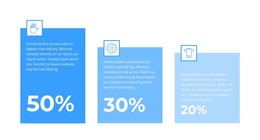
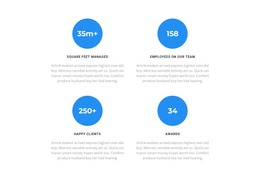
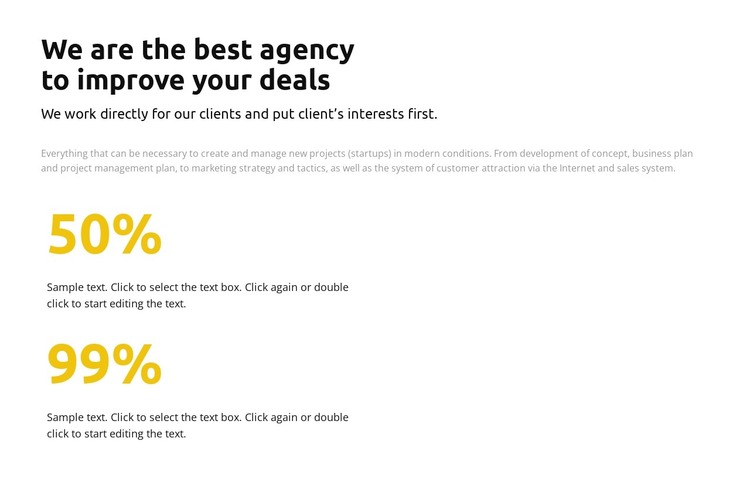
The heading, supporting statement, and explanatory paragraph form a durable information area that can fit naturally into a WordPress-managed page. Rather than depending on a dated post sequence, the content presents an agency position and outlines recurring areas of work: concept development, business planning, project management, marketing, customer attraction, and sales. The two percentage items then add a repeated metrics pattern beneath that message, giving the section a clear content structure for a services or agency overview page.
The block’s static single-column layout keeps the visual arrangement independent from any wider publishing workflow. Its left alignment makes the text easy to scan, while the white background, black type, muted gray copy, and yellow values establish a stable presentation that can remain consistent as surrounding page content changes. In a WordPress-oriented project, this section can sit alongside other managed page content without being treated as a complete theme or site. The sample percentages and descriptions are presentation content and should be replaced with the project’s own material before publication. What remains reusable is the relationship between agency context, client-centered explanation, and two vertically stacked metric items, allowing the section to retain its role while the broader site grows around it.
Customize with Nicepage
Open this ready-made template in the WordPress Website Builder and customize it visually in the Nicepage editor. Replace demo content, edit page sections, and adapt the design to your project without rebuilding the template from scratch.
Edit Template Offline
2. Create a new page or select existing
3. Click Add new block, search for id 6238225 and click enter
Edit Template Online
Create Awesome Websites


Free Nicepage Builder
Keywords
Manage and Edit This Theme in WordPress
Customize and Install the WordPress Theme
Start with this ready-made theme instead of building the WordPress design from scratch. Customize its layout, content, typography, images, sections, and other design elements visually in Nicepage editor, then export and install the WordPress Theme, Plugin, and Pages on your WordPress site. The Nicepage WordPress Plugin lets you continue working with the site after installation.
Edit the Theme Directly in WordPress
After installation, you can edit the WordPress Theme directly in WordPress with the Nicepage WordPress Plugin. Use Site Style to customize site Colors, Fonts, Header, Footer, Blog, and Post Page Templates while working within your WordPress website.
Edit WordPress Pages Visually
Use the Nicepage WordPress Plugin to edit page content directly from the WordPress admin area. Open a WordPress Page with Nicepage and visually change its text, images, sections, and other page elements while continuing to manage the Page through WordPress.
WordPress Content and Theme Integration
Use the customized theme with WordPress Pages, Posts, Blog and Post Templates, menus, widgets, and other CMS-managed content. Shared theme elements such as Colors, Fonts, Header, Footer, Blog, and Post Page Templates can be managed as part of the overall site design, while WordPress provides the CMS environment for managing site content.
This workflow combines a ready-made WordPress Theme with visual customization, direct theme editing in WordPress, and continued content management through the Nicepage WordPress Plugin.