Photo and services WordPress Theme


Stable Page Content From a Paired Image Strip and Three Feature Units
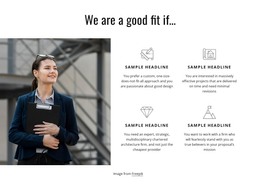
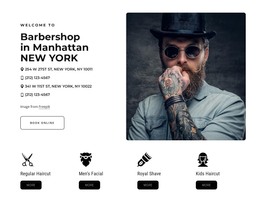
The upper image strip gives this block a defined visual starting point: two photographic panels are placed side by side at equal width. They can introduce the tone of a content area without carrying a separate heading or interactive sequence. The monochrome treatment keeps the imagery visually controlled, leaving the structured feature row below to communicate the section’s main information.
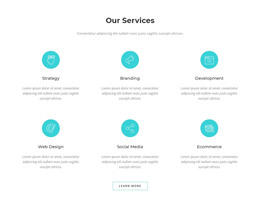
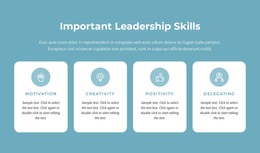
That lower row is well suited to permanent page content because it presents three parallel units with the same internal pattern. A circular line-style icon introduces each item, a centered serif heading identifies its subject, and a smaller sans-serif paragraph provides room for supporting detail. The consistent relationships make the three items easy to compare while generous white space prevents the row from becoming crowded. Static behavior also keeps the information visible without requiring visitors to open tabs or move through a carousel.
In a WordPress-managed project, the section can remain a stable part of a services, capabilities, or informational page while other content is maintained around it. The repeated sample headline and sample text are structural placeholders, not finished business claims, so they should be replaced with the site’s own wording. The block contributes a focused page-content region; it does not represent a complete WordPress Theme or the wider site architecture.
Customize with Nicepage
Open this ready-made template in the WordPress Website Builder and customize it visually in the Nicepage editor. Replace demo content, edit page sections, and adapt the design to your project without rebuilding the template from scratch.
Edit Template Offline
2. Create a new page or select existing
3. Click Add new block, search for id 59345 and click enter
Edit Template Online
Create Awesome Websites


Free Nicepage Builder
Keywords
Manage and Edit This Theme in WordPress
Customize and Install the WordPress Theme
Start with this ready-made theme instead of building the WordPress design from scratch. Customize its layout, content, typography, images, sections, and other design elements visually in Nicepage editor, then export and install the WordPress Theme, Plugin, and Pages on your WordPress site. The Nicepage WordPress Plugin lets you continue working with the site after installation.
Edit the Theme Directly in WordPress
After installation, you can edit the WordPress Theme directly in WordPress with the Nicepage WordPress Plugin. Use Site Style to customize site Colors, Fonts, Header, Footer, Blog, and Post Page Templates while working within your WordPress website.
Edit WordPress Pages Visually
Use the Nicepage WordPress Plugin to edit page content directly from the WordPress admin area. Open a WordPress Page with Nicepage and visually change its text, images, sections, and other page elements while continuing to manage the Page through WordPress.
WordPress Content and Theme Integration
Use the customized theme with WordPress Pages, Posts, Blog and Post Templates, menus, widgets, and other CMS-managed content. Shared theme elements such as Colors, Fonts, Header, Footer, Blog, and Post Page Templates can be managed as part of the overall site design, while WordPress provides the CMS environment for managing site content.
This workflow combines a ready-made WordPress Theme with visual customization, direct theme editing in WordPress, and continued content management through the Nicepage WordPress Plugin.