Our features and contact form WordPress Theme


Feature Highlights Create Stable Page Content Around the Form
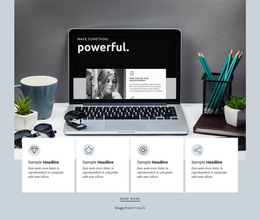
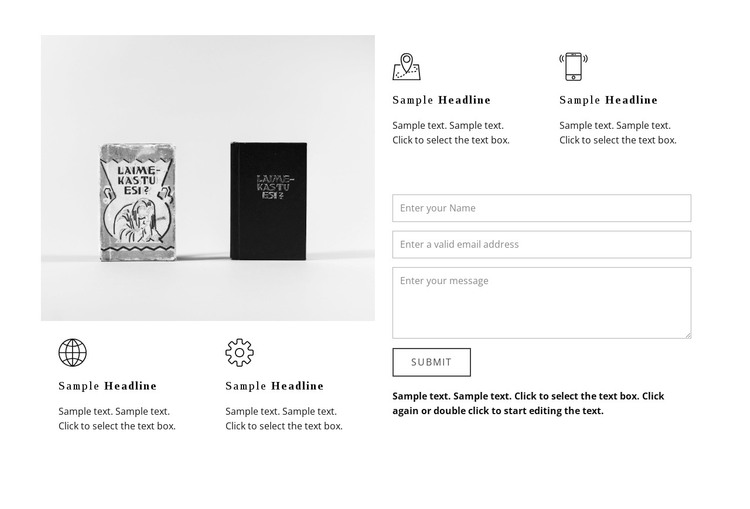
The four icon-led feature items make this block suitable for a stable informational section rather than a page-wide content system. Two items are grouped beneath the large image in the left column, and two more appear above the contact form on the right. That distribution lets the section introduce several concise points while preserving a distinct lower-right area for collecting contact information.
Within a WordPress-managed page, the block can serve as reusable feature-and-contact content that remains visually consistent with the surrounding design. The image carries much of the visual weight, while the repeated icon, heading, and description structure gives the written information a predictable rhythm. The supporting paragraph helps connect the feature content to the form without turning the sample wording into a specific business claim.
Its restrained presentation also makes the section adaptable to a broader page style. The white background and black-and-gray palette provide a neutral base, while serif-style headings contrast with compact sans-serif text to mark the difference between feature labels and supporting detail. Thin form fields and an outlined submit button keep the response area defined but unobtrusive. WordPress can manage the surrounding page content, while this section preserves its own two-column feature hierarchy and contact function.
Customize with Nicepage
Open this ready-made template in the WordPress Website Builder and customize it visually in the Nicepage editor. Replace demo content, edit page sections, and adapt the design to your project without rebuilding the template from scratch.
Edit Template Offline
2. Create a new page or select existing
3. Click Add new block, search for id 56632 and click enter
Edit Template Online
Create Awesome Websites


Free Nicepage Builder
Keywords
Manage and Edit This Theme in WordPress
Customize and Install the WordPress Theme
Start with this ready-made theme instead of building the WordPress design from scratch. Customize its layout, content, typography, images, sections, and other design elements visually in Nicepage editor, then export and install the WordPress Theme, Plugin, and Pages on your WordPress site. The Nicepage WordPress Plugin lets you continue working with the site after installation.
Edit the Theme Directly in WordPress
After installation, you can edit the WordPress Theme directly in WordPress with the Nicepage WordPress Plugin. Use Site Style to customize site Colors, Fonts, Header, Footer, Blog, and Post Page Templates while working within your WordPress website.
Edit WordPress Pages Visually
Use the Nicepage WordPress Plugin to edit page content directly from the WordPress admin area. Open a WordPress Page with Nicepage and visually change its text, images, sections, and other page elements while continuing to manage the Page through WordPress.
WordPress Content and Theme Integration
Use the customized theme with WordPress Pages, Posts, Blog and Post Templates, menus, widgets, and other CMS-managed content. Shared theme elements such as Colors, Fonts, Header, Footer, Blog, and Post Page Templates can be managed as part of the overall site design, while WordPress provides the CMS environment for managing site content.
This workflow combines a ready-made WordPress Theme with visual customization, direct theme editing in WordPress, and continued content management through the Nicepage WordPress Plugin.