Counters block with headline WordPress Theme


Stable Page Content Links a Leadership Message With Four Indicators
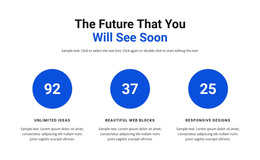
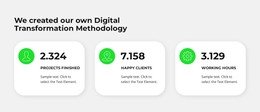
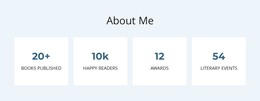
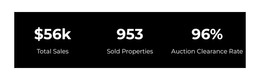
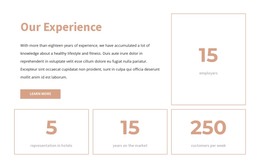
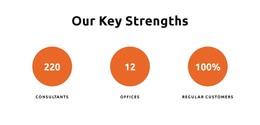
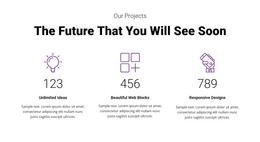
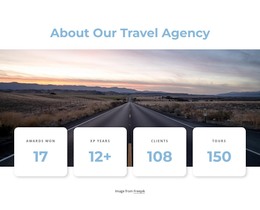
The block is suited to a permanent content area because its message and metrics form a coherent explanation rather than a time-sensitive post format. The centered heading introduces the idea that good ideas can come from anywhere. Beneath it, the supporting paragraph describes a tripartite leadership structure and names joy, utility, and craft as qualities connected with that approach. Four counter cards then present labeled indicators in a consistent horizontal row.
In a WordPress-managed page, this section can remain a stable visual expression of the surrounding project while other content areas handle articles, changing announcements, or deeper service information. The card group is easy to recognize as one page section because all four items share orange rounded surfaces, soft shadows, and white high-contrast text against the white page background. The static arrangement keeps the content relationship visible without depending on a specific CMS component inside the block.
The figures shown in the cards can be replaced with appropriate page content, while the heading, paragraph, and repeated metric structure remain useful. A broader WordPress project can place this section alongside other page areas, but the block itself is not a standalone WordPress Theme. Its value lies in providing a focused, reusable content region with a clear message-to-metrics progression.
Customize with Nicepage
Open this ready-made template in the WordPress Website Builder and customize it visually in the Nicepage editor. Replace demo content, edit page sections, and adapt the design to your project without rebuilding the template from scratch.
Edit Template Offline
2. Create a new page or select existing
3. Click Add new block, search for id 3102278 and click enter
Edit Template Online
Create Awesome Websites


Free Nicepage Builder
Keywords
Manage and Edit This Theme in WordPress
Customize and Install the WordPress Theme
Start with this ready-made theme instead of building the WordPress design from scratch. Customize its layout, content, typography, images, sections, and other design elements visually in Nicepage editor, then export and install the WordPress Theme, Plugin, and Pages on your WordPress site. The Nicepage WordPress Plugin lets you continue working with the site after installation.
Edit the Theme Directly in WordPress
After installation, you can edit the WordPress Theme directly in WordPress with the Nicepage WordPress Plugin. Use Site Style to customize site Colors, Fonts, Header, Footer, Blog, and Post Page Templates while working within your WordPress website.
Edit WordPress Pages Visually
Use the Nicepage WordPress Plugin to edit page content directly from the WordPress admin area. Open a WordPress Page with Nicepage and visually change its text, images, sections, and other page elements while continuing to manage the Page through WordPress.
WordPress Content and Theme Integration
Use the customized theme with WordPress Pages, Posts, Blog and Post Templates, menus, widgets, and other CMS-managed content. Shared theme elements such as Colors, Fonts, Header, Footer, Blog, and Post Page Templates can be managed as part of the overall site design, while WordPress provides the CMS environment for managing site content.
This workflow combines a ready-made WordPress Theme with visual customization, direct theme editing in WordPress, and continued content management through the Nicepage WordPress Plugin.