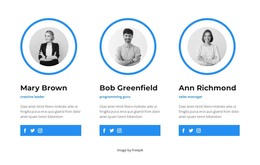
Three specialists WordPress Theme


Stable Team Profiles for WordPress-Managed Page Content
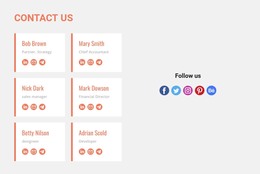
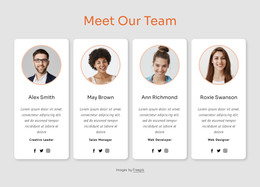
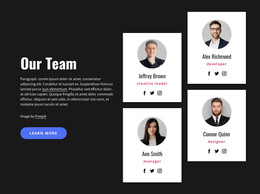
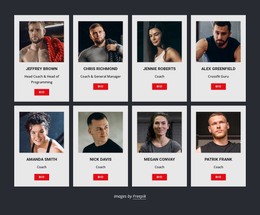
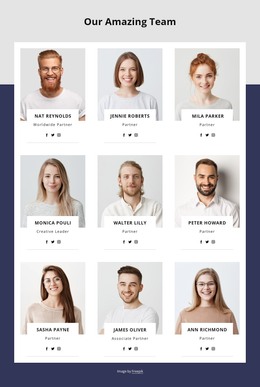
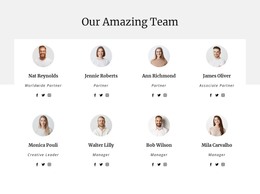
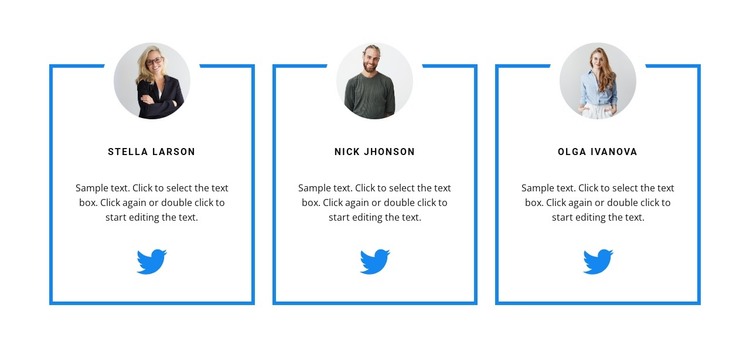
The repeated card structure reads naturally as permanent team content within a WordPress-managed page. Three people are presented side by side, and each profile keeps the same sequence: a circular portrait, a centered name label, a short descriptive paragraph, and a Twitter link. This consistency helps the section function as one recognizable content area rather than a collection of unrelated personal details. The social link remains attached to its corresponding profile, so the three destinations are visually separated.
Blue outlined rectangular borders define the individual cards and make the three-column row easy to scan. The portrait overlaps at the top of each card, creating a shared visual marker, while the white background leaves space for the profiles to sit between other page sections. Black uppercase names provide a strong text cue, and the blue social icons repeat the accent color used by the card borders.
The sample names, placeholder paragraphs, and generic Twitter profile URLs should be replaced with the project’s own content. In a WordPress-oriented setting, the section can remain a stable team area while other site content is managed around it. It is a reusable page section, not a standalone WordPress Theme, so broader theme styling, navigation, and additional pages remain outside this block.
Customize with Nicepage
Open this ready-made template in the WordPress Website Builder and customize it visually in the Nicepage editor. Replace demo content, edit page sections, and adapt the design to your project without rebuilding the template from scratch.
Edit Template Offline
2. Create a new page or select existing
3. Click Add new block, search for id 2925300 and click enter
Edit Template Online
Create Awesome Websites


Free Nicepage Builder
Keywords
Manage and Edit This Theme in WordPress
Customize and Install the WordPress Theme
Start with this ready-made theme instead of building the WordPress design from scratch. Customize its layout, content, typography, images, sections, and other design elements visually in Nicepage editor, then export and install the WordPress Theme, Plugin, and Pages on your WordPress site. The Nicepage WordPress Plugin lets you continue working with the site after installation.
Edit the Theme Directly in WordPress
After installation, you can edit the WordPress Theme directly in WordPress with the Nicepage WordPress Plugin. Use Site Style to customize site Colors, Fonts, Header, Footer, Blog, and Post Page Templates while working within your WordPress website.
Edit WordPress Pages Visually
Use the Nicepage WordPress Plugin to edit page content directly from the WordPress admin area. Open a WordPress Page with Nicepage and visually change its text, images, sections, and other page elements while continuing to manage the Page through WordPress.
WordPress Content and Theme Integration
Use the customized theme with WordPress Pages, Posts, Blog and Post Templates, menus, widgets, and other CMS-managed content. Shared theme elements such as Colors, Fonts, Header, Footer, Blog, and Post Page Templates can be managed as part of the overall site design, while WordPress provides the CMS environment for managing site content.
This workflow combines a ready-made WordPress Theme with visual customization, direct theme editing in WordPress, and continued content management through the Nicepage WordPress Plugin.