Mimarlık tasarım hizmetleri Şablon


Nicepage ile özelleştirin
Şablon Oluşturucu kullanırken renkleri, yazı tiplerini, başlık ve fooer'ı, düzeni, sütunları ve diğer tasarım öğelerinin yanı sıra içerik ve resimleri de ayarlayabilirsiniz.
Şablonu Çevrimdışı Düzenleyin
2. Yeni bir sayfa oluşturun veya mevcut olanı seçin
3. Yeni blok ekle'yi tıklayın, kimliği arayın 6331087 ve enter tuşuna basın
Şablonu Çevrimiçi Düzenleyin
Harika Web Siteleri Oluşturun


Ücretsiz Nicepage Builder
Anahtar kelimeler
Hazır Şablonla Başlayın
Yeni Bir Sayfa İçin Tasarım Seçin
Her sayfayı sıfırdan oluşturmak yerine, hazır bir şablonu başlangıç noktası olarak kullanın. Nicepage'de yeni bir sayfa eklerken, mevcut tasarımlara göz atın, farklı düzenleri karşılaştırın ve projenizin genel amacına ve görsel yönüne zaten uyan bir seçeneği belirleyin.
Farklı Sayfa Tasarımlarına Göz Atın
Arama, tematik kategoriler, Tasarım Setleri ve tam sayfa önizlemeleri kullanarak Sayfa Tasarımları koleksiyonunu keşfedin. Koleksiyon, farklı konular ve sayfa amaçları için düzenler içerir ve özelleştirmek için bir tasarım seçmeden önce alternatifleri karşılaştırmayı kolaylaştırır.
Seçilen Şablonu Özelleştirin
Bir tasarım seçtikten sonra, sayfayı oluşturun ve Nicepage'de görsel olarak düzenlemeye devam edin. Demo içeriğini değiştirin, resimleri, tipografiyi, renkleri, bölümleri ve diğer öğeleri ayarlayın ve tasarımı baştan oluşturmak yerine hazır düzeni kendi içeriğinize uyarlayın.
Daha Fazla Tasarım Yönünü Keşfedin
İlk seçenek projenize yeterince uymuyorsa, tasarım koleksiyonuna geri dönün ve bir düzenlemeye karar vermeden önce diğer şablonları karşılaştırın. Bu, şablon kütüphanesini yalnızca daha hızlı sayfa oluşturma için değil, aynı zamanda farklı görsel yaklaşımları keşfetmek ve yeni bir proje için uygun bir başlangıç noktası bulmak için de kullanışlı hale getirir.
Bu iş akışı, her yeni sayfa veya projenin ihtiyaçlarına göre seçilebilen, karşılaştırılabilen ve özelleştirilebilen geniş bir hazır tasarım koleksiyonuna erişmenizi sağlar.

Tasarım Seti (12)
-
EN

-
EN
-
EN
-
EN
-
EN
-
EN
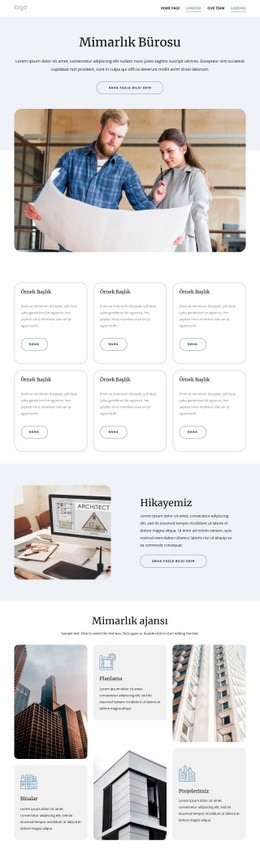
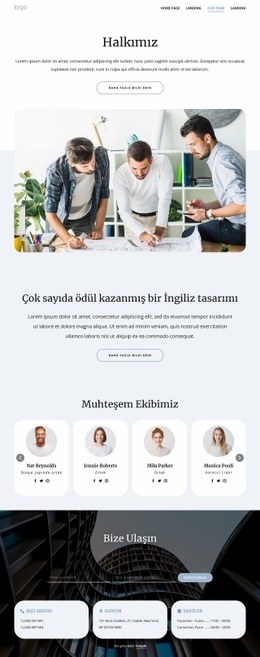

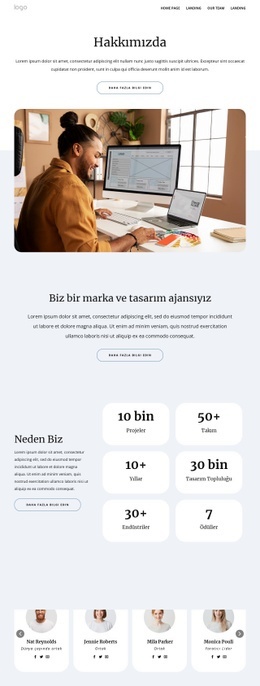
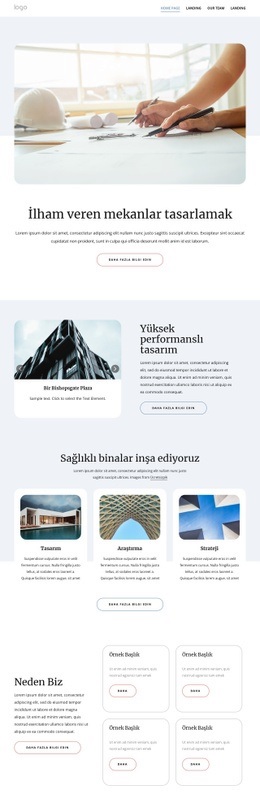
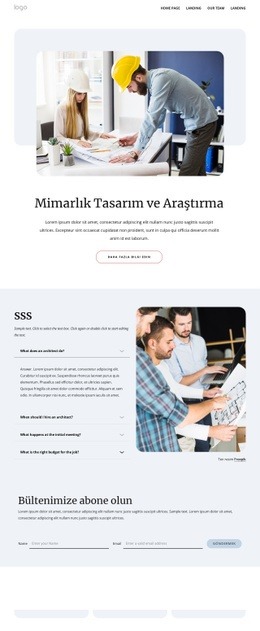



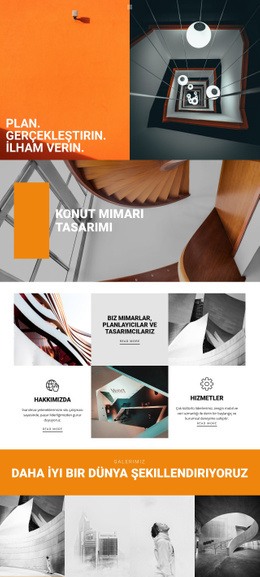
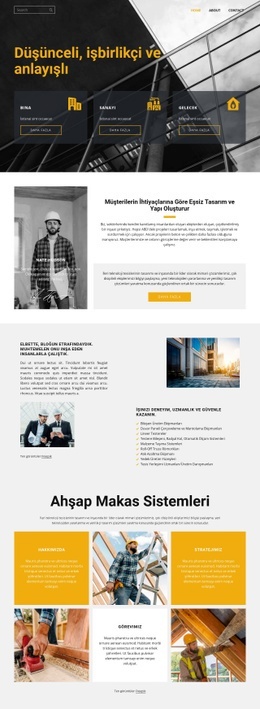
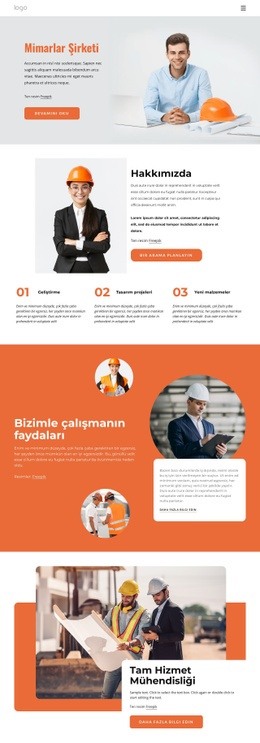
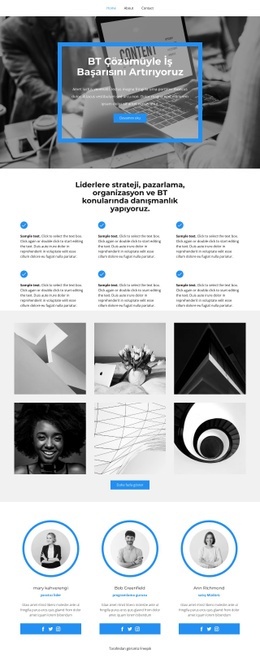
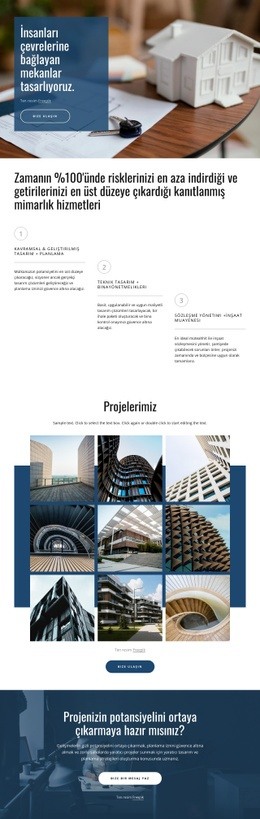
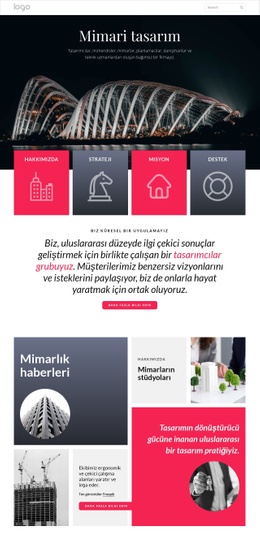
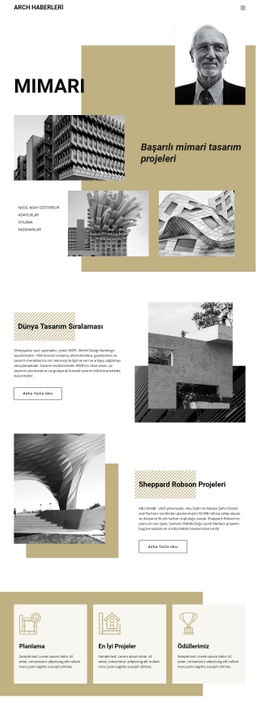
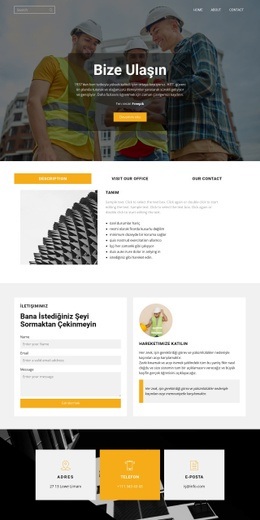
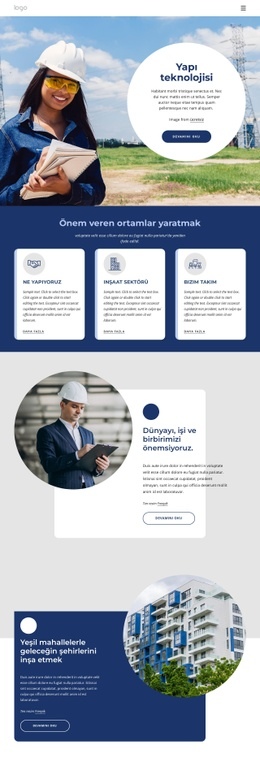
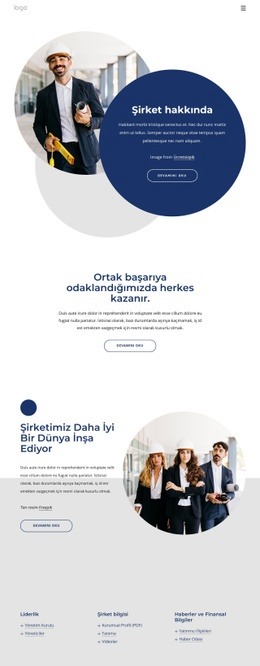
Mimarlık ve Bina Blocks'tan daha fazlası
-
EN
-
EN
-
EN
-
EN
-
EN
-
-
EN
-
EN
-
EN
-
EN
-
-
EN
-
EN
-
-
EN
-
-
-
EN
-
EN
-
EN
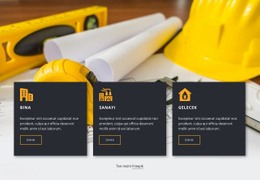

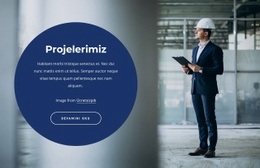
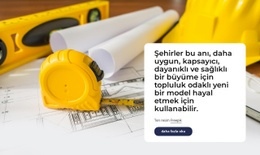
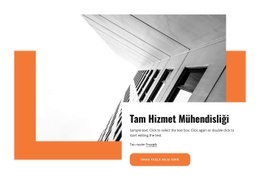
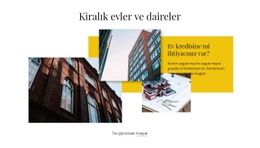
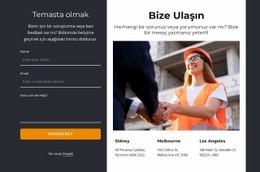
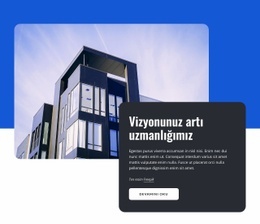
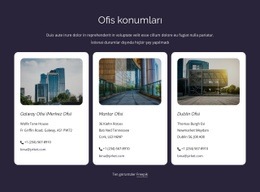
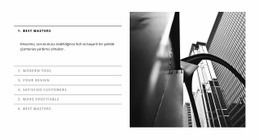
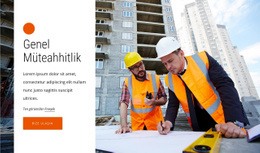
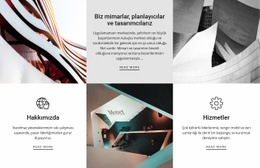

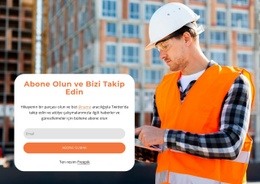
şekiller Blocks'tan daha fazlası
-
EN

-
EN
-
-
EN
-
EN
-
EN
-
EN
-
-
-
EN
-
-
EN
-
EN
-
EN
-
-
EN
-
EN
-
-
EN
-