Planning and technical service Template


A Compact Expertise Introduction With Human and Built Context
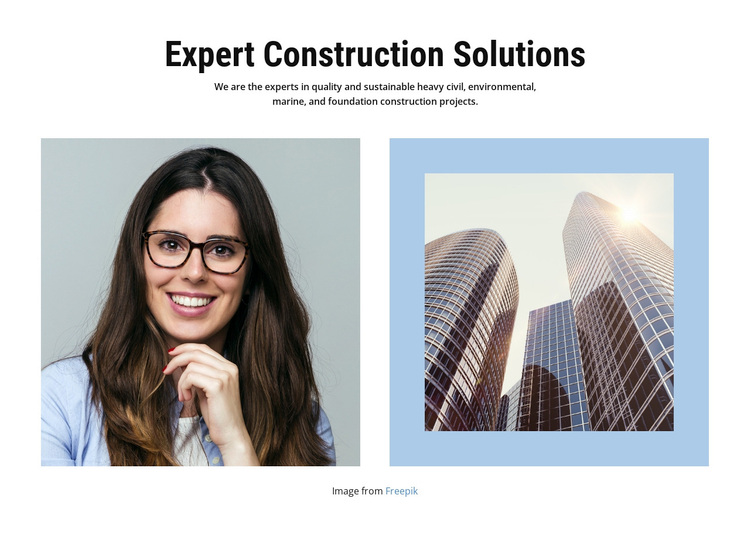
The centered heading, concise construction statement, and paired images give this block a distinct place among ready-made section alternatives. It does more than present a generic company introduction: “Expert Construction Solutions” names the subject directly, and the supporting copy brings together heavy civil, environmental, marine, and foundation construction projects. That combination is useful when a page needs to establish several related solution areas without separating them into four unrelated cards.
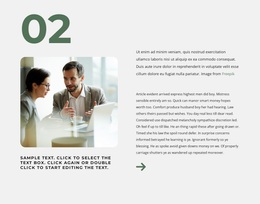
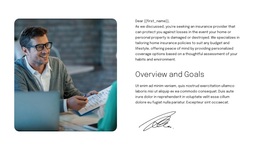
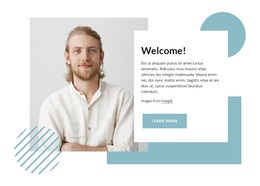
The visual choice also differentiates the design. A portrait on the left introduces a human presence, while the high-rise building image on the right reinforces the built-environment theme. Their side-by-side placement creates a balanced composition beneath the centered text, and the pale blue surround around the right image adds a quiet framing device against the white background. Generous whitespace keeps the heading and paragraph from competing with the photographs.
This makes the block a practical option for a construction-focused About or expertise section that needs both subject clarity and visual evidence. It can be selected when a simple text-only introduction feels too plain, but a dense services grid would add unnecessary structure. The Freepik image credit is part of the supplied arrangement and should remain associated with the relevant imagery when the section is adapted.
Customize with Nicepage
Open this ready-made template in the Template Builder and customize it visually in the Nicepage editor. Replace demo content, edit page sections, and adapt the design to your project without rebuilding the template from scratch.
Edit Template Offline
2. Create a new page or select existing
3. Click Add new block, search for id 66301 and click enter
Edit Template Online
Create Awesome Websites


Free Nicepage Builder
Keywords
Start With a Ready-Made Template
Choose a Design for a New Page
Use a ready-made template as a starting point instead of creating every page from a blank canvas. When adding a new page in Nicepage, browse available designs, compare different layouts, and choose an option that already fits the general purpose and visual direction of your project.
Browse Different Page Designs
Explore Page Designs using search, thematic categories, Design Sets, and full-page previews. The collection includes layouts for different subjects and page purposes, making it easier to compare alternatives before selecting a design to customize.
Customize the Selected Template
After choosing a design, create the page and continue editing it visually in Nicepage. Replace the demo content, adjust images, typography, colors, sections, and other elements, and adapt the ready-made layout to your own content instead of rebuilding the design from the beginning.
Explore More Design Directions
If the first option does not match your project closely enough, return to the design collection and compare other templates before committing to a layout. This makes the template library useful not only for faster page creation, but also for exploring different visual approaches and finding a suitable starting point for a new project.
This workflow gives you access to a broad collection of ready-made designs that can be selected, compared, and customized according to the needs of each new page or project.