Unlocking your business potential Template



Edit Template Offline
2. Create new page and search for id 6196542
Edit Template Online
Create Awesome Websites


Free Nicepage Builder
Keywords
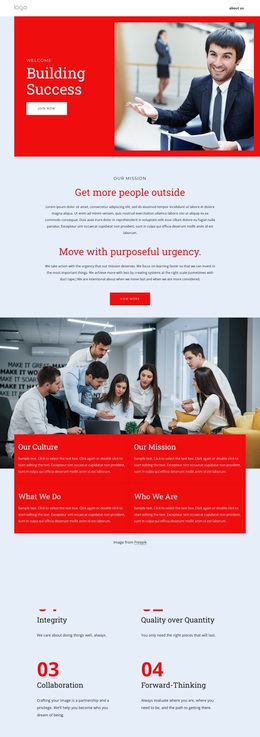
Four Values Give This Consulting Design a Clear Point of View
The four principles—Integrity, Quality over Quantity, Collaboration, and Forward-Thinking—give this design a more specific starting point than a generic business page. They translate organizational character into a visible content section, allowing the design to communicate how a prospective consulting partnership is meant to work. The principles also connect naturally with the mission statement, “Get more people outside,” by placing the broader purpose beside the standards used to approach it.
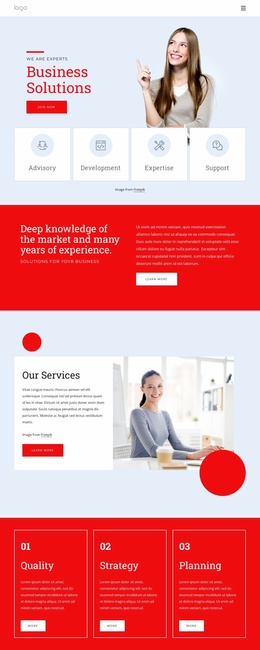
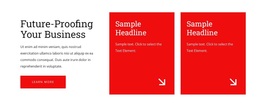
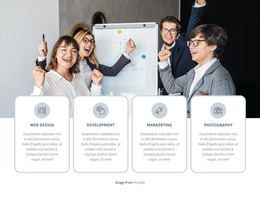
The surrounding sections reinforce that point of view without relying on dense copy. “Building Success” introduces an energetic business proposition through a red panel and large photograph. The group-work image and four culture cards then broaden the presentation from a single headline to topics such as Our Culture, Our Mission, What We Do, and Who We Are. An overlapping partnership section adds a direct statement about working with people who want to challenge their sector, while “Future-Proofing Your Business” points toward longer-term strategic thinking.
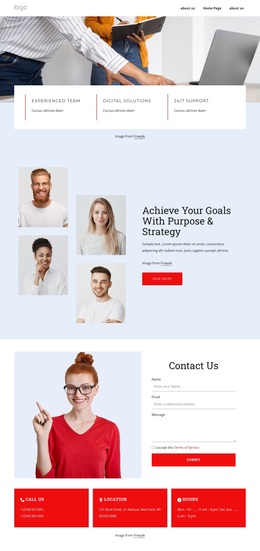
The final contact area keeps the choice practical. A name, email, and message form sits with Call Us, Location, and Hours cards, giving interested visitors a clear place to continue the conversation. Taken together, the design suits projects that need to present a consulting philosophy, show the organizational ideas behind it, and finish with a direct inquiry route rather than a catalog of unrelated services.
Customize with Nicepage
Open this ready-made template in the Template Builder and customize it visually in the Nicepage editor. Replace demo content, edit page sections, and adapt the design to your project without rebuilding the template from scratch.
Start With a Ready-Made Template
Choose a Design for a New Page
Use a ready-made template as a starting point instead of creating every page from a blank canvas. When adding a new page in Nicepage, browse available designs, compare different layouts, and choose an option that already fits the general purpose and visual direction of your project.
Browse Different Page Designs
Explore Page Designs using search, thematic categories, Design Sets, and full-page previews. The collection includes layouts for different subjects and page purposes, making it easier to compare alternatives before selecting a design to customize.
Customize the Selected Template
After choosing a design, create the page and continue editing it visually in Nicepage. Replace the demo content, adjust images, typography, colors, sections, and other elements, and adapt the ready-made layout to your own content instead of rebuilding the design from the beginning.
Explore More Design Directions
If the first option does not match your project closely enough, return to the design collection and compare other templates before committing to a layout. This makes the template library useful not only for faster page creation, but also for exploring different visual approaches and finding a suitable starting point for a new project.
This workflow gives you access to a broad collection of ready-made designs that can be selected, compared, and customized according to the needs of each new page or project.