We work with incredible clients Template


Edit Template Offline
2. Create new page and search for id 5886400
Edit Template Online
Create Awesome Websites


Free Nicepage Builder
Keywords
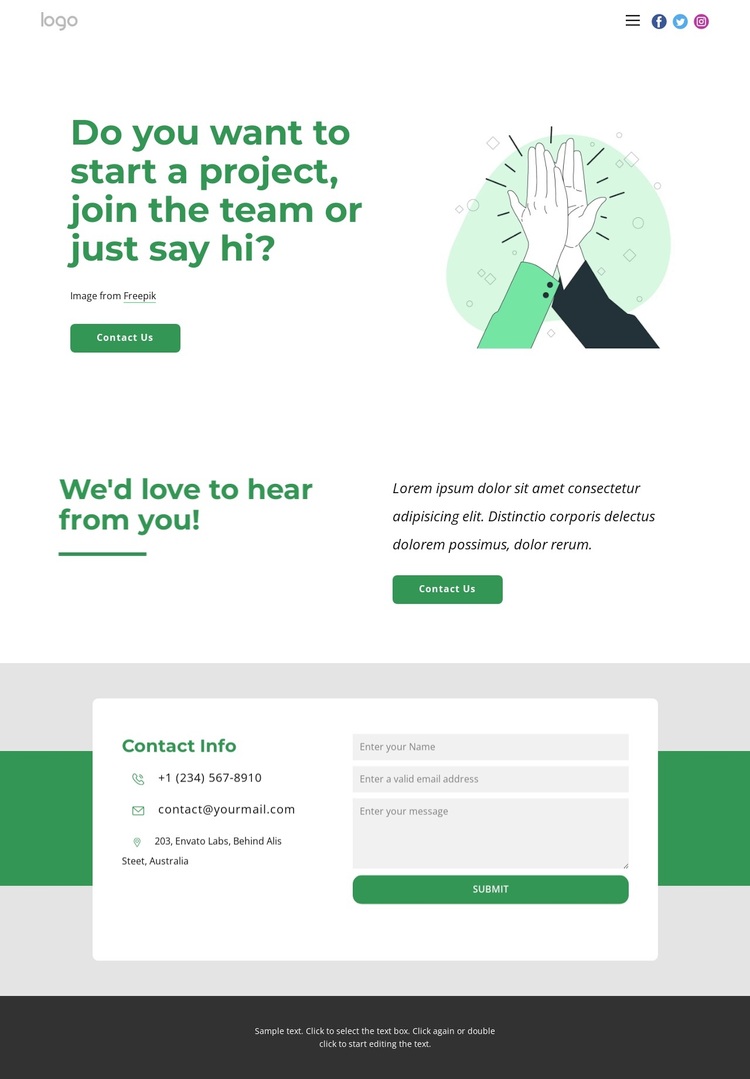
A Green Contact Layout for Several Reasons to Reach Out
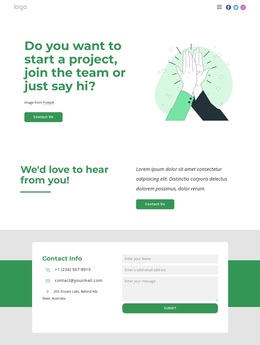
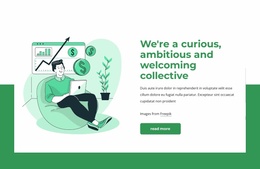
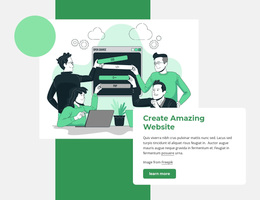
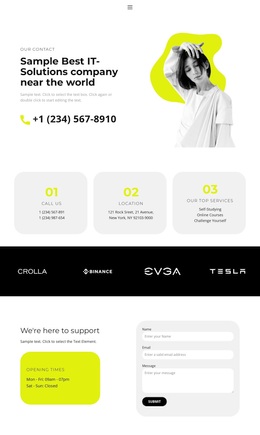
The strongest reason to choose this design is its clear coverage of the contact scenario without relying on a dense service catalogue. The opening question recognizes project inquiries, team interest, and informal messages in one concise statement, so the page can speak to more than one type of visitor while remaining centered on communication. Its illustration adds a human visual cue, and the first Contact Us action makes the purpose apparent before the visitor reaches the lower sections.
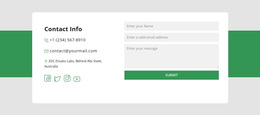
A second invitation then creates a brief transition into the practical contact area. The final white card groups phone, email, and address channels with social links and a message form, giving the design both quick-contact options and a direct submission route. That combination makes the layout a useful choice for a studio, creative group, or project-oriented team whose main need is to make conversation feel accessible. The green, white, and charcoal palette, together with rounded controls and bold sans-serif headings, supports that welcoming direction without depending on a narrowly defined industry. Since the address, phone number, email, and supporting copy are marked as sample content, they should be replaced before the design represents a real organization.
Customize with Nicepage
Open this ready-made template in the Template Builder and customize it visually in the Nicepage editor. Replace demo content, edit page sections, and adapt the design to your project without rebuilding the template from scratch.
Start With a Ready-Made Template
Choose a Design for a New Page
Use a ready-made template as a starting point instead of creating every page from a blank canvas. When adding a new page in Nicepage, browse available designs, compare different layouts, and choose an option that already fits the general purpose and visual direction of your project.
Browse Different Page Designs
Explore Page Designs using search, thematic categories, Design Sets, and full-page previews. The collection includes layouts for different subjects and page purposes, making it easier to compare alternatives before selecting a design to customize.
Customize the Selected Template
After choosing a design, create the page and continue editing it visually in Nicepage. Replace the demo content, adjust images, typography, colors, sections, and other elements, and adapt the ready-made layout to your own content instead of rebuilding the design from the beginning.
Explore More Design Directions
If the first option does not match your project closely enough, return to the design collection and compare other templates before committing to a layout. This makes the template library useful not only for faster page creation, but also for exploring different visual approaches and finding a suitable starting point for a new project.
This workflow gives you access to a broad collection of ready-made designs that can be selected, compared, and customized according to the needs of each new page or project.