Publication design, visual identity Template


Twelve Varied Projects Share One Focused Gallery Pattern
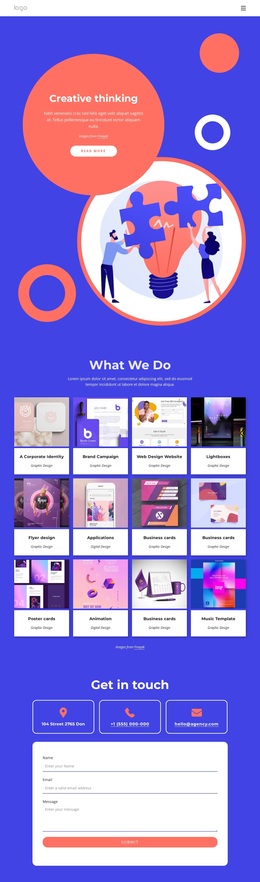
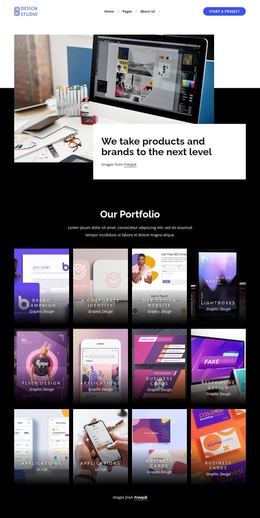
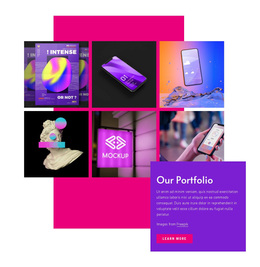
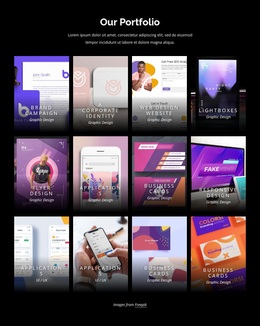
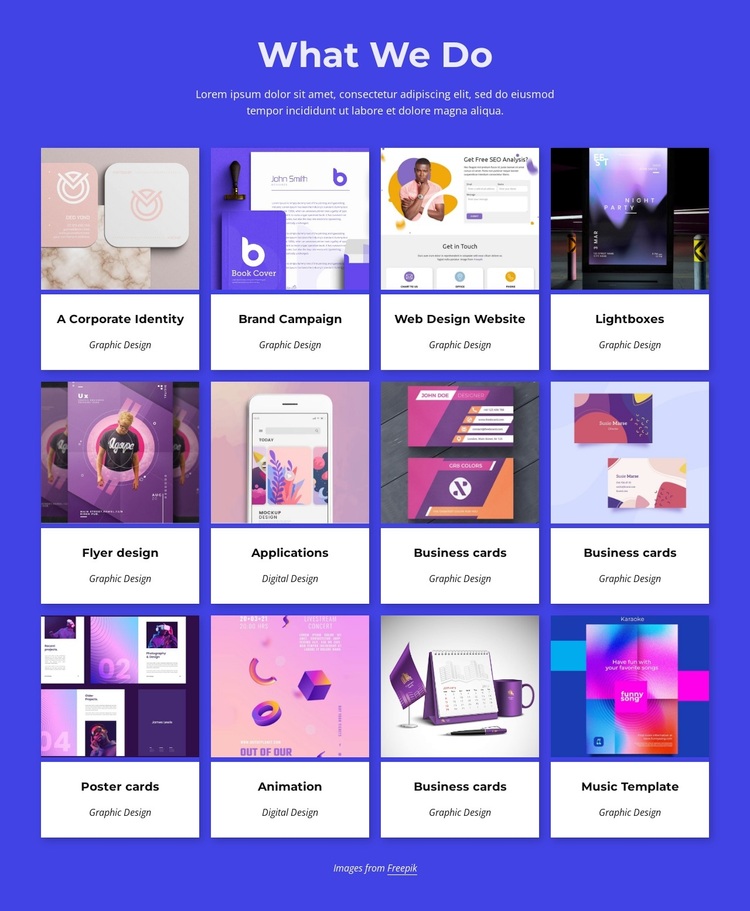
The block offers a distinct section choice by combining broad project coverage with a disciplined four-column presentation. Rather than using a simple text list or a single featured image, it places twelve portfolio cards into three rows, giving several kinds of design work visible space at once. The cards share an image-above-text structure, yet their titles and category labels allow entries such as A Corporate Identity, Brand Campaign, Flyer design, Applications, Animation, and Music Template to remain individually recognizable.
That combination makes the design useful when a page needs to show range without turning the portfolio area into a long sequence of unrelated descriptions. The blue-violet background adds a strong field around the collection, while the white card surfaces provide a calm reading area beneath each project image. Thin blue borders and rounded upper corners add a repeated visual detail that distinguishes the section from a plain grid. The centered heading and supporting paragraph provide enough context before visitors reach the cards, and the attribution line closes the collection discreetly. As a ready-made block option, its main value is the balance between project variety, scanable repetition, and a clearly defined visual character.
Customize with Nicepage
Open this ready-made template in the Template Builder and customize it visually in the Nicepage editor. Replace demo content, edit page sections, and adapt the design to your project without rebuilding the template from scratch.
Edit Template Offline
2. Create a new page or select existing
3. Click Add new block, search for id 4411670 and click enter
Edit Template Online
Create Awesome Websites


Free Nicepage Builder
Keywords
Start With a Ready-Made Template
Choose a Design for a New Page
Use a ready-made template as a starting point instead of creating every page from a blank canvas. When adding a new page in Nicepage, browse available designs, compare different layouts, and choose an option that already fits the general purpose and visual direction of your project.
Browse Different Page Designs
Explore Page Designs using search, thematic categories, Design Sets, and full-page previews. The collection includes layouts for different subjects and page purposes, making it easier to compare alternatives before selecting a design to customize.
Customize the Selected Template
After choosing a design, create the page and continue editing it visually in Nicepage. Replace the demo content, adjust images, typography, colors, sections, and other elements, and adapt the ready-made layout to your own content instead of rebuilding the design from the beginning.
Explore More Design Directions
If the first option does not match your project closely enough, return to the design collection and compare other templates before committing to a layout. This makes the template library useful not only for faster page creation, but also for exploring different visual approaches and finding a suitable starting point for a new project.
This workflow gives you access to a broad collection of ready-made designs that can be selected, compared, and customized according to the needs of each new page or project.

Design Set (26)
-

-
-
-
-
-
-
-
-
-
-
-
-
-
-
Free Website Builder SoftwareDownload
-
-
-
-
-
-