Consulting consultations Template


Edit Template Offline
2. Create new page and search for id 4301572
Edit Template Online
Create Awesome Websites


Free Nicepage Builder
Keywords
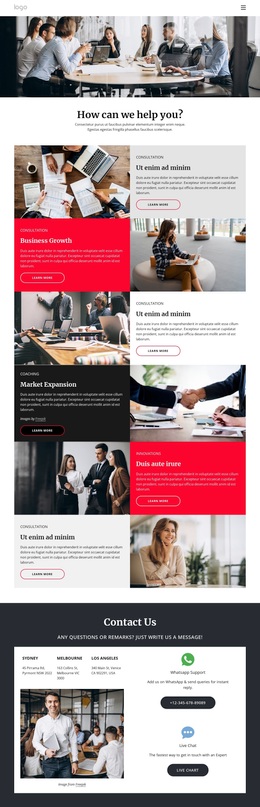
Alternating consulting panels make the design easy to choose
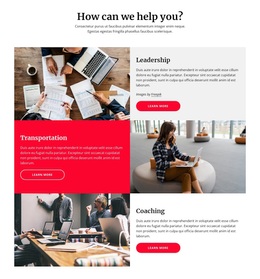
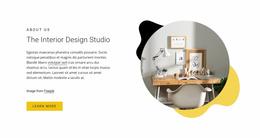
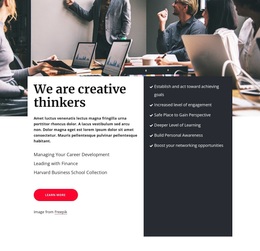
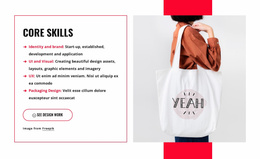
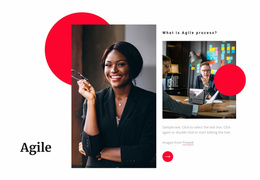
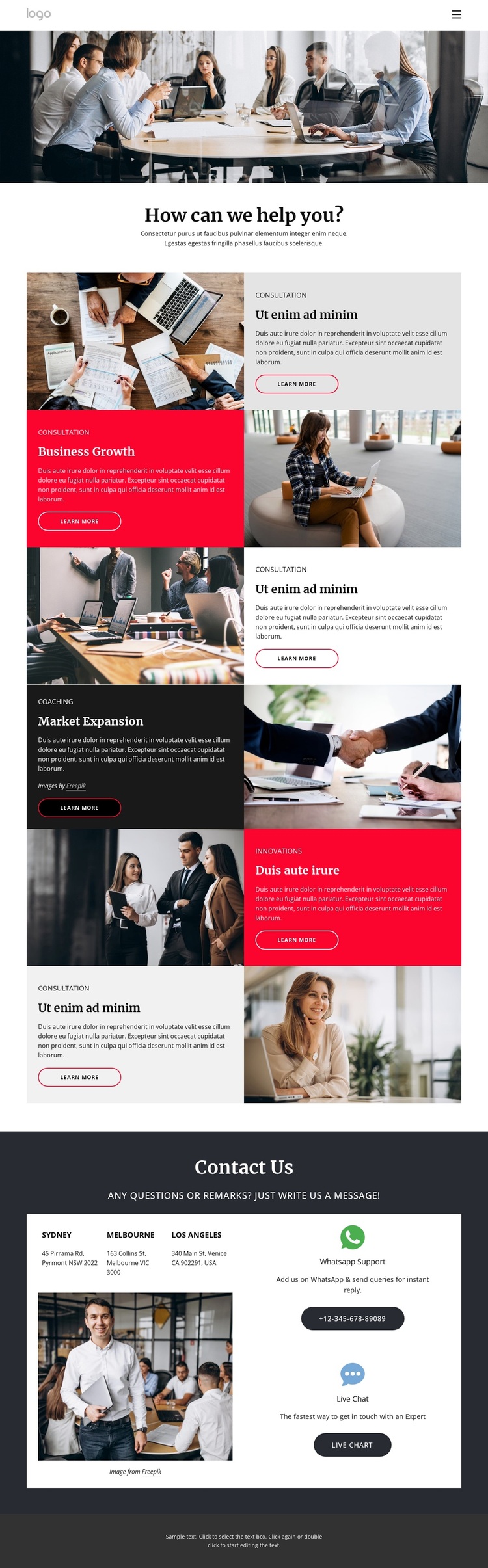
Six alternating service panels give this design a distinctive content focus: it is built to show several consulting capabilities through a repeated image-and-text pattern rather than through a single dense introduction. Consultation and Business Growth appear in the first sequence, followed by Coaching, Market Expansion, and Innovations in the second. Each topic receives photography, a label, descriptive space, and a Learn more action, so the design can suit projects that need to compare related offerings while keeping the page visually active.
The high-contrast palette adds another reason to consider this layout. Dark charcoal, white, gray, and vivid accent areas separate the service topics, while generous white spacing prevents the alternating panels from merging into one continuous wall of content. The wide business meeting photograph establishes the subject immediately, and the compact navigation keeps the opening entry point simple. Together, these choices favor visual explanation over a text-heavy consulting presentation.
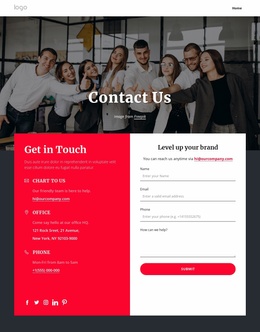
The closing Contact Us section broadens the design beyond service promotion. Sydney, Melbourne, and Los Angeles location entries are displayed with WhatsApp Support and Live Chat options, giving the page a concrete contact-oriented ending. That combination of multiple offerings, strong imagery, repeated Learn more actions, and direct contact channels makes this template a useful choice for a consulting portfolio that needs to show breadth without losing a clear visual pattern. Demo addresses and contact values should be replaced with verified project information.
Customize with Nicepage
Open this ready-made template in the Template Builder and customize it visually in the Nicepage editor. Replace demo content, edit page sections, and adapt the design to your project without rebuilding the template from scratch.
Start With a Ready-Made Template
Choose a Design for a New Page
Use a ready-made template as a starting point instead of creating every page from a blank canvas. When adding a new page in Nicepage, browse available designs, compare different layouts, and choose an option that already fits the general purpose and visual direction of your project.
Browse Different Page Designs
Explore Page Designs using search, thematic categories, Design Sets, and full-page previews. The collection includes layouts for different subjects and page purposes, making it easier to compare alternatives before selecting a design to customize.
Customize the Selected Template
After choosing a design, create the page and continue editing it visually in Nicepage. Replace the demo content, adjust images, typography, colors, sections, and other elements, and adapt the ready-made layout to your own content instead of rebuilding the design from the beginning.
Explore More Design Directions
If the first option does not match your project closely enough, return to the design collection and compare other templates before committing to a layout. This makes the template library useful not only for faster page creation, but also for exploring different visual approaches and finding a suitable starting point for a new project.
This workflow gives you access to a broad collection of ready-made designs that can be selected, compared, and customized according to the needs of each new page or project.