Nika's Agency Template


Edit Template Offline
2. Create new page and search for id 23743
Edit Template Online
Create Awesome Websites


Free Nicepage Builder
Keywords
Editorial Mosaics Give This Photography Design a Clear Point of Difference
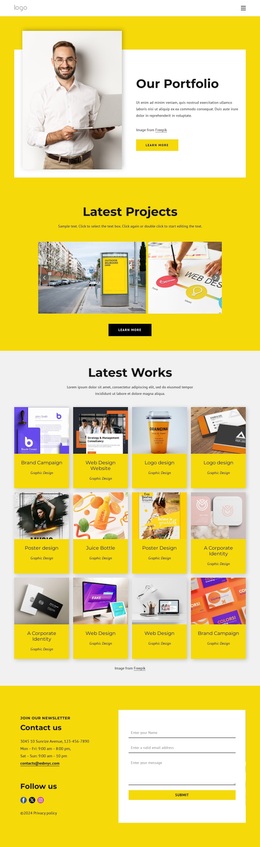
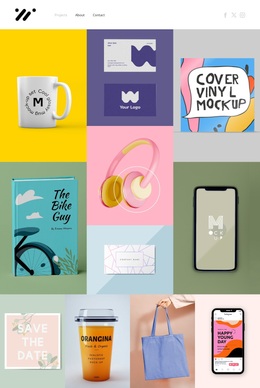
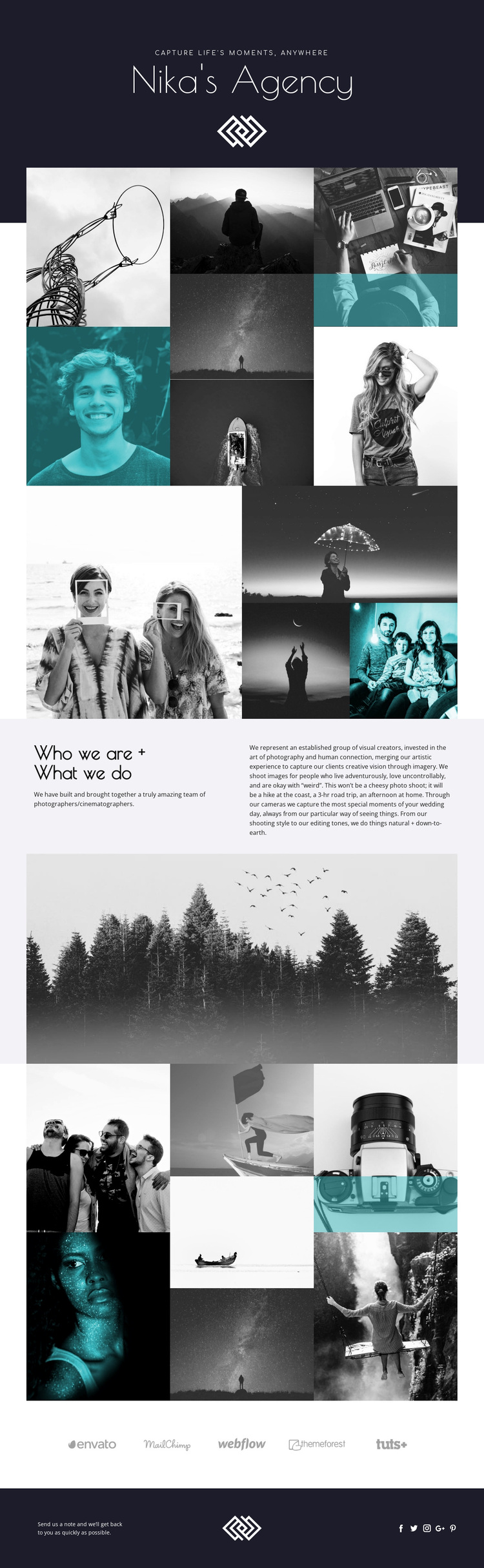
The strongest reason to choose Nika's Agency is the way it makes photographic work the organizing principle of the page. Instead of beginning with dense service descriptions, the design opens with a dark hero, a small tagline, the agency identity, and a centered mark. It then gives visitors a seven-panel mosaic arranged in three vertical columns, allowing varied imagery and selected turquoise overlays to establish the character of the portfolio quickly.
The design also avoids relying on one gallery pattern. A second photographic section pairs a large image with stacked supporting panels, while a third seven-panel mosaic returns to the earlier visual density near the end of the page. This alternation creates a recognizable editorial rhythm for projects where atmosphere, framing, and image selection should communicate as much as written copy. The full-width forest photograph adds another type of visual statement and gives the page a calm pause between the agency description and final portfolio sequence.
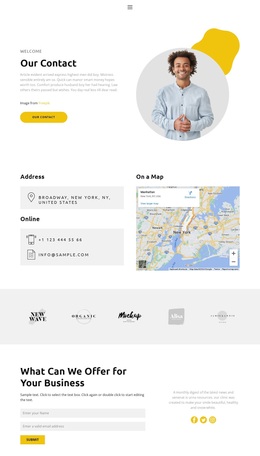
The content coverage makes the design useful beyond a gallery alone. “Who we are + What we do” explains the team’s photography and cinematography services, wedding-day imagery, and natural, down-to-earth editing. Five brand marks and a footer invitation to send a note provide compact context for prospective clients. The result is a focused option for a photography project that needs visual storytelling, team identity, and a visible inquiry direction in the same presentation.
Customize with Nicepage
Open this ready-made template in the Template Builder and customize it visually in the Nicepage editor. Replace demo content, edit page sections, and adapt the design to your project without rebuilding the template from scratch.
Start With a Ready-Made Template
Choose a Design for a New Page
Use a ready-made template as a starting point instead of creating every page from a blank canvas. When adding a new page in Nicepage, browse available designs, compare different layouts, and choose an option that already fits the general purpose and visual direction of your project.
Browse Different Page Designs
Explore Page Designs using search, thematic categories, Design Sets, and full-page previews. The collection includes layouts for different subjects and page purposes, making it easier to compare alternatives before selecting a design to customize.
Customize the Selected Template
After choosing a design, create the page and continue editing it visually in Nicepage. Replace the demo content, adjust images, typography, colors, sections, and other elements, and adapt the ready-made layout to your own content instead of rebuilding the design from the beginning.
Explore More Design Directions
If the first option does not match your project closely enough, return to the design collection and compare other templates before committing to a layout. This makes the template library useful not only for faster page creation, but also for exploring different visual approaches and finding a suitable starting point for a new project.
This workflow gives you access to a broad collection of ready-made designs that can be selected, compared, and customized according to the needs of each new page or project.