Growth design agency Template



Edit Template Offline
2. Create new page and search for id 1094200
Edit Template Online
Create Awesome Websites


Free Nicepage Builder
Keywords
Three service disciplines give the agency design a clear point of difference
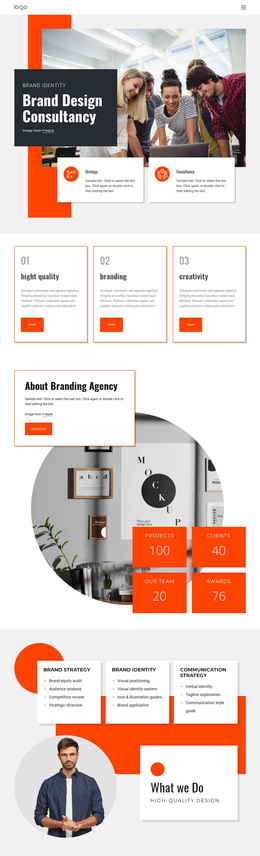
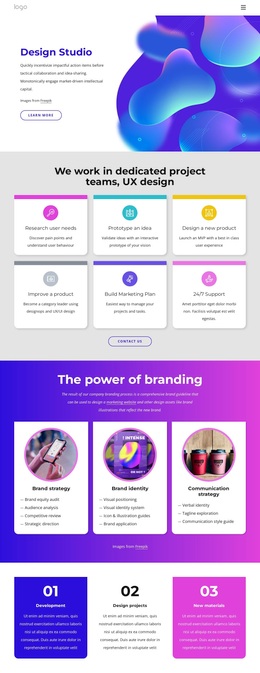
The design is distinctive because it does more than present a generic agency introduction. Its strongest content relationship is between the three detailed service cards and the visual language around them. Brand strategy covers audit, audience, competition, and direction; brand identity develops visual positioning, identity systems, and applications; communication strategy addresses verbal identity, taglines, and style guidance. Together, these areas show a consultancy with a defined progression from strategic thinking to visual and verbal expression.
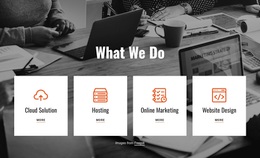
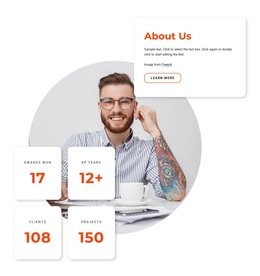
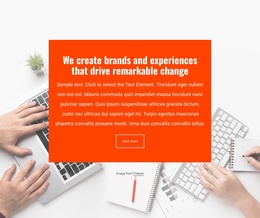
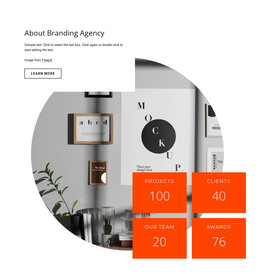
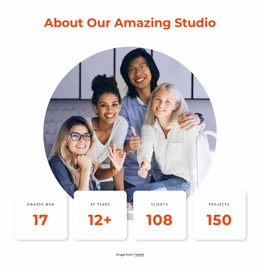
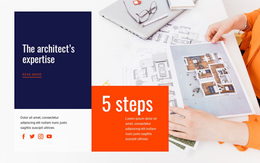
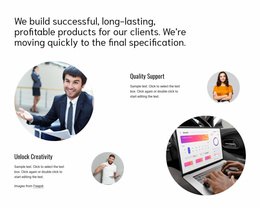
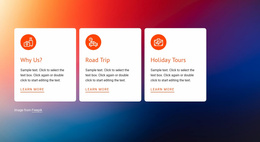
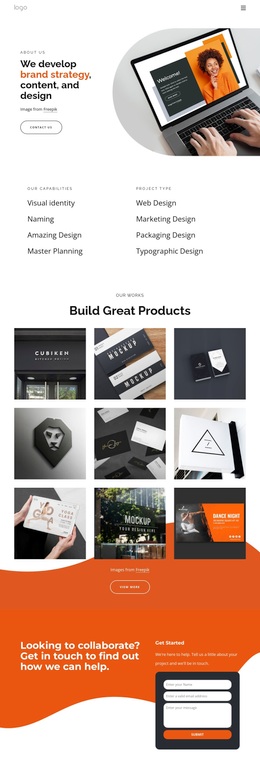
The supporting sections reinforce that choice. The hero places a team photograph beside a dark title panel and orange accent, creating an immediate editorial entrance rather than a text-heavy opening. Three bordered capability cards then isolate high quality, branding, and creativity as memorable qualities. The About section adds four metric tiles and a circular image, while the testimonial carousel introduces two examples of client-oriented proof. A separate Digital Marketing for Social Media feature broadens the design toward contemporary communication work.
This combination makes the template a useful option for projects that need to show both strategic depth and visual energy. It is not centered only on a portfolio grid, a product list, or a single promotional statement. The design covers consultancy explanation, service detail, supporting evidence, social media capability, and direct contact content while keeping the orange, black, white, and pale gray identity consistent.
Customize with Nicepage
Open this ready-made template in the Template Builder and customize it visually in the Nicepage editor. Replace demo content, edit page sections, and adapt the design to your project without rebuilding the template from scratch.
Start With a Ready-Made Template
Choose a Design for a New Page
Use a ready-made template as a starting point instead of creating every page from a blank canvas. When adding a new page in Nicepage, browse available designs, compare different layouts, and choose an option that already fits the general purpose and visual direction of your project.
Browse Different Page Designs
Explore Page Designs using search, thematic categories, Design Sets, and full-page previews. The collection includes layouts for different subjects and page purposes, making it easier to compare alternatives before selecting a design to customize.
Customize the Selected Template
After choosing a design, create the page and continue editing it visually in Nicepage. Replace the demo content, adjust images, typography, colors, sections, and other elements, and adapt the ready-made layout to your own content instead of rebuilding the design from the beginning.
Explore More Design Directions
If the first option does not match your project closely enough, return to the design collection and compare other templates before committing to a layout. This makes the template library useful not only for faster page creation, but also for exploring different visual approaches and finding a suitable starting point for a new project.
This workflow gives you access to a broad collection of ready-made designs that can be selected, compared, and customized according to the needs of each new page or project.

Design Set (21)
-

-
-
-
-
-
-
-
-
-
-
-
-
-
-
-
-
Free Website Builder SoftwareDownload
-