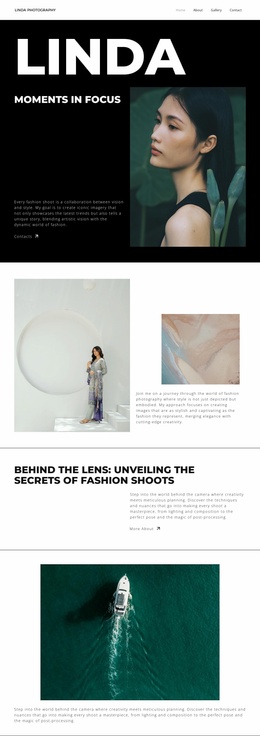
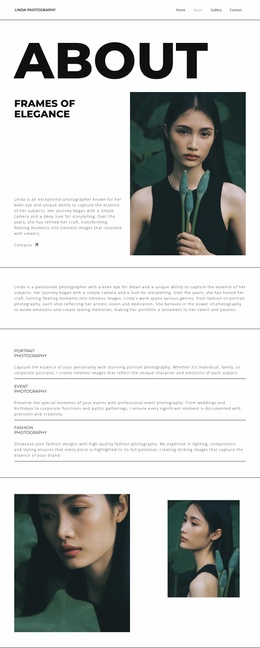
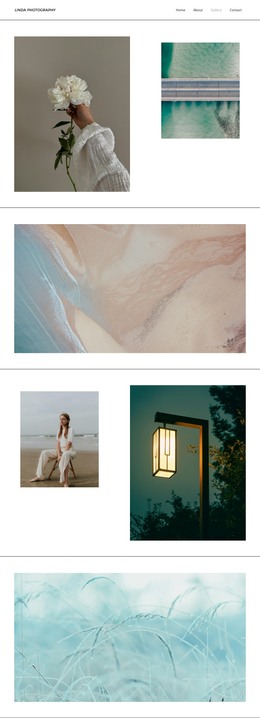
Transforming Trends into Art Website Template


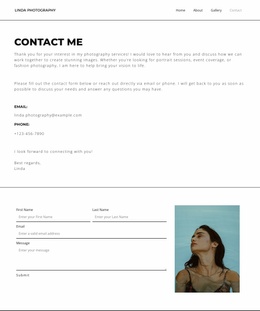
A Single-Column Contact Area for Photography Site Projects
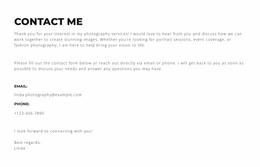
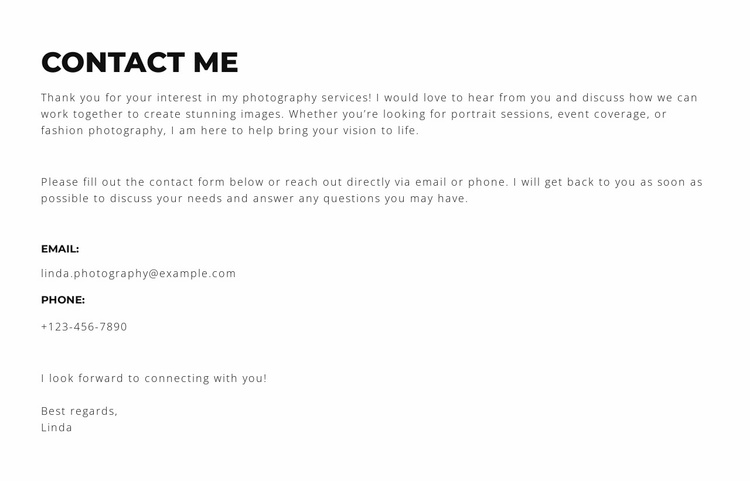
The block brings several related contact functions into one compact section. “contact me” names the purpose immediately, then the photography-services paragraph introduces portrait sessions, event coverage, and fashion photography before the inquiry instruction narrows the reader’s next step. The email and phone areas follow as distinct contact points, so visitors can move from service context to direct communication without searching through unrelated content. The final “Best regards” and “Linda” sign-off preserves the personal tone of the section.
Its single-column vertical arrangement gives the content a stable pattern that can be reused wherever a broader website project needs a photography contact area. The heading, paragraphs, labeled details, and closing line form one self-contained content region, while the surrounding project can supply portfolio work, service detail, testimonials, or other page sections separately. The block is static, with no added interaction competing with the contact information.
Visually, a white background, black typography, generous vertical spacing, and thin borders at the top and bottom keep the region quiet and easy to coordinate with other sections. In a website template project, those traits allow this contact block to act as a consistent endpoint or supporting information area without making it responsible for the entire site’s structure.
Customize with Nicepage
Open this ready-made template in the Website Template Builder and customize it visually in the Nicepage editor. Replace demo content, edit page sections, and adapt the design to your project without rebuilding the template from scratch.
Edit Template Offline
2. Create a new page or select existing
3. Click Add new block, search for id 6294356 and click enter
Edit Template Online
Create Awesome Websites


Free Nicepage Builder
Keywords
Build a Complete Website From This Template
Customize the Website Visually
Use this ready-made website template as a starting point for your project and adapt its pages visually in Nicepage. Change content, images, typography, navigation, sections, and other design elements while keeping the website together as a single editable project.
Manage Website Pages in One Project
Use the Pages panel to open, add, duplicate, and manage the pages of your website. Work on individual pages while keeping navigation and the overall site structure accessible from the same project, making it easier to develop a complete website instead of managing separate page files.
Expand the Website With Matching Designs
When you need additional pages or sections, use Page Design Sets to find Page and Block Designs created in the same visual style. Design Sets group matching designs together, making it easier to expand the website with new content while maintaining a consistent look across its pages and sections.
Organize Larger Multi-Page Websites
As the website grows, use Page Folders to organize related pages and keep larger multi-page projects easier to navigate in the editor. This is especially useful for websites with separate service pages, company information, contacts, landing pages, and other content areas.
This workflow makes the template a practical foundation for building and expanding a complete website while managing its pages, content, and visual design within one Nicepage project.