Contacts for visit Website Template


Edit Template Offline
2. Create new page and search for id 6001675
Edit Template Online
Create Awesome Websites


Free Nicepage Builder
Keywords
Navigation and Contact Regions Establish a Wider Site Foundation
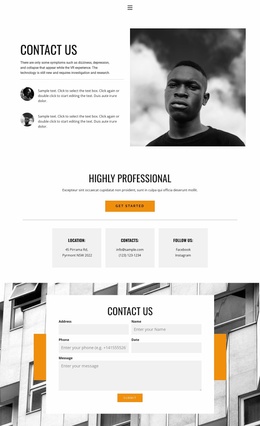
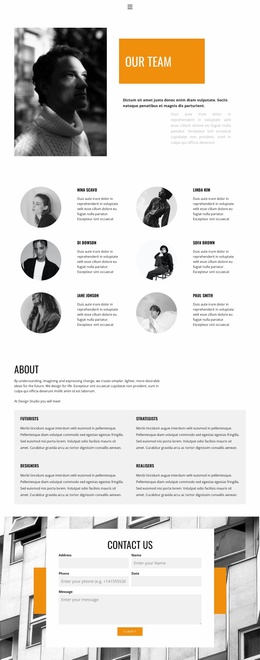
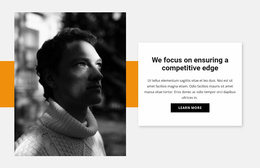
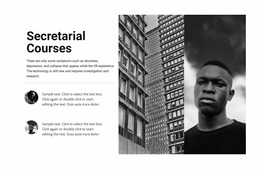
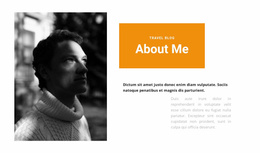
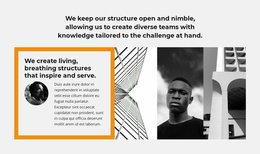
The links to Home 1, Team, and Contact 1 give this design a clear starting point for a small connected website rather than a page with no relationship to other content. The centered navigation can support movement between a primary page, a people-focused page, and the contact page itself. Within the contact page, the split opening adds context through introductory text, circular portrait items, and a large grayscale photograph before visitors reach the practical information.
The three equal cards provide useful content categories for future site planning. Location can hold visit-related details, Contacts can present direct communication information, and Follow us can connect the project to social channels. Facebook and Instagram are already verified, so the social area is more than a decorative label. The Get Started button also creates a visible action that can be retained or redirected as the wider project develops.
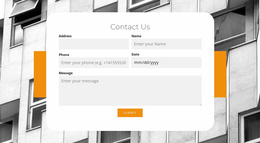
The lower form completes the page's role as a contact destination. Address, name, phone, date, and message inputs create several inquiry details without requiring the page to abandon its restrained visual language. These areas can serve as a foundation for a broader site in which Home, Team, and other future pages share the same grayscale photography, bold condensed headings, whitespace, and orange accents. The design supplies a recognizable contact branch while leaving room for additional project content.
Customize with Nicepage
Open this ready-made template in the Website Template Builder and customize it visually in the Nicepage editor. Replace demo content, edit page sections, and adapt the design to your project without rebuilding the template from scratch.
Build a Complete Website From This Template
Customize the Website Visually
Use this ready-made website template as a starting point for your project and adapt its pages visually in Nicepage. Change content, images, typography, navigation, sections, and other design elements while keeping the website together as a single editable project.
Manage Website Pages in One Project
Use the Pages panel to open, add, duplicate, and manage the pages of your website. Work on individual pages while keeping navigation and the overall site structure accessible from the same project, making it easier to develop a complete website instead of managing separate page files.
Expand the Website With Matching Designs
When you need additional pages or sections, use Page Design Sets to find Page and Block Designs created in the same visual style. Design Sets group matching designs together, making it easier to expand the website with new content while maintaining a consistent look across its pages and sections.
Organize Larger Multi-Page Websites
As the website grows, use Page Folders to organize related pages and keep larger multi-page projects easier to navigate in the editor. This is especially useful for websites with separate service pages, company information, contacts, landing pages, and other content areas.
This workflow makes the template a practical foundation for building and expanding a complete website while managing its pages, content, and visual design within one Nicepage project.