You have a plan Website Template


Edit Template Offline
2. Create new page and search for id 6001672
Edit Template Online
Create Awesome Websites


Free Nicepage Builder
Keywords
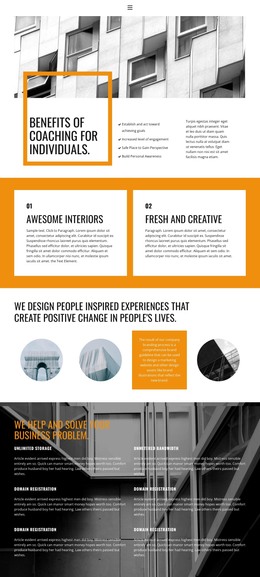
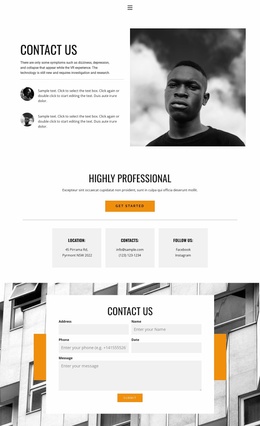
Team profiles, capability cards, and contact define a studio foundation
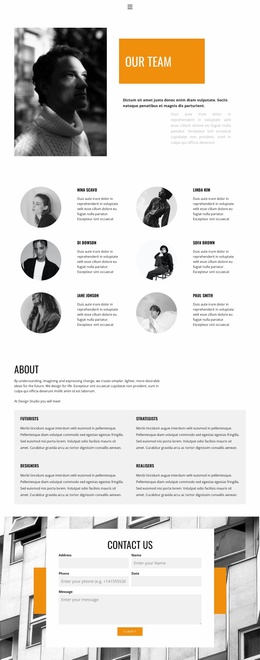
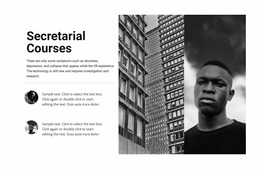
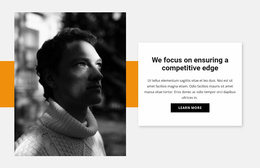
The page already establishes several major content areas that a design studio website needs to explain its people and work. The split opening section combines a large black-and-white portrait with an orange title panel, giving the site a recognizable entry point before visitors reach the six-item team directory. That directory uses repeated circular imagery, names, and short biography areas in two columns, creating a reusable pattern for presenting individual contributors without overcrowding the page.
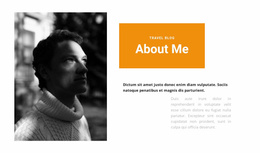
The About section adds a broader project structure. Its introduction is followed by four capability cards labeled Futurists, Strategists, Designers, and Realisers. These roles can serve as a clear bridge between the team itself and the studio’s areas of contribution, making the design suitable as a foundation for expanding supporting information around services, selected work, or studio background. The existing facts support that expansion as a possible project direction, but do not establish additional pages already included in the template.
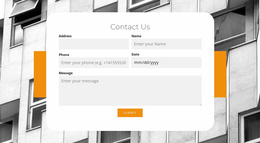
The contact section supplies a natural closing region: a centered form is placed over a full-width grayscale architectural image with orange accents. Combined with navigation, mobile navigation, the dark footer, and the strong monochrome-and-orange visual system, the page offers both an information structure and a consistent design direction. It can therefore anchor a broader website project while keeping team, capability, and inquiry content visually connected.
Customize with Nicepage
Open this ready-made template in the Website Template Builder and customize it visually in the Nicepage editor. Replace demo content, edit page sections, and adapt the design to your project without rebuilding the template from scratch.
Build a Complete Website From This Template
Customize the Website Visually
Use this ready-made website template as a starting point for your project and adapt its pages visually in Nicepage. Change content, images, typography, navigation, sections, and other design elements while keeping the website together as a single editable project.
Manage Website Pages in One Project
Use the Pages panel to open, add, duplicate, and manage the pages of your website. Work on individual pages while keeping navigation and the overall site structure accessible from the same project, making it easier to develop a complete website instead of managing separate page files.
Expand the Website With Matching Designs
When you need additional pages or sections, use Page Design Sets to find Page and Block Designs created in the same visual style. Design Sets group matching designs together, making it easier to expand the website with new content while maintaining a consistent look across its pages and sections.
Organize Larger Multi-Page Websites
As the website grows, use Page Folders to organize related pages and keep larger multi-page projects easier to navigate in the editor. This is especially useful for websites with separate service pages, company information, contacts, landing pages, and other content areas.
This workflow makes the template a practical foundation for building and expanding a complete website while managing its pages, content, and visual design within one Nicepage project.