Legal support Website Template


Edit Template Offline
2. Create new page and search for id 5576719
Edit Template Online
Create Awesome Websites


Free Nicepage Builder
Keywords
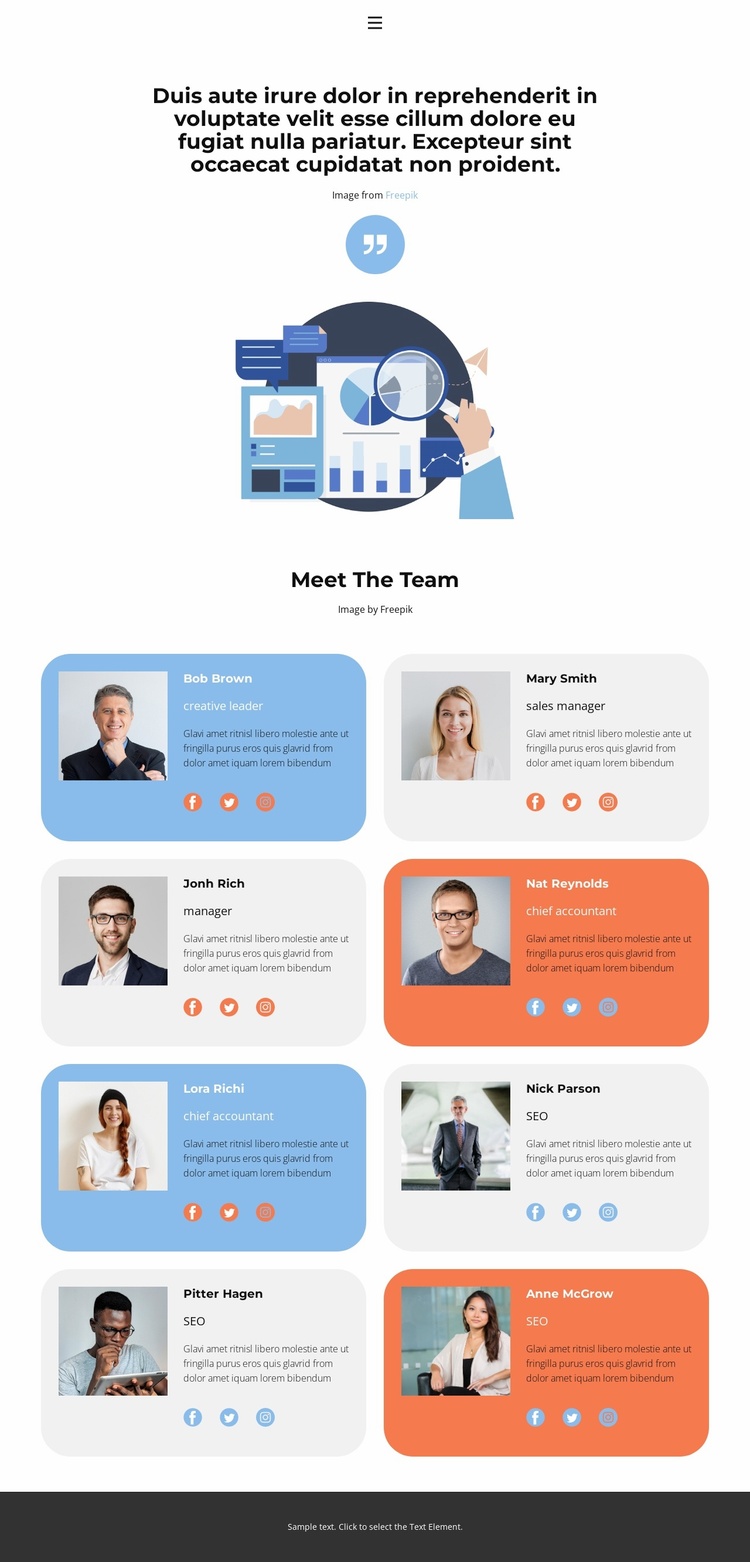
The Eight-Profile Roster Establishes a Strong People-Focused Site Foundation
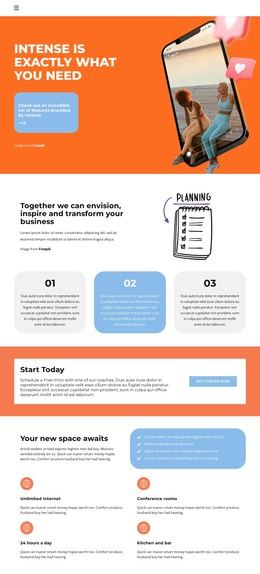
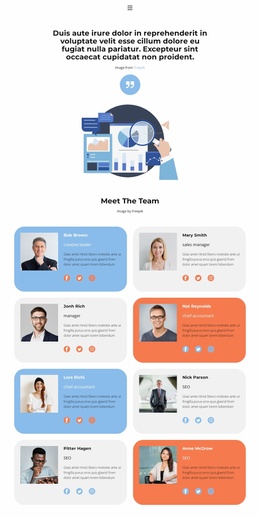
The template defines several useful content areas without claiming to include a complete multi-page website. The minimal header establishes a navigation starting point, the illustrated hero provides introductory context, and the two-column roster supplies a substantial people-focused section. Eight repeated cards give the design a clear content model: each member is represented through a portrait, role, description, and social links. That model could become the visual basis for related staff, leadership, or organization pages as a project expands.
The repeated card treatment is especially useful for maintaining continuity. Rounded containers, compact sans-serif typography, and controlled blue, gray, and coral accents create shared rules that can be carried into other content areas. At the same time, generous spacing and the centered composition leave room for a broader site structure to add information without making the current team presentation feel crowded. The dark footer supplies a simple closing boundary for the existing page.
Only Home is verified as a primary navigation destination, so additional pages or site architecture should be treated as future project possibilities rather than existing template content. The design is best understood as a focused foundation: it already demonstrates how people and profile information can be presented consistently, while its visual language can be extended around other verified content areas when the website grows.
Customize with Nicepage
Open this ready-made template in the Website Template Builder and customize it visually in the Nicepage editor. Replace demo content, edit page sections, and adapt the design to your project without rebuilding the template from scratch.
Build a Complete Website From This Template
Customize the Website Visually
Use this ready-made website template as a starting point for your project and adapt its pages visually in Nicepage. Change content, images, typography, navigation, sections, and other design elements while keeping the website together as a single editable project.
Manage Website Pages in One Project
Use the Pages panel to open, add, duplicate, and manage the pages of your website. Work on individual pages while keeping navigation and the overall site structure accessible from the same project, making it easier to develop a complete website instead of managing separate page files.
Expand the Website With Matching Designs
When you need additional pages or sections, use Page Design Sets to find Page and Block Designs created in the same visual style. Design Sets group matching designs together, making it easier to expand the website with new content while maintaining a consistent look across its pages and sections.
Organize Larger Multi-Page Websites
As the website grows, use Page Folders to organize related pages and keep larger multi-page projects easier to navigate in the editor. This is especially useful for websites with separate service pages, company information, contacts, landing pages, and other content areas.
This workflow makes the template a practical foundation for building and expanding a complete website while managing its pages, content, and visual design within one Nicepage project.