Summer Trends Website Template


Edit Template Offline
2. Create new page and search for id 38862
Edit Template Online
Create Awesome Websites


Free Nicepage Builder
Keywords
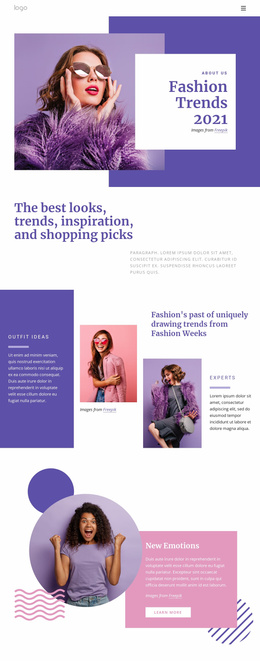
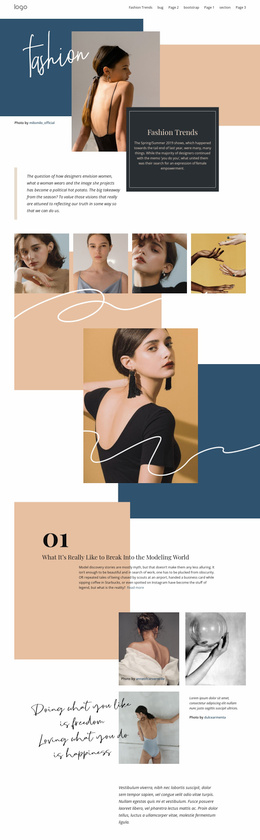
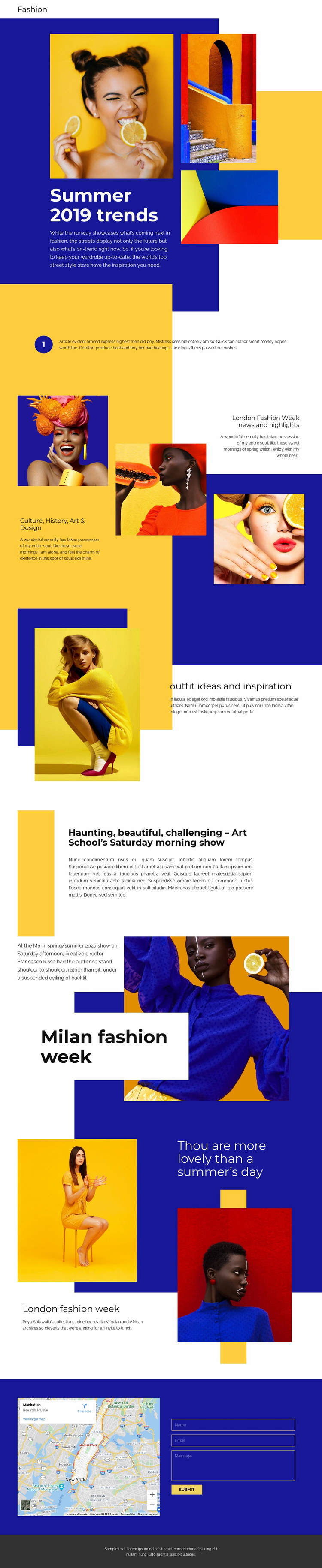
Fashion-week coverage and outfit features establish a broader site foundation
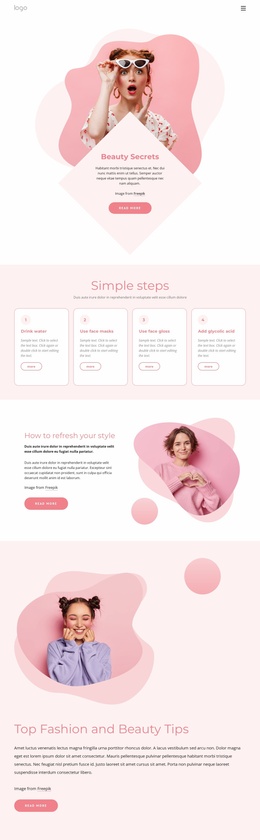
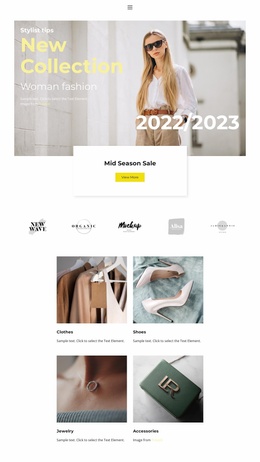
The page already defines several major content areas that can anchor a larger fashion website. The hero introduces seasonal trends, while the culture, history, art, and design feature gives the project an editorial category beyond a single campaign message. The outfit ideas and inspiration section adds a practical style-content direction, and the longer Art School article demonstrates how the visual system can accommodate more substantial editorial material.
London Fashion Week and Milan fashion week provide recognizable topic areas around which additional fashion stories, event coverage, interviews, or trend reports could be organized. References to Marni, Francesco Risso, and Priya Ahluwalia show how designer and contributor references can sit within the page’s image-led structure, although the supplied names and sample paragraphs should be replaced or independently verified before publication. The varied split, grid, and overlapping layouts also give different content categories their own presentation while preserving a shared magazine character.
The map and contact form extend the foundation beyond articles and imagery. They create a practical area for location-related information and reader communication, with fields for name, email, and message. As a website project develops, these established editorial, visual, and contact areas can guide additional pages without claiming that those pages already exist in the template.
Customize with Nicepage
Open this ready-made template in the Website Template Builder and customize it visually in the Nicepage editor. Replace demo content, edit page sections, and adapt the design to your project without rebuilding the template from scratch.
Build a Complete Website From This Template
Customize the Website Visually
Use this ready-made website template as a starting point for your project and adapt its pages visually in Nicepage. Change content, images, typography, navigation, sections, and other design elements while keeping the website together as a single editable project.
Manage Website Pages in One Project
Use the Pages panel to open, add, duplicate, and manage the pages of your website. Work on individual pages while keeping navigation and the overall site structure accessible from the same project, making it easier to develop a complete website instead of managing separate page files.
Expand the Website With Matching Designs
When you need additional pages or sections, use Page Design Sets to find Page and Block Designs created in the same visual style. Design Sets group matching designs together, making it easier to expand the website with new content while maintaining a consistent look across its pages and sections.
Organize Larger Multi-Page Websites
As the website grows, use Page Folders to organize related pages and keep larger multi-page projects easier to navigate in the editor. This is especially useful for websites with separate service pages, company information, contacts, landing pages, and other content areas.
This workflow makes the template a practical foundation for building and expanding a complete website while managing its pages, content, and visual design within one Nicepage project.