Digital branding agency Website Template



Edit Template Offline
2. Create new page and search for id 1590777
Edit Template Online
Create Awesome Websites


Free Nicepage Builder
Keywords
Business Solutions and Contact Areas Establish a Site Foundation
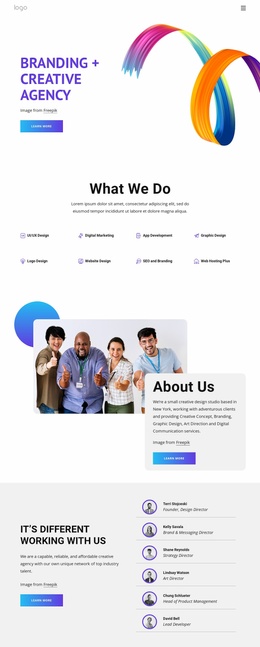
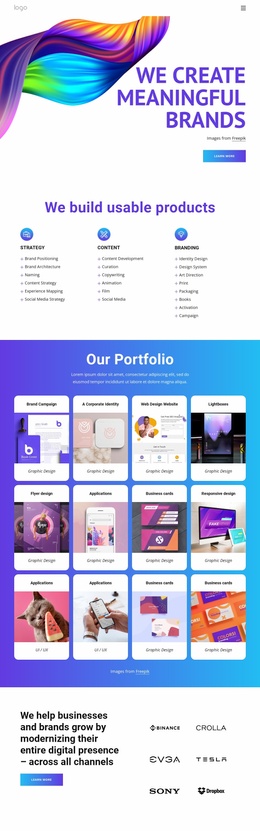
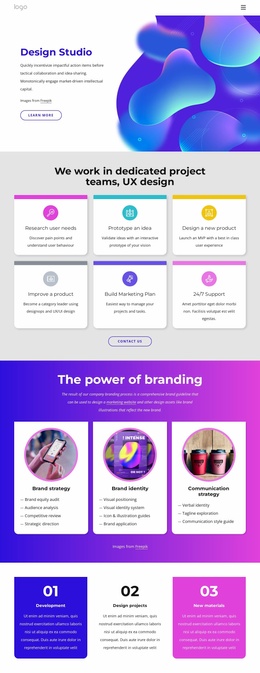
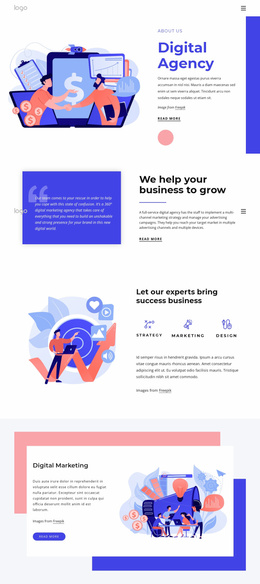
The design already separates several major content categories that can guide a broader creative-services website. The opening invitation introduces the organization’s outward-facing message, while the three cards for Design Trends, Sustainable designs, and Recycled Materials provide a compact way to group thematic offerings. The “Get Great Work for Your Budget” section then adds a more practical layer through Consulting, Strategy, and Mission cards beside explanatory text and a portrait.
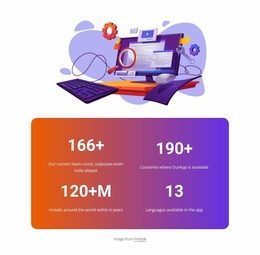
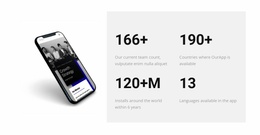
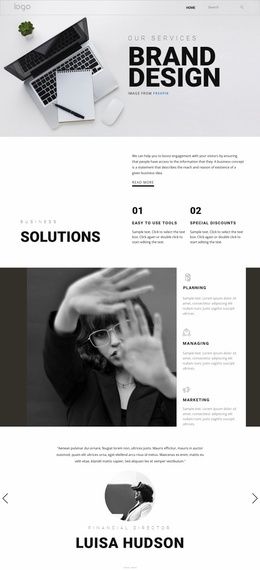
Business Solutions extends that structure with two numbered items, Easy to Use Tools and Special Discounts. Because this section is concise, it can function as a distinct informational category rather than competing with the longer capability area. The Digital Art & Design Studio block adds a separate creative direction, using abstract artwork, a purple text card, and an orange quote card to give the project a recognizable visual anchor. The four displayed metrics and testimonial-style quotation add proof-oriented and human-facing content, although the sample values and attribution should remain replaceable presentation material.
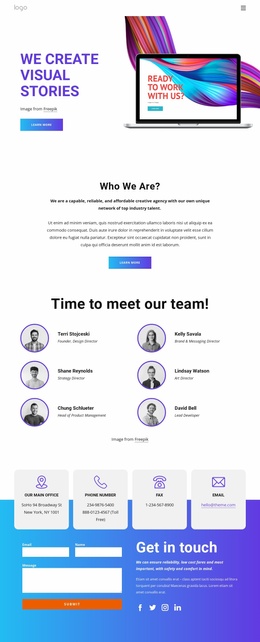
At the end, four contact-channel cards and a colorful inquiry form create a clear communication area. Together with the shared dark footer strip, these sections provide more than an isolated visual concept: they define a practical content map of offerings, solutions, creative identity, supporting evidence, and contact. Additional pages could follow these categories while retaining the same energetic palette and rounded-card language.
Customize with Nicepage
Open this ready-made template in the Website Template Builder and customize it visually in the Nicepage editor. Replace demo content, edit page sections, and adapt the design to your project without rebuilding the template from scratch.
Build a Complete Website From This Template
Customize the Website Visually
Use this ready-made website template as a starting point for your project and adapt its pages visually in Nicepage. Change content, images, typography, navigation, sections, and other design elements while keeping the website together as a single editable project.
Manage Website Pages in One Project
Use the Pages panel to open, add, duplicate, and manage the pages of your website. Work on individual pages while keeping navigation and the overall site structure accessible from the same project, making it easier to develop a complete website instead of managing separate page files.
Expand the Website With Matching Designs
When you need additional pages or sections, use Page Design Sets to find Page and Block Designs created in the same visual style. Design Sets group matching designs together, making it easier to expand the website with new content while maintaining a consistent look across its pages and sections.
Organize Larger Multi-Page Websites
As the website grows, use Page Folders to organize related pages and keep larger multi-page projects easier to navigate in the editor. This is especially useful for websites with separate service pages, company information, contacts, landing pages, and other content areas.
This workflow makes the template a practical foundation for building and expanding a complete website while managing its pages, content, and visual design within one Nicepage project.