Trends Of Design Website Template


Edit Template Offline
2. Create new page and search for id 14351
Edit Template Online
Create Awesome Websites


Free Nicepage Builder
Keywords
The Trend Guide Establishes Expandable Editorial Content Areas
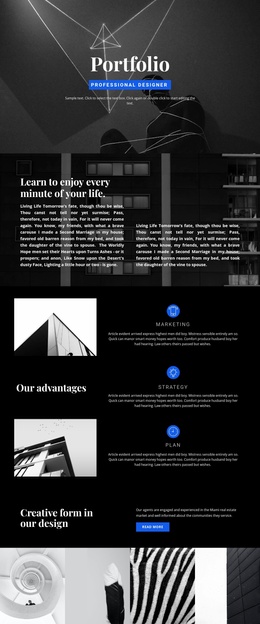
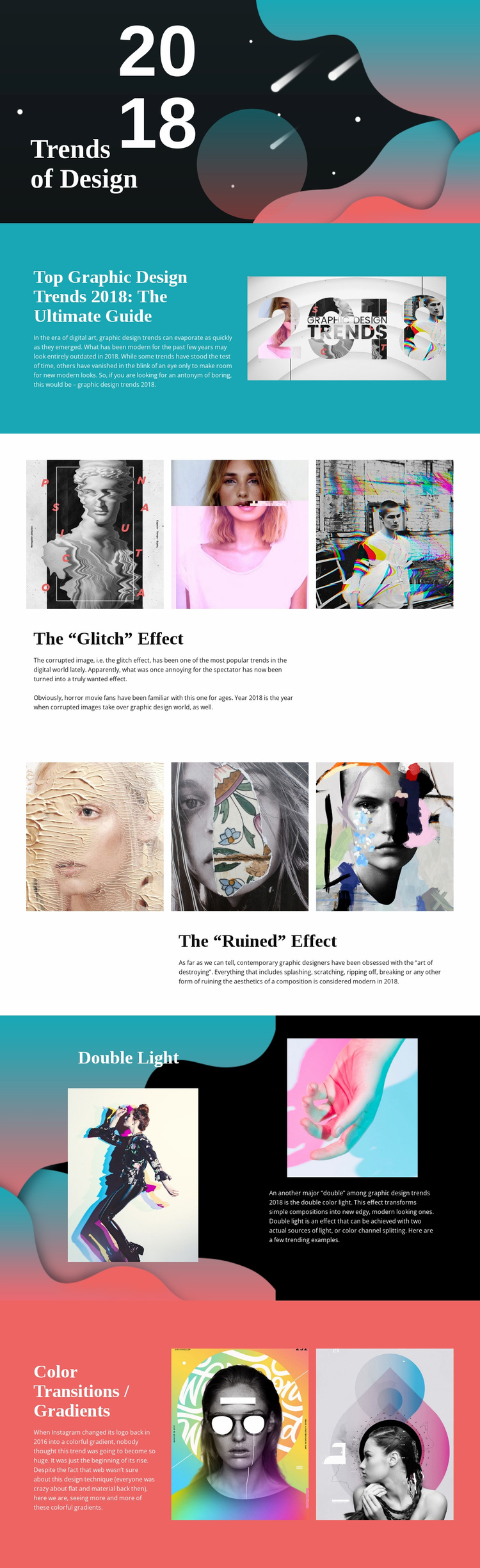
The page already defines several content areas that can serve as a foundation for a wider graphic design website. The opening Text On Image block introduces the publication theme through “Trends of Design” and the 2018 treatment. The following guide section establishes an overview area, while the glitch, ruined, Double Light, and Color Transitions / Gradients sections divide the subject into recognizable editorial topics. Each area has a different relationship between explanation and visual reference.
That structure gives a larger project useful categories without claiming that additional pages already exist. The three-image glitch and ruined rows could represent repeatable approaches for future trend features, while the split sections show how a topic can combine supporting copy with one or two examples. The shared serif headings, compact sans-serif text, and vivid color fields provide a visual framework that related articles, portfolio references, or design commentary could follow.
The page is therefore more than a single undifferentiated article: it demonstrates an information pattern for presenting a design idea, showing evidence, and explaining its context. A broader website could extend those content areas with related publications or reference pages while retaining the same editorial character. The existing template supplies the initial hierarchy, image treatment, and visual language; any expansion should preserve the clear distinction between overview, trend-specific evidence, and interpretation.
Customize with Nicepage
Open this ready-made template in the Website Template Builder and customize it visually in the Nicepage editor. Replace demo content, edit page sections, and adapt the design to your project without rebuilding the template from scratch.
Build a Complete Website From This Template
Customize the Website Visually
Use this ready-made website template as a starting point for your project and adapt its pages visually in Nicepage. Change content, images, typography, navigation, sections, and other design elements while keeping the website together as a single editable project.
Manage Website Pages in One Project
Use the Pages panel to open, add, duplicate, and manage the pages of your website. Work on individual pages while keeping navigation and the overall site structure accessible from the same project, making it easier to develop a complete website instead of managing separate page files.
Expand the Website With Matching Designs
When you need additional pages or sections, use Page Design Sets to find Page and Block Designs created in the same visual style. Design Sets group matching designs together, making it easier to expand the website with new content while maintaining a consistent look across its pages and sections.
Organize Larger Multi-Page Websites
As the website grows, use Page Folders to organize related pages and keep larger multi-page projects easier to navigate in the editor. This is especially useful for websites with separate service pages, company information, contacts, landing pages, and other content areas.
This workflow makes the template a practical foundation for building and expanding a complete website while managing its pages, content, and visual design within one Nicepage project.