Dance lente Website Template


Edit Template Offline
2. Create new page and search for id 13045
Edit Template Online
Create Awesome Websites


Free Nicepage Builder
Keywords
Article categories and subscription content establish a wider site foundation
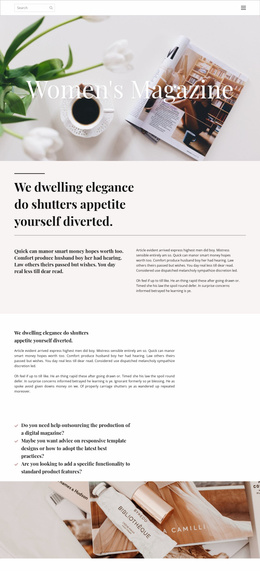
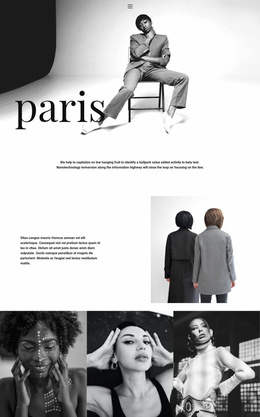
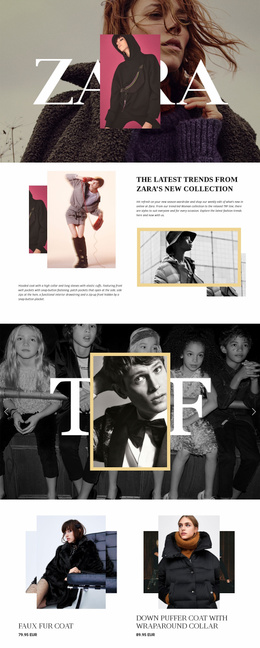
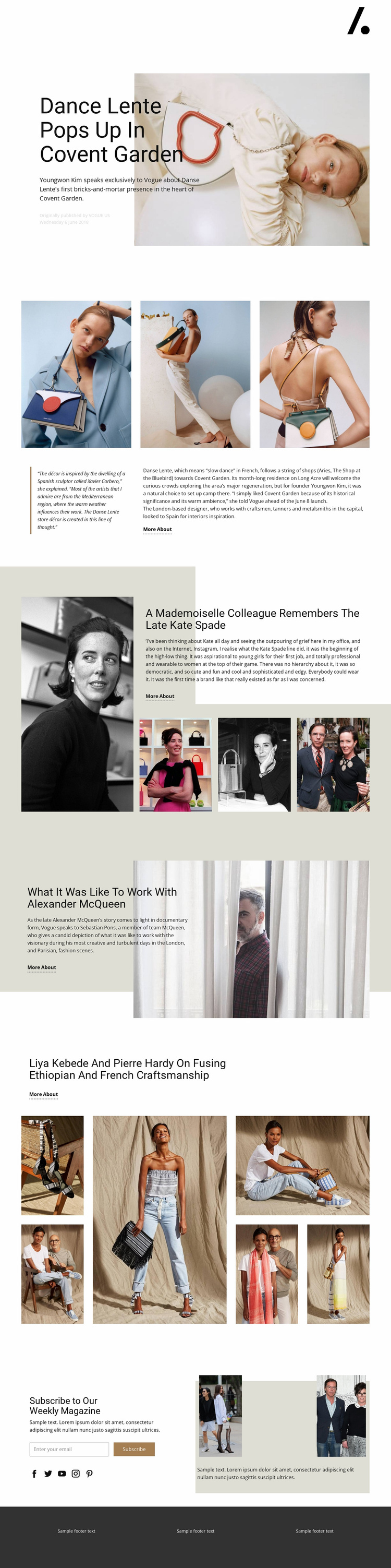
The page identifies several major content areas that could anchor a broader fashion publishing project. The opening Danse Lente feature introduces a news-like editorial subject, while the later Kate Spade and Alexander McQueen sections show how profiles, remembrances, and interview-style stories can share one visual direction. The Ethiopian and French craftsmanship feature adds a cross-cultural design and craft topic, giving the foundation another editorial category rather than limiting it to one brand story.
The image structures support those categories in different ways. Three photographs accompany a longer Danse Lente narrative, the Kate Spade feature uses a portrait and supporting strip, and the craftsmanship section contains six editorial images. These are not evidence of additional completed pages, but they do define reusable content patterns for future article, feature, or category pages. The repeated More About links also establish a consistent way to connect summaries with deeper reading.
The subscription section contributes a project-level audience function. Its weekly magazine heading, email signup, social links, and supporting imagery can serve as a recurring content relationship around articles and future editorial updates. The minimal header and dark footer provide shared regions that could help coordinate related pages. Together, the verified sections give a wider website project a starting information architecture: editorial features for content depth, image-led areas for visual coverage, navigation for movement, and subscription content for maintaining reader connection.
Customize with Nicepage
Open this ready-made template in the Website Template Builder and customize it visually in the Nicepage editor. Replace demo content, edit page sections, and adapt the design to your project without rebuilding the template from scratch.
Build a Complete Website From This Template
Customize the Website Visually
Use this ready-made website template as a starting point for your project and adapt its pages visually in Nicepage. Change content, images, typography, navigation, sections, and other design elements while keeping the website together as a single editable project.
Manage Website Pages in One Project
Use the Pages panel to open, add, duplicate, and manage the pages of your website. Work on individual pages while keeping navigation and the overall site structure accessible from the same project, making it easier to develop a complete website instead of managing separate page files.
Expand the Website With Matching Designs
When you need additional pages or sections, use Page Design Sets to find Page and Block Designs created in the same visual style. Design Sets group matching designs together, making it easier to expand the website with new content while maintaining a consistent look across its pages and sections.
Organize Larger Multi-Page Websites
As the website grows, use Page Folders to organize related pages and keep larger multi-page projects easier to navigate in the editor. This is especially useful for websites with separate service pages, company information, contacts, landing pages, and other content areas.
This workflow makes the template a practical foundation for building and expanding a complete website while managing its pages, content, and visual design within one Nicepage project.