Thoughtful, collaborative and insightful Website Template


Edit Template Offline
2. Create new page and search for id 1229639
Edit Template Online
Create Awesome Websites


Free Nicepage Builder
Keywords
Services, systems, and contact areas establish a site foundation
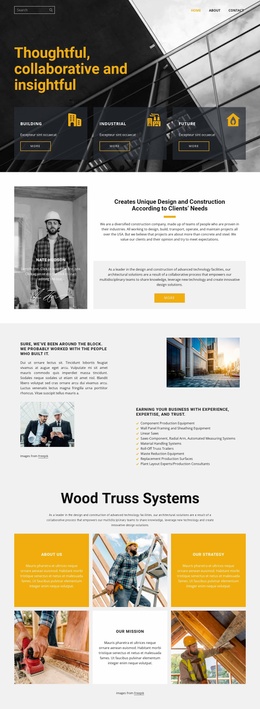
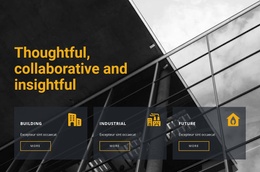
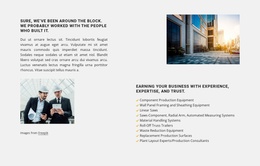
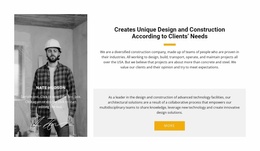
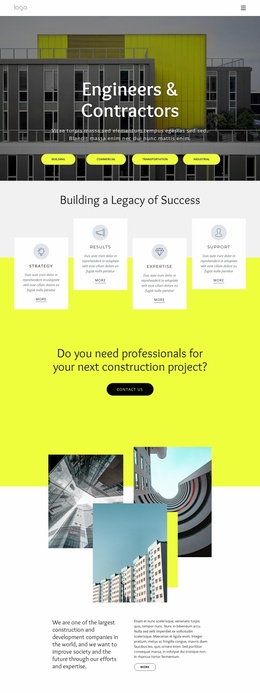
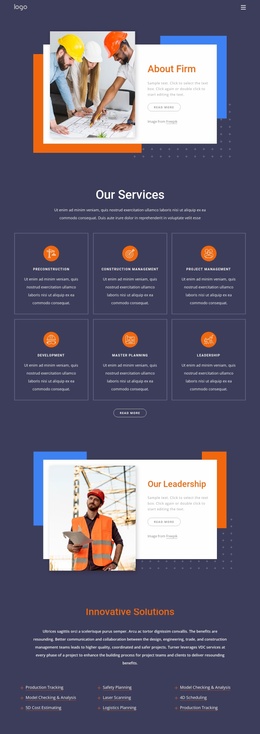
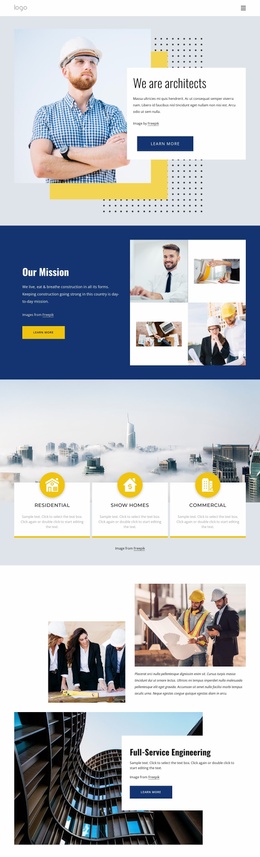
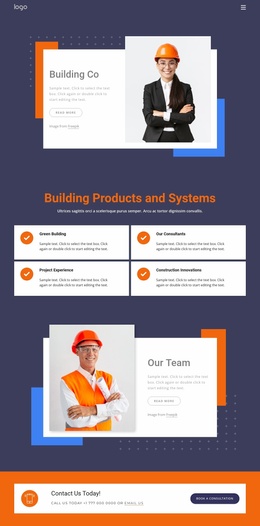
The design already identifies several major content categories that a larger construction website could develop further. The hero introduces Building, Industrial, and Future, while the following sections explain client-focused design and construction and list specialized capabilities such as production equipment, material handling, and plant-layout consulting. These areas could anchor broader service or capability pages without changing the central visual direction.
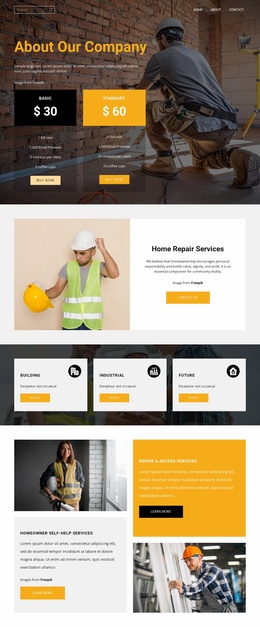
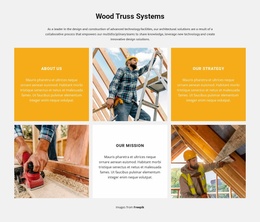
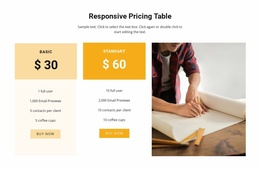
Wood Truss Systems supplies a more focused offering category, supported by About Us, Our Strategy, and Our Mission tiles. The three tabs provide a separate information pattern for description, specifications, and reviews, while the two package cards introduce a comparison-oriented area. Together, these sections show how the homepage can distinguish company story, technical capability, product information, and package decisions instead of treating every subject as the same type of content.
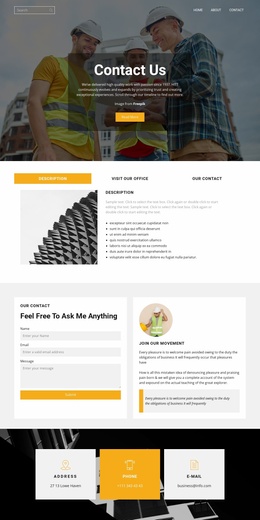
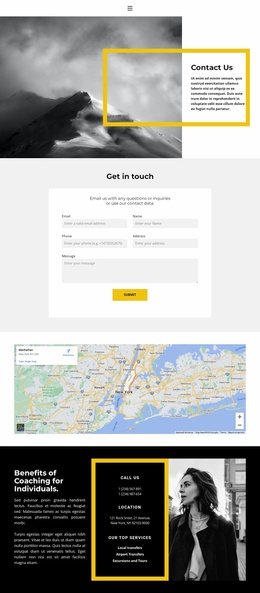
The four building service cards—Design-Build, Remodeling, City Spaces, and Civil Engineers—create additional categories for future site navigation or expanded content. Testimonials and the three contact channels give the project proof and communication areas that can remain shared or become more detailed on related pages. The current analysis confirms a single homepage, not a complete multi-page set, but its recurring sections and clear content roles make it a practical foundation for growing a wider construction website.
Customize with Nicepage
Open this ready-made template in the Website Template Builder and customize it visually in the Nicepage editor. Replace demo content, edit page sections, and adapt the design to your project without rebuilding the template from scratch.
Build a Complete Website From This Template
Customize the Website Visually
Use this ready-made website template as a starting point for your project and adapt its pages visually in Nicepage. Change content, images, typography, navigation, sections, and other design elements while keeping the website together as a single editable project.
Manage Website Pages in One Project
Use the Pages panel to open, add, duplicate, and manage the pages of your website. Work on individual pages while keeping navigation and the overall site structure accessible from the same project, making it easier to develop a complete website instead of managing separate page files.
Expand the Website With Matching Designs
When you need additional pages or sections, use Page Design Sets to find Page and Block Designs created in the same visual style. Design Sets group matching designs together, making it easier to expand the website with new content while maintaining a consistent look across its pages and sections.
Organize Larger Multi-Page Websites
As the website grows, use Page Folders to organize related pages and keep larger multi-page projects easier to navigate in the editor. This is especially useful for websites with separate service pages, company information, contacts, landing pages, and other content areas.
This workflow makes the template a practical foundation for building and expanding a complete website while managing its pages, content, and visual design within one Nicepage project.