Private Math Tutor Website Design


Edit Template Offline
2. Create new page and search for id 6627346
Edit Template Online
Create Awesome Websites


Free Nicepage Builder
Keywords
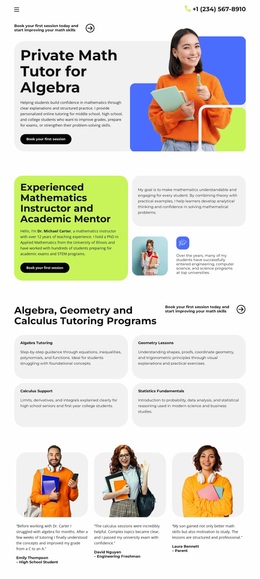
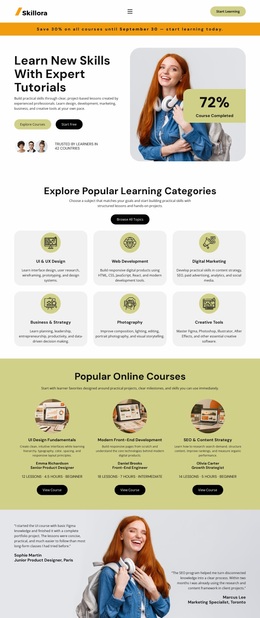
Bold Type and Lime-Blue Contrast Shape the Tutoring Identity
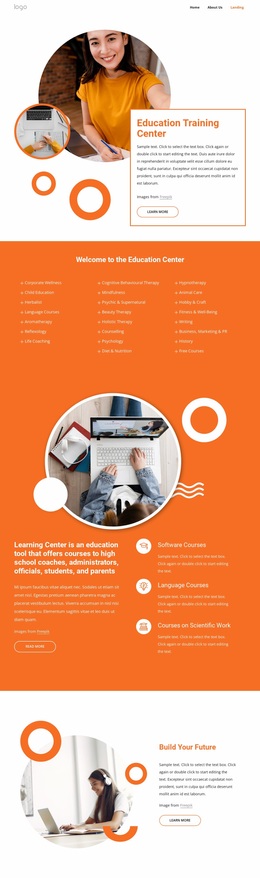
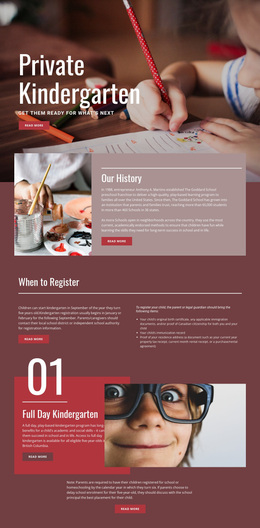
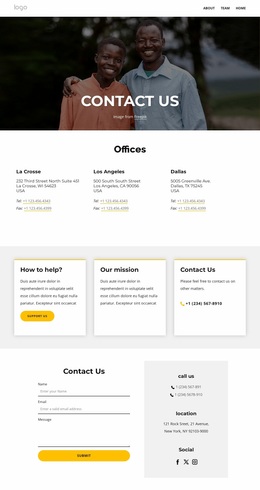
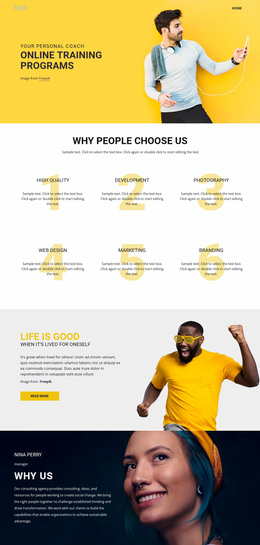
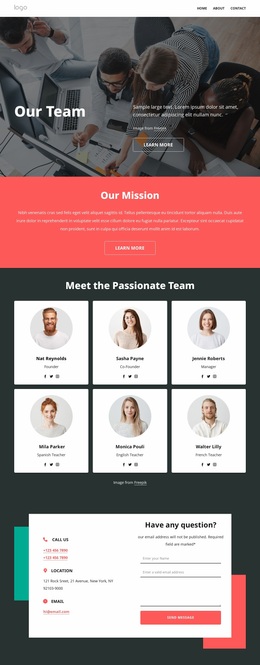
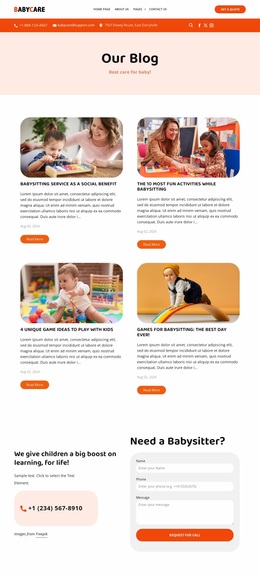
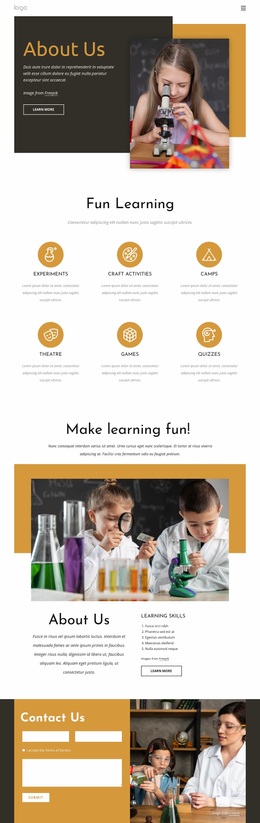
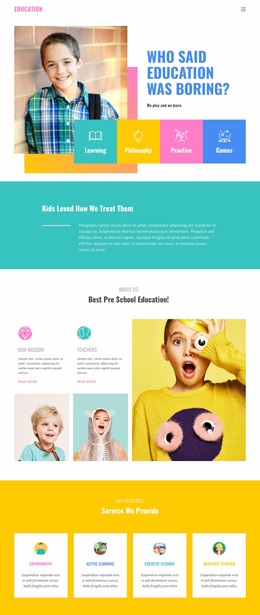
The design communicates its tutoring focus through a coordinated visual language rather than through color alone. Bold black typography gives the main headings and labels a confident academic presence, while bright lime and blue blocks make the page feel more approachable than a conventional institutional layout. White and light-gray surfaces provide breathing room around those stronger accents, preventing the page from becoming visually crowded.
Rounded cards repeat across the four subject programs, the three-person testimonial row, the four teaching-method items, and the three package choices. This repeated shape language links different types of content: Algebra, Geometry, Calculus, and Statistics feel like parts of one program system, while the package cards remain connected to the same tutoring identity even when their colors are more emphatic. Student and tutor photography adds human context to the geometric, high-contrast graphic treatment.
The visual identity also supports the page’s content progression. The large hero image introduces the service personally, the instructor image reinforces the mentor role, and the testimonial portraits keep the audience visible in the story. Generous white space and compact labels maintain clarity around the cards, while the header phone contact and booking buttons provide recurring practical cues. These relationships give the template a recognizable education-oriented character that could be carried across related tutoring pages without reducing the design to a single hero composition.
Customize with Nicepage
Open this ready-made template in the Website Design Builder and customize it visually in the Nicepage editor. Replace demo content, edit page sections, and adapt the design to your project without rebuilding the template from scratch.
Create a Consistent Design Across the Website
Define a Site-Wide Visual Style
Use Theme Settings to establish the visual foundation of the website across its pages and sections. Set global Colors, Fonts, and Typography so the site follows the same design direction instead of styling each page independently.
Coordinate Colors and Typography
Choose a color scheme and font combination that fit the character of the website, then fine-tune Headings H1-H6, regular Text, links, buttons, quotes, lists, and other typography styles. Consistent use of these settings helps create a clear visual hierarchy and keeps recurring design elements recognizable throughout the website.
Add Motion and Interaction
Use Animation Effects to make the website design more dynamic and interactive. Elements and Containers can use effects such as Run On Display, Animation On Hover, and Animation Sync With Scroll to introduce content as visitors move through the site or respond to user interaction. Animation Presets provide ready-made effects that can be adapted to the visual style of the website.
Keep the Website Visually Consistent
Apply the same design direction to shared website elements such as the Header, Menu, and Footer. The Theme Settings Panel brings common site-wide styling controls together, making it easier to maintain a coordinated look as the website expands across multiple pages.
This workflow makes the template a useful starting point for creating a website with a consistent visual identity, coordinated colors and typography, shared design rules, and interactive effects across its pages.