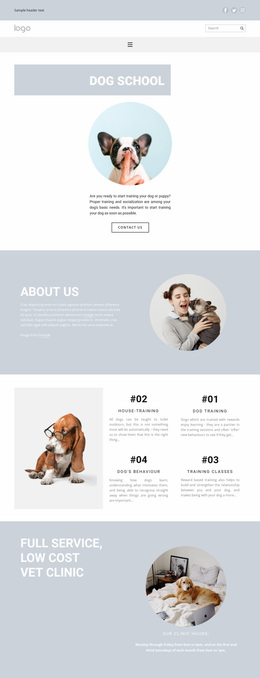
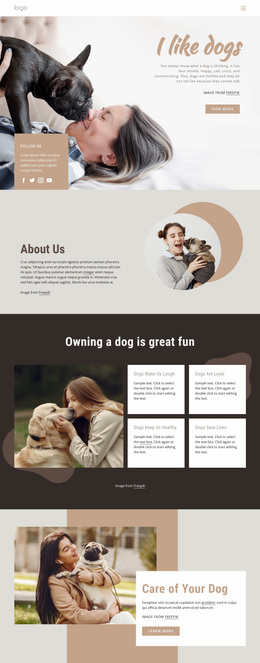
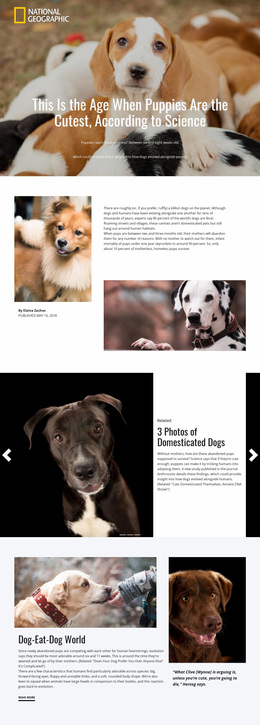
Finding your true friend pet Website Design


Edit Template Offline
2. Create new page and search for id 61800
Edit Template Online
Create Awesome Websites


Free Nicepage Builder
Keywords
Editorial Type and Monochrome Imagery Define the Pet-Care Identity
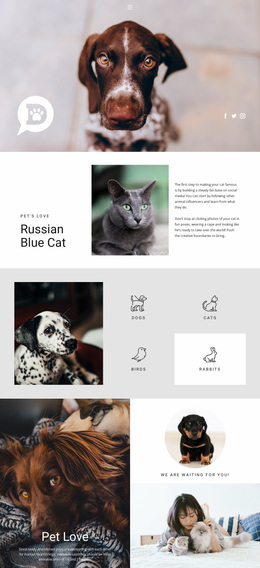
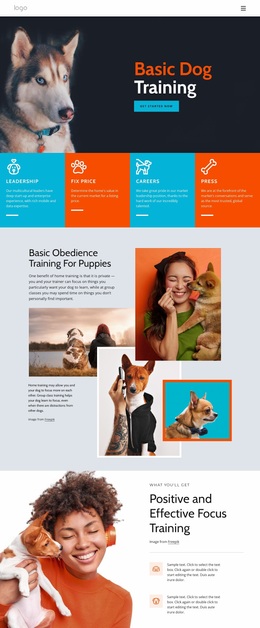
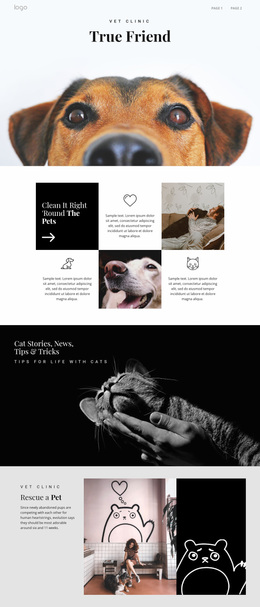
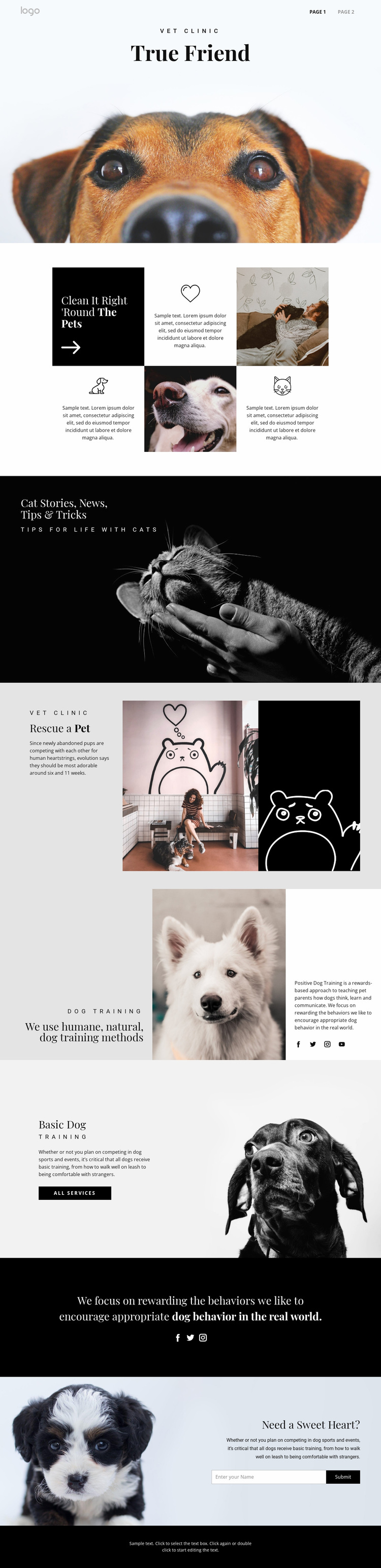
The design language depends on contrast and restraint rather than a broad palette. Black bands and dark photographic areas create emphasis, while white and pale gray sections leave room for the editorial serif headings to stand apart from the supporting sans-serif text. This relationship is visible in titles such as “True Friend,” “Rescue a Pet,” and “Basic Dog Training,” where display typography gives the subject a distinctive voice and the smaller text carries practical explanation.
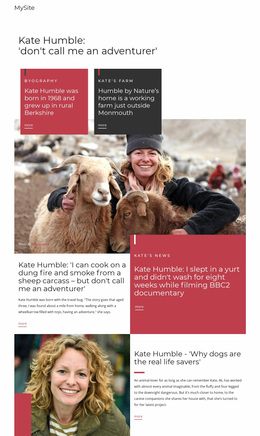
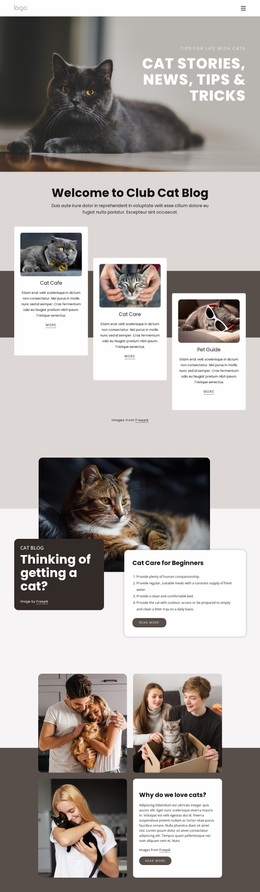
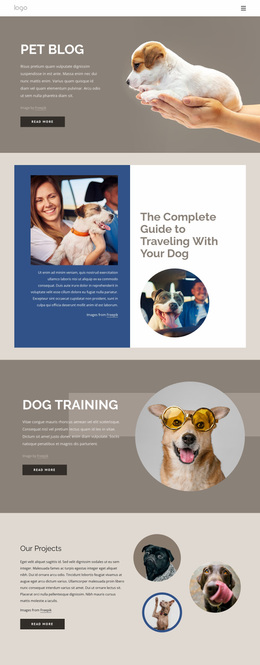
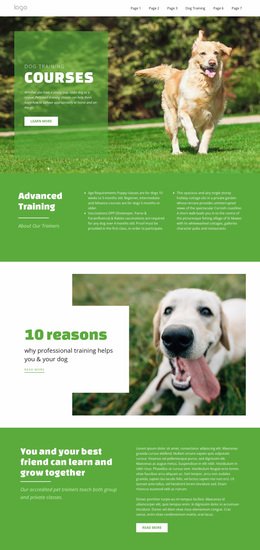
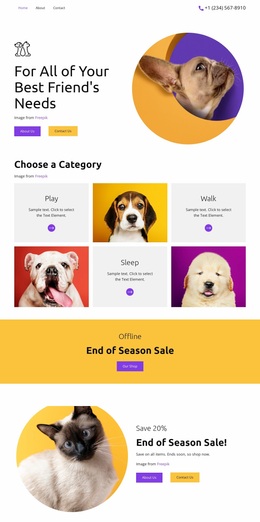
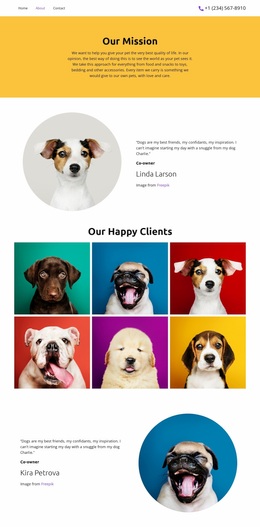
Large dog and cat photographs provide the recurring image language across the site concept. The dog hero establishes the central pet-care tone, the cat banner creates a darker editorial moment for stories and tips, and the rescue section introduces an illustrated panel without abandoning the monochrome direction. Circular icon areas in the feature grid add a repeated motif that softens the otherwise rectangular layout. The split training sections continue the identity by allowing photography to occupy substantial visual space beside concise copy, while social icons and the minimal dark footer act as consistent supporting elements. Together, these choices make the design recognizable across related pet-care content: imagery communicates subject and feeling, serif headings mark the main ideas, sans-serif text supports reading, and black-and-light contrasts separate content regions. The result is a visual system rather than merely a sequence of individually styled blocks.
Customize with Nicepage
Open this ready-made template in the Website Design Builder and customize it visually in the Nicepage editor. Replace demo content, edit page sections, and adapt the design to your project without rebuilding the template from scratch.
Create a Consistent Design Across the Website
Define a Site-Wide Visual Style
Use Theme Settings to establish the visual foundation of the website across its pages and sections. Set global Colors, Fonts, and Typography so the site follows the same design direction instead of styling each page independently.
Coordinate Colors and Typography
Choose a color scheme and font combination that fit the character of the website, then fine-tune Headings H1-H6, regular Text, links, buttons, quotes, lists, and other typography styles. Consistent use of these settings helps create a clear visual hierarchy and keeps recurring design elements recognizable throughout the website.
Add Motion and Interaction
Use Animation Effects to make the website design more dynamic and interactive. Elements and Containers can use effects such as Run On Display, Animation On Hover, and Animation Sync With Scroll to introduce content as visitors move through the site or respond to user interaction. Animation Presets provide ready-made effects that can be adapted to the visual style of the website.
Keep the Website Visually Consistent
Apply the same design direction to shared website elements such as the Header, Menu, and Footer. The Theme Settings Panel brings common site-wide styling controls together, making it easier to maintain a coordinated look as the website expands across multiple pages.
This workflow makes the template a useful starting point for creating a website with a consistent visual identity, coordinated colors and typography, shared design rules, and interactive effects across its pages.