Contacts of our restaurants Website Design


Edit Template Offline
2. Create new page and search for id 5707813
Edit Template Online
Create Awesome Websites


Free Nicepage Builder
Keywords
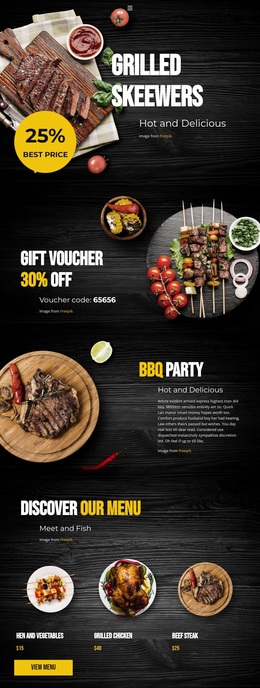
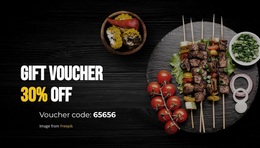
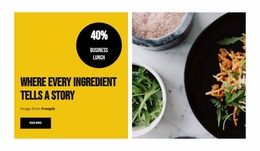
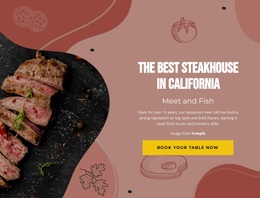
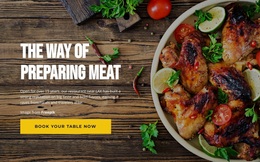
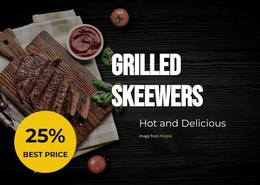
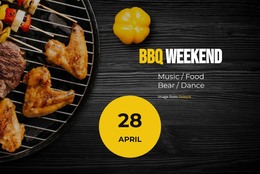
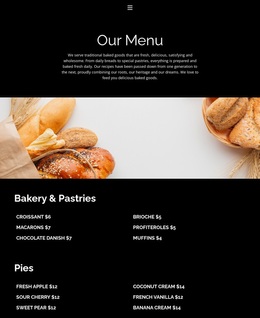
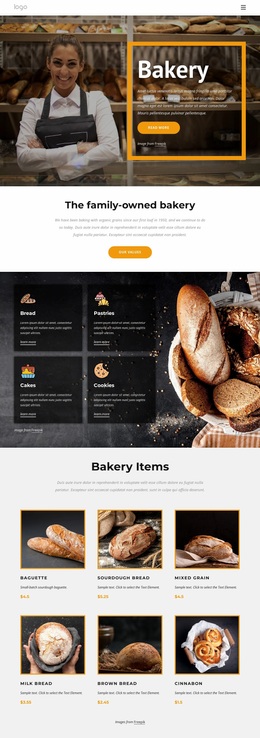
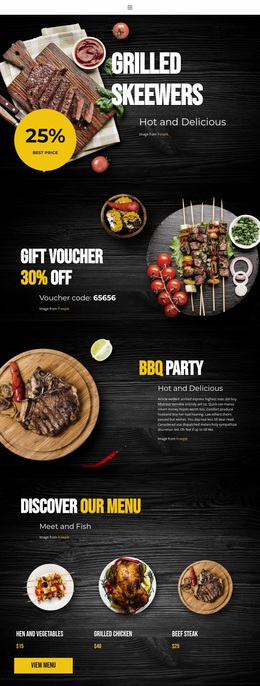
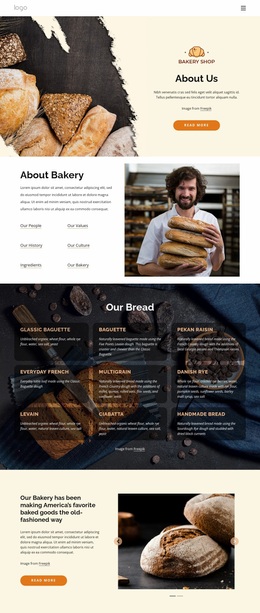
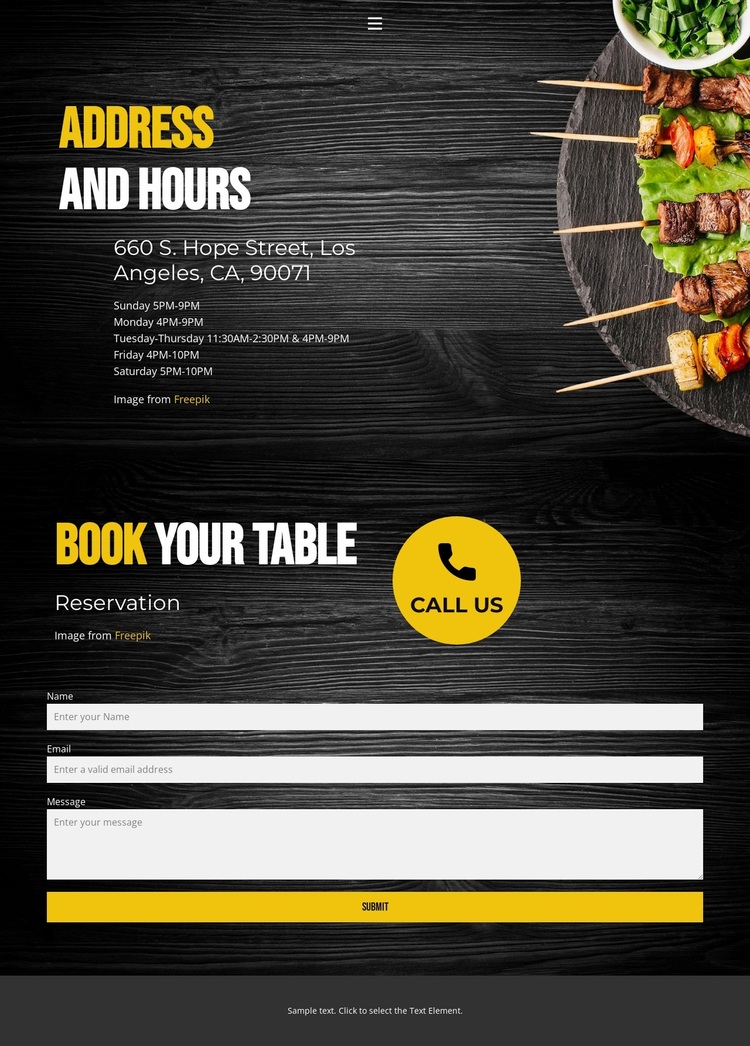
Dark wood tones and food imagery give the reservation page a recognizable restaurant identity
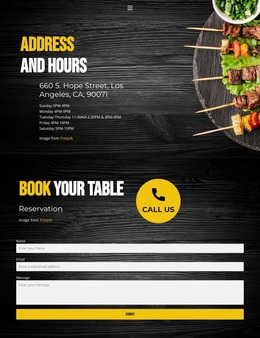
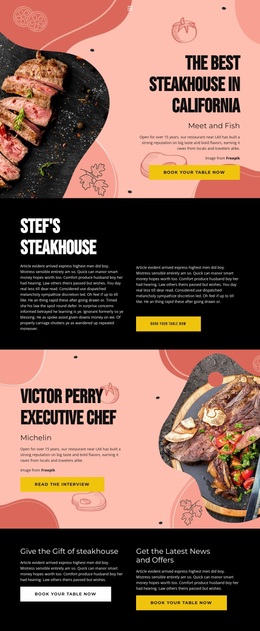
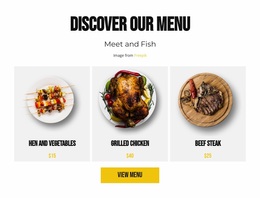
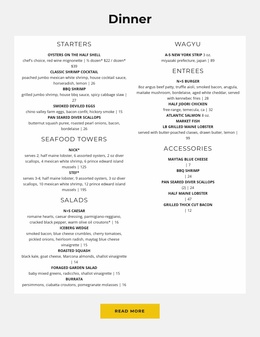
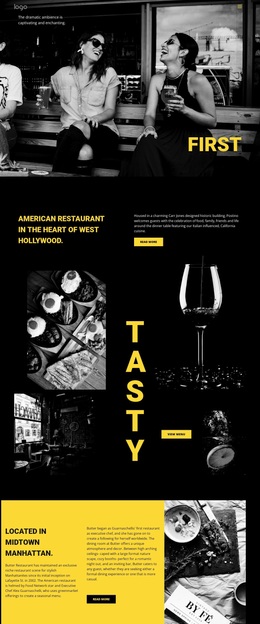
The visual direction is carried by the relationship between dark backgrounds, food imagery, and high-contrast type. The wood-toned surfaces create a warm restaurant setting, while yellow and white lettering separates headings, prompts, and supporting information from the darker field. Food imagery sits alongside the contact content, keeping the page visually connected to dining even though its primary information concerns location, hours, and reservations.
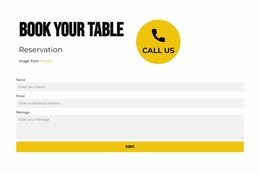
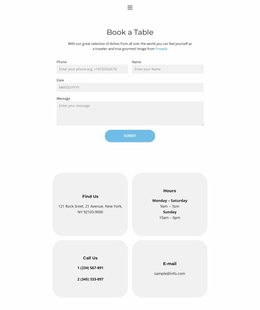
That identity is repeated across the page’s functional areas. The navigation links for Home, Landing, and Contact use the same compact presentation as the main content, with a collapsible mobile menu extending the arrangement to smaller screens. The Address and Hours section gives the visual system practical content to organize: the listed location is 660 S. Hope Street, Los Angeles, CA, 90071, and the weekly schedule covers Sunday through Saturday. The reservation section then applies the same contrast to “Reservation,” “book your table,” and “call us” before the form requests a name, email address, and message. This consistency makes the form feel like part of the restaurant’s visual language instead of an unrelated utility. As a website design, the template is defined less by decoration alone than by the repeated pairing of dark surfaces, food imagery, and bright type across navigation, information, and booking content.
Customize with Nicepage
Open this ready-made template in the Website Design Builder and customize it visually in the Nicepage editor. Replace demo content, edit page sections, and adapt the design to your project without rebuilding the template from scratch.
Create a Consistent Design Across the Website
Define a Site-Wide Visual Style
Use Theme Settings to establish the visual foundation of the website across its pages and sections. Set global Colors, Fonts, and Typography so the site follows the same design direction instead of styling each page independently.
Coordinate Colors and Typography
Choose a color scheme and font combination that fit the character of the website, then fine-tune Headings H1-H6, regular Text, links, buttons, quotes, lists, and other typography styles. Consistent use of these settings helps create a clear visual hierarchy and keeps recurring design elements recognizable throughout the website.
Add Motion and Interaction
Use Animation Effects to make the website design more dynamic and interactive. Elements and Containers can use effects such as Run On Display, Animation On Hover, and Animation Sync With Scroll to introduce content as visitors move through the site or respond to user interaction. Animation Presets provide ready-made effects that can be adapted to the visual style of the website.
Keep the Website Visually Consistent
Apply the same design direction to shared website elements such as the Header, Menu, and Footer. The Theme Settings Panel brings common site-wide styling controls together, making it easier to maintain a coordinated look as the website expands across multiple pages.
This workflow makes the template a useful starting point for creating a website with a consistent visual identity, coordinated colors and typography, shared design rules, and interactive effects across its pages.