Our coaches are professionals Website Design


Edit Template Offline
2. Create new page and search for id 4378823
Edit Template Online
Create Awesome Websites


Free Nicepage Builder
Keywords
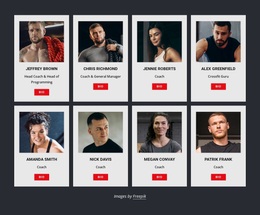
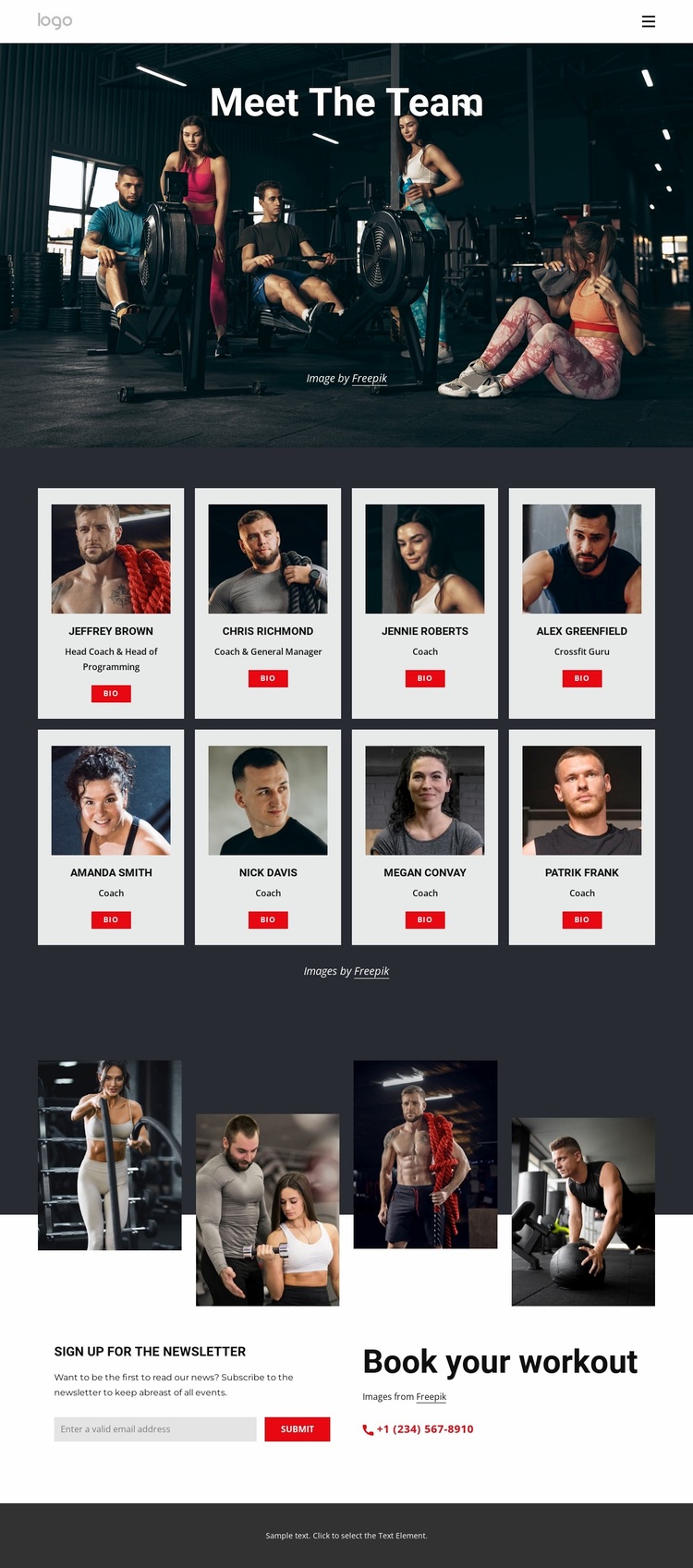
White Coach Cards Set Against a Dark Training Atmosphere
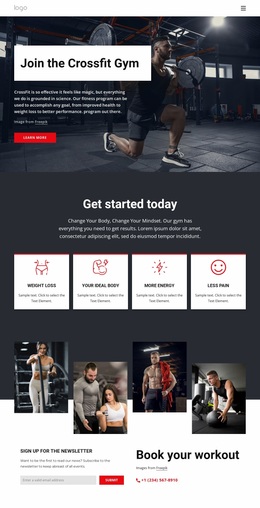
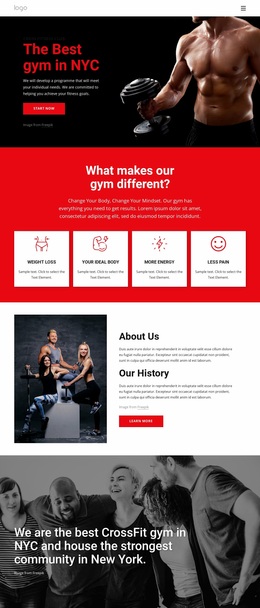
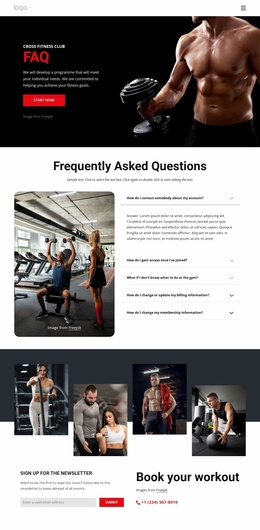
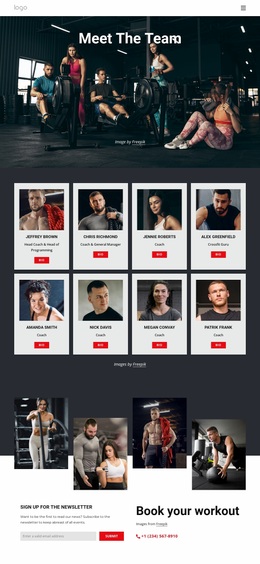
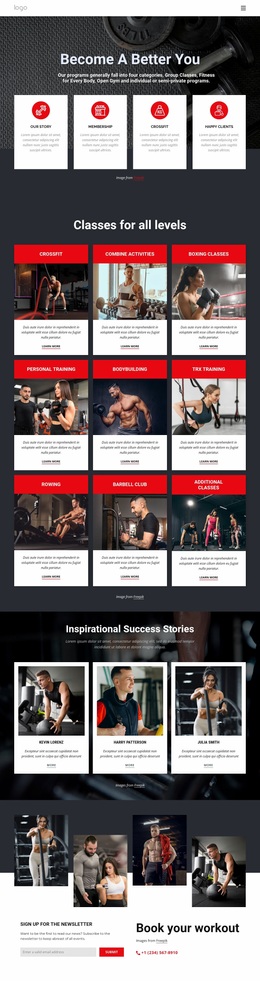
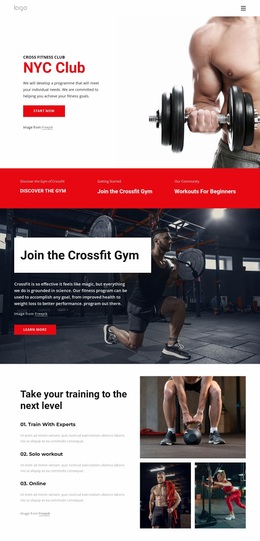
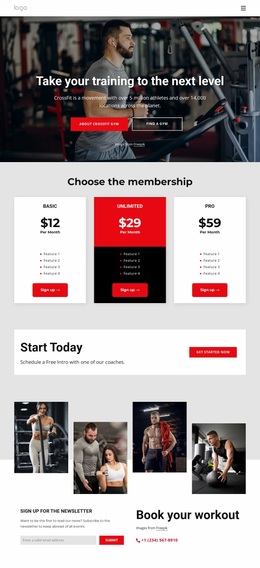
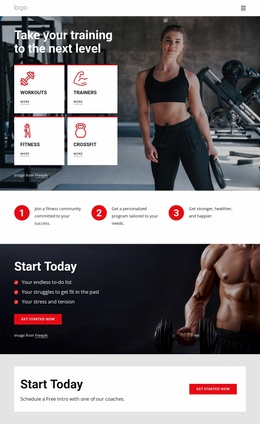
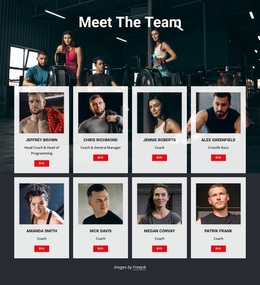
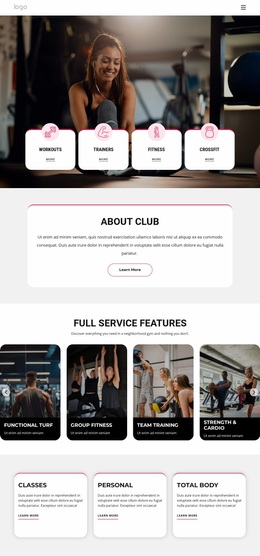
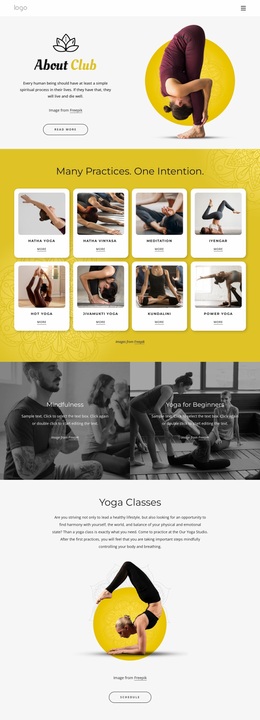
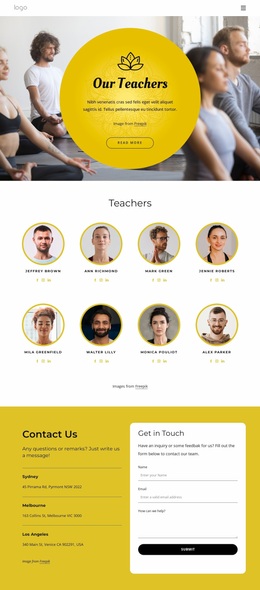
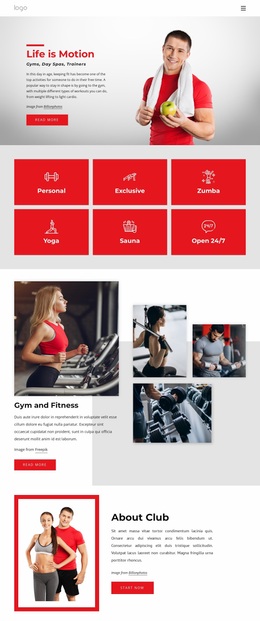
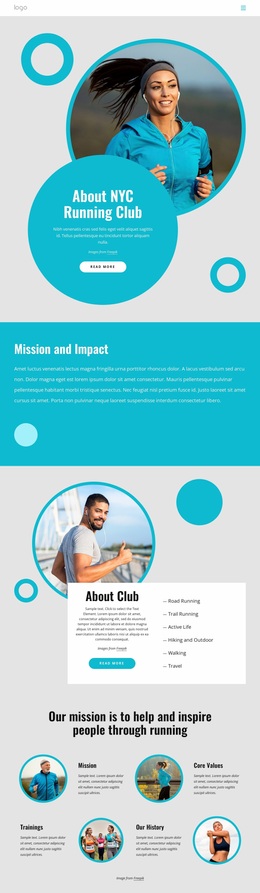
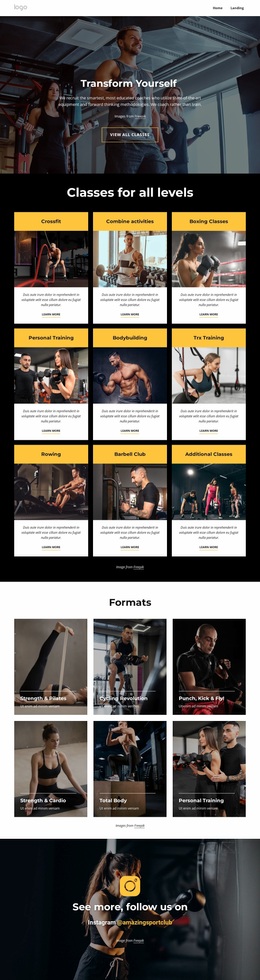
The design establishes its visual language through contrast. Dark charcoal and black surfaces create the dominant environment, while the eight white profile cards interrupt that darkness with clear, repeated information panels. Each card uses a portrait, compact typography, a role, and a Bio action, so the same combination of light content surface and controlled text hierarchy appears across the team directory. The repetition makes the coaching group feel like part of one visual system.
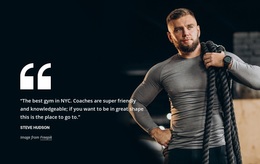
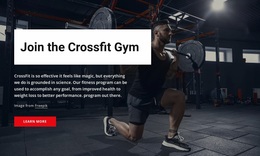
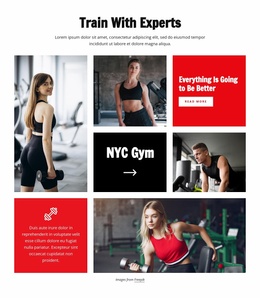
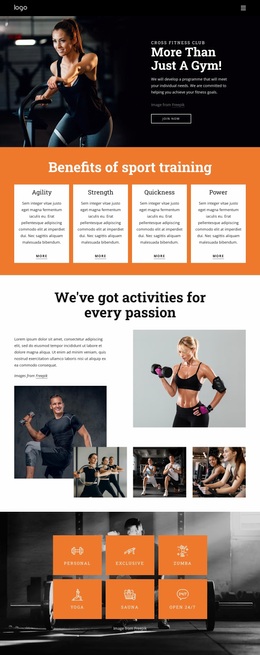
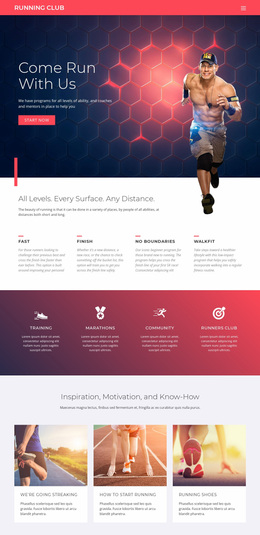
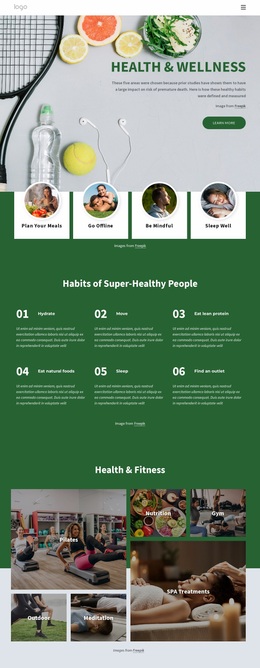
The opening section extends that identity through a full-width fitness photograph with the centered white “Meet The Team” heading. The white type remains legible against the dark workout image, connecting the hero treatment to the white cards below. Four tall workout images later create an alternating collage, adding vertical image rhythm while preserving the page’s athletic subject and strong contrast. Red accent buttons supply the clearest color signal for interaction, distinguishing Bio and Submit actions from informational content.
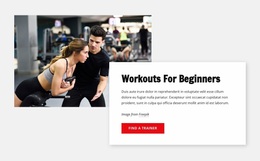
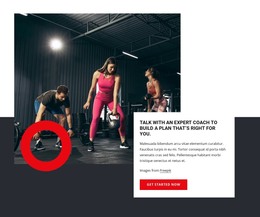
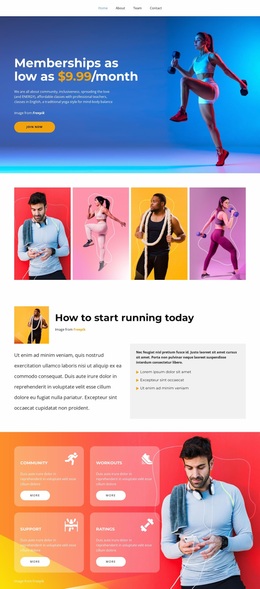
Typography remains compact in the cards but becomes more prominent in the major headings, allowing the page to shift between atmosphere and quick scanning. The newsletter and workout booking area continues the relationship between dark space, light content, and red emphasis. As a website design, the template’s identity comes from this coordinated palette, image treatment, type scale, and repeated card language rather than from any single section alone.
Customize with Nicepage
Open this ready-made template in the Website Design Builder and customize it visually in the Nicepage editor. Replace demo content, edit page sections, and adapt the design to your project without rebuilding the template from scratch.
Create a Consistent Design Across the Website
Define a Site-Wide Visual Style
Use Theme Settings to establish the visual foundation of the website across its pages and sections. Set global Colors, Fonts, and Typography so the site follows the same design direction instead of styling each page independently.
Coordinate Colors and Typography
Choose a color scheme and font combination that fit the character of the website, then fine-tune Headings H1-H6, regular Text, links, buttons, quotes, lists, and other typography styles. Consistent use of these settings helps create a clear visual hierarchy and keeps recurring design elements recognizable throughout the website.
Add Motion and Interaction
Use Animation Effects to make the website design more dynamic and interactive. Elements and Containers can use effects such as Run On Display, Animation On Hover, and Animation Sync With Scroll to introduce content as visitors move through the site or respond to user interaction. Animation Presets provide ready-made effects that can be adapted to the visual style of the website.
Keep the Website Visually Consistent
Apply the same design direction to shared website elements such as the Header, Menu, and Footer. The Theme Settings Panel brings common site-wide styling controls together, making it easier to maintain a coordinated look as the website expands across multiple pages.
This workflow makes the template a useful starting point for creating a website with a consistent visual identity, coordinated colors and typography, shared design rules, and interactive effects across its pages.