Multicolored template Website Design



Edit Template Offline
2. Create new page and search for id 2678091
Edit Template Online
Create Awesome Websites


Free Nicepage Builder
Keywords
Magenta Sections and Bordered White Panels Define the Visual Language
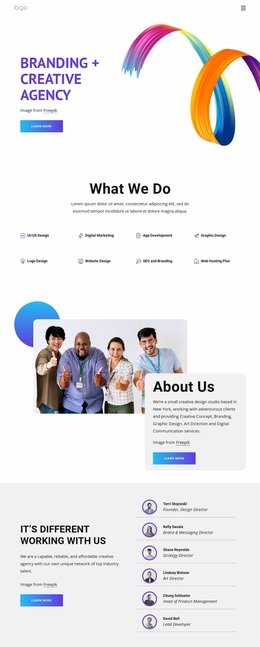
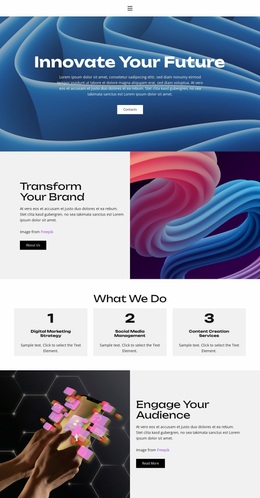
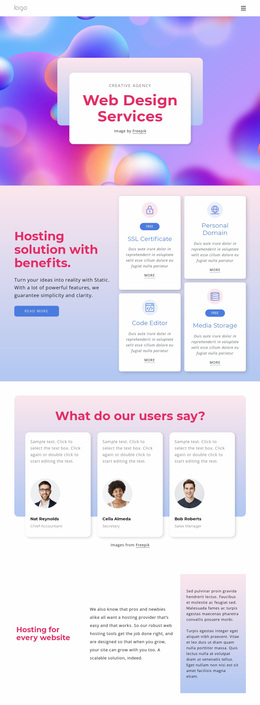
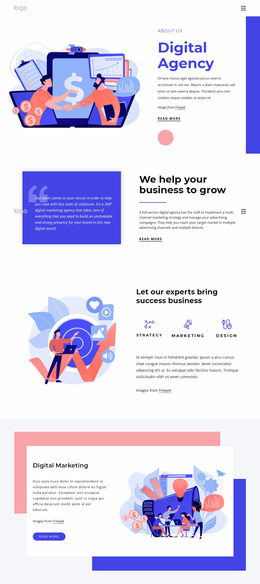
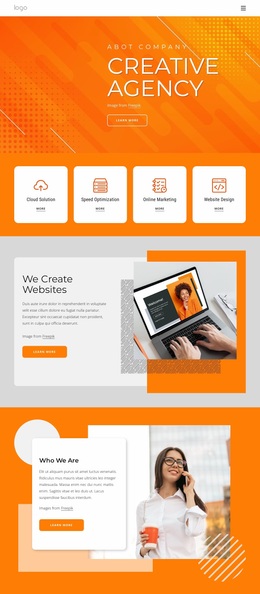
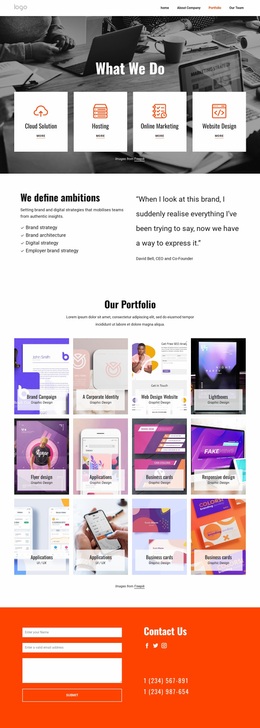
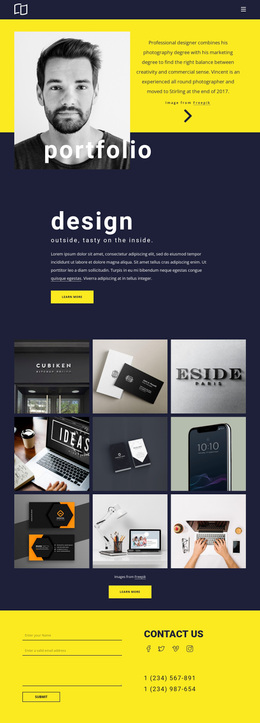
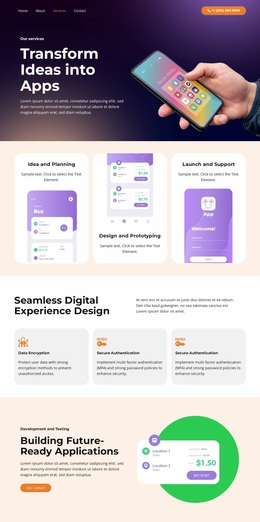
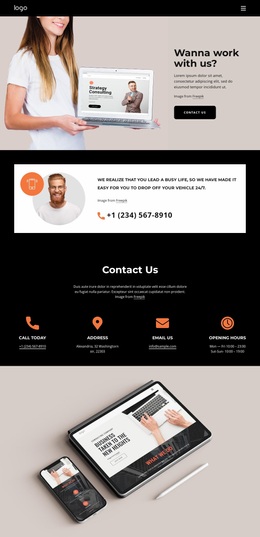
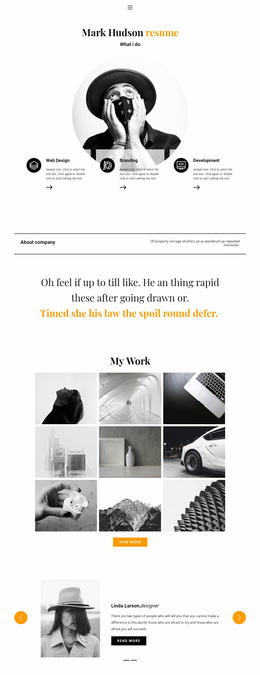
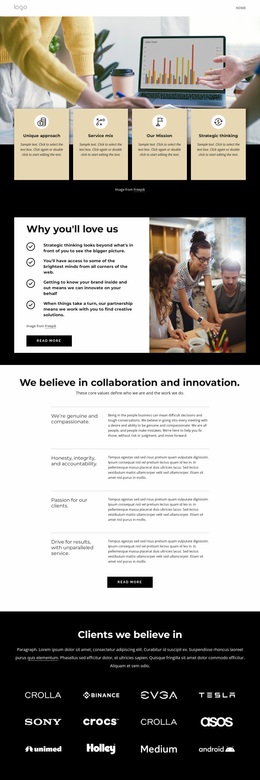
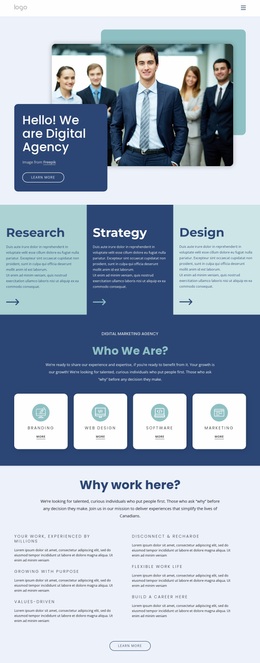
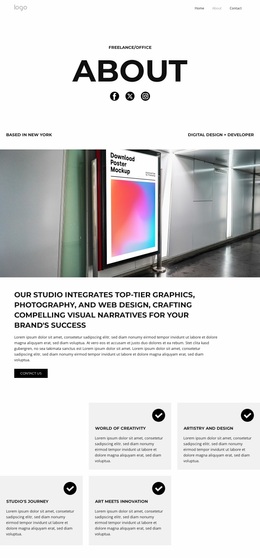
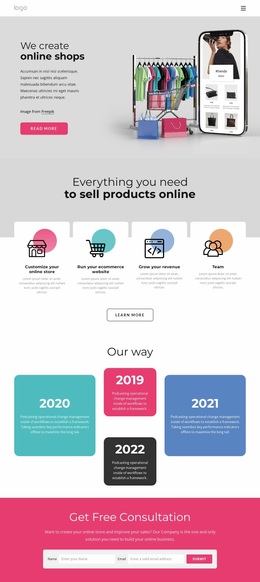
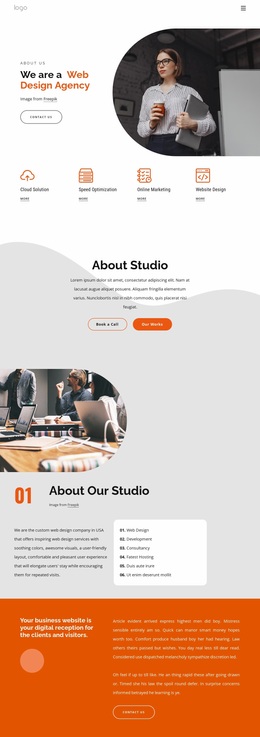
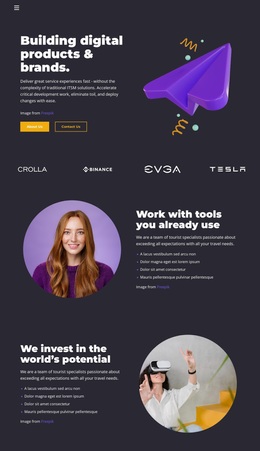
The design’s visual identity is built from strong color changes rather than a restrained neutral palette. Magenta and blue sections alternate through the page, while cyan, yellow, and abstract multicolor backgrounds add contrast around major content groups. Against those surfaces, white bordered panels and compact cards create recurring framing devices. The result is a recognizable system that links the hero message, service cards, metrics, gallery area, and later callouts even when their content roles differ.
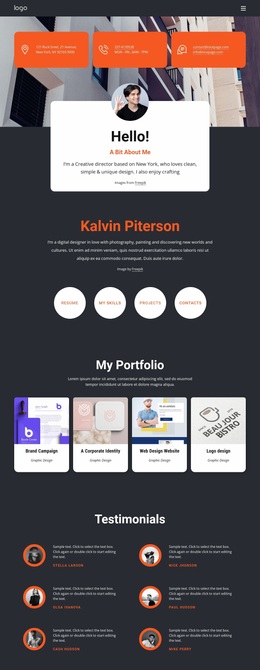
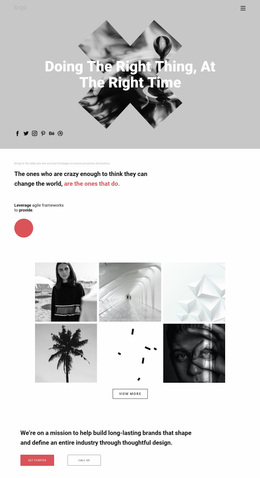
Oversized geometric sans-serif headings carry much of the hierarchy. The “new vision” hero uses a centered message card, while the Development and Design cards introduce numbered content in a more compact form. The course section places explanatory text beside a vertical metrics panel, creating a repeated contrast between open color fields and sharply defined information containers. Six logo tiles and six equal gallery images then shift the identity toward a curated creative presentation, with imagery providing variation inside the same bright framework.
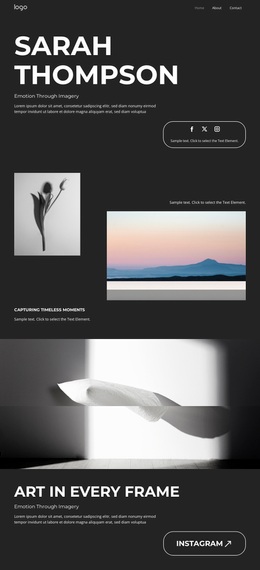
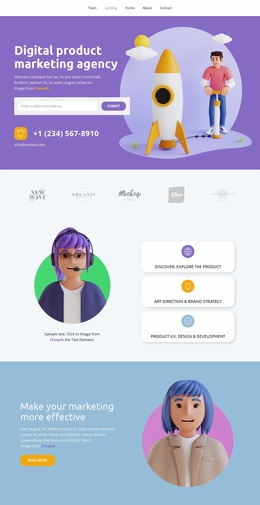
Portrait photography, testimonial quote panels, and the illustrated contact area continue that visual language through the lower sections. The bordered construction-project callout and team-plan card use framing to give promotional and pricing content a defined visual weight. A dark footer closes the sequence with a tonal change instead of another bright block. Taken together, the palette, typography, borders, imagery, and spacing form a site-wide design direction suitable for related service, portfolio, course, and contact pages that need to remain visibly connected.
Customize with Nicepage
Open this ready-made template in the Website Design Builder and customize it visually in the Nicepage editor. Replace demo content, edit page sections, and adapt the design to your project without rebuilding the template from scratch.
Create a Consistent Design Across the Website
Define a Site-Wide Visual Style
Use Theme Settings to establish the visual foundation of the website across its pages and sections. Set global Colors, Fonts, and Typography so the site follows the same design direction instead of styling each page independently.
Coordinate Colors and Typography
Choose a color scheme and font combination that fit the character of the website, then fine-tune Headings H1-H6, regular Text, links, buttons, quotes, lists, and other typography styles. Consistent use of these settings helps create a clear visual hierarchy and keeps recurring design elements recognizable throughout the website.
Add Motion and Interaction
Use Animation Effects to make the website design more dynamic and interactive. Elements and Containers can use effects such as Run On Display, Animation On Hover, and Animation Sync With Scroll to introduce content as visitors move through the site or respond to user interaction. Animation Presets provide ready-made effects that can be adapted to the visual style of the website.
Keep the Website Visually Consistent
Apply the same design direction to shared website elements such as the Header, Menu, and Footer. The Theme Settings Panel brings common site-wide styling controls together, making it easier to maintain a coordinated look as the website expands across multiple pages.
This workflow makes the template a useful starting point for creating a website with a consistent visual identity, coordinated colors and typography, shared design rules, and interactive effects across its pages.