Our passion is bringing brands to life Website Design



Edit Template Offline
2. Create new page and search for id 1087802
Edit Template Online
Create Awesome Websites


Free Nicepage Builder
Keywords
Orange Accents Connect an Editorial Agency Visual System
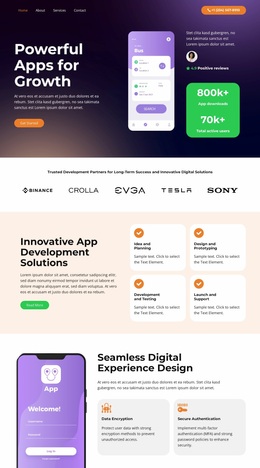
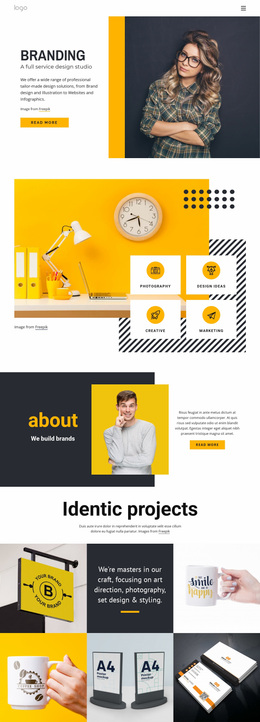
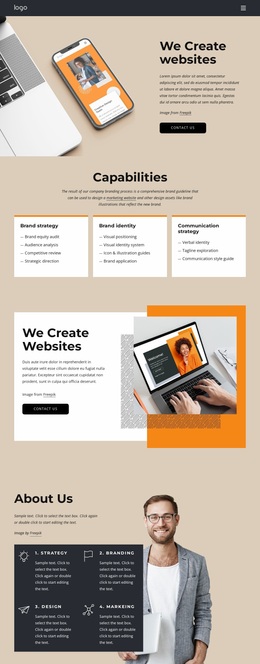
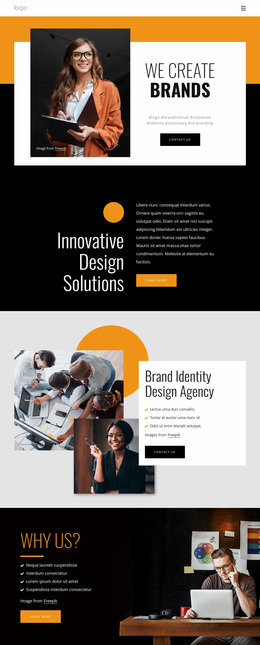
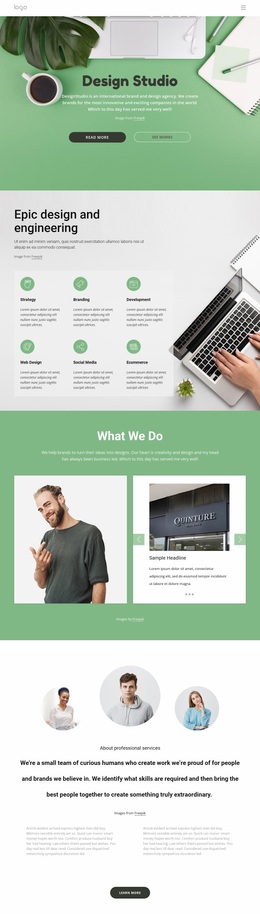
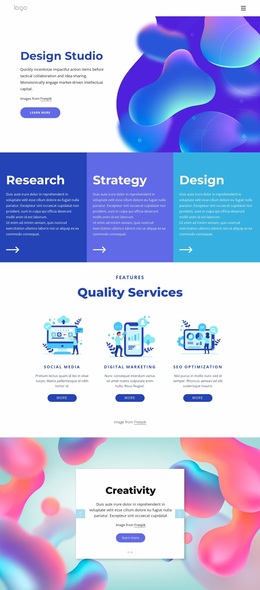
The design language is built around contrast between light gray surfaces, vivid orange shapes, black emphasis areas, and white content panels. The opening portrait is set beside an orange text panel, making color carry as much attention as the Welcome! heading and supporting copy. In the next section, an orange organic shape sits behind a device illustration, repeating the accent color while changing its role from background panel to image support.
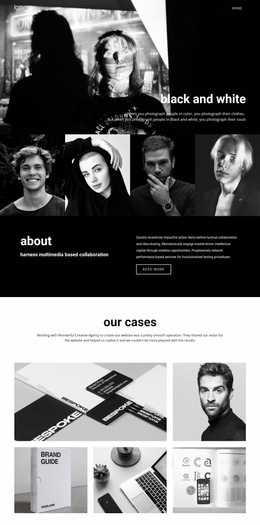
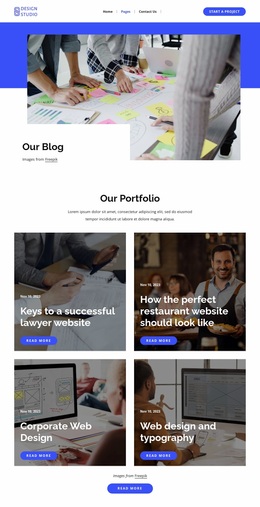
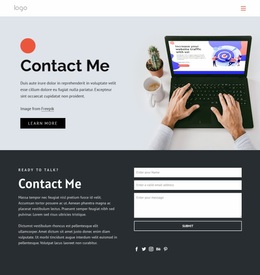
Photography provides a second consistent layer. Large portrait images introduce the agency and its capabilities, while the three Corporate Identity cards use circular photographs to create a more compact, repeated treatment. The full-width team photograph adds a broad visual break, and the later Over Grid section combines two overlapping photographs with an orange circular accent. These image relationships give the page an editorial creative-services character without relying on dense decoration.
Typography and spacing help preserve hierarchy across the varied layouts. Bold sans-serif headings define major messages such as We Create, Corporate Identity, and Brand Identity Design Agency, while generous space separates the capability panel, service cards, contact composition, and partner row. Five logos appear in repeated white tiles, and the dark footer closes the palette with a strong horizontal base. Together, these choices form a recognizable site-wide visual direction that can extend beyond any single section.
Customize with Nicepage
Open this ready-made template in the Website Design Builder and customize it visually in the Nicepage editor. Replace demo content, edit page sections, and adapt the design to your project without rebuilding the template from scratch.
Create a Consistent Design Across the Website
Define a Site-Wide Visual Style
Use Theme Settings to establish the visual foundation of the website across its pages and sections. Set global Colors, Fonts, and Typography so the site follows the same design direction instead of styling each page independently.
Coordinate Colors and Typography
Choose a color scheme and font combination that fit the character of the website, then fine-tune Headings H1-H6, regular Text, links, buttons, quotes, lists, and other typography styles. Consistent use of these settings helps create a clear visual hierarchy and keeps recurring design elements recognizable throughout the website.
Add Motion and Interaction
Use Animation Effects to make the website design more dynamic and interactive. Elements and Containers can use effects such as Run On Display, Animation On Hover, and Animation Sync With Scroll to introduce content as visitors move through the site or respond to user interaction. Animation Presets provide ready-made effects that can be adapted to the visual style of the website.
Keep the Website Visually Consistent
Apply the same design direction to shared website elements such as the Header, Menu, and Footer. The Theme Settings Panel brings common site-wide styling controls together, making it easier to maintain a coordinated look as the website expands across multiple pages.
This workflow makes the template a useful starting point for creating a website with a consistent visual identity, coordinated colors and typography, shared design rules, and interactive effects across its pages.