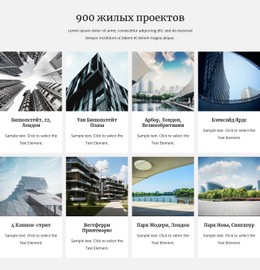
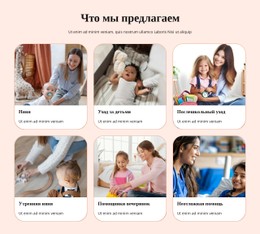
Список наших задач CSS шаблон



Настроить с помощью Nicepage
При использовании Конструктор шаблонов CSS вы сможете настраивать цвета, шрифты, верхний и нижний колонтитулы, макет, столбцы и другие элементы дизайна, а также контент и изображения.
Редактировать шаблон в автономном режиме
2. Создайте новую страницу или выберите существующую.
3. Нажмите "Добавить новый блок", найдите идентификатор 85617 и нажмите "Ввод".
Редактировать шаблон онлайн
Создавайте потрясающие сайты


Бесплатный конструктор Nicepage Builder
Ключевые слова
Настройка этого шаблона с помощью CSS
Управление стилем для каждой страницы
Настройте внешний вид этого готового шаблона непосредственно в редакторе Nicepage. Регулируйте типографику, отступы, фон, границы, цвета, позиционирование и другие свойства стиля с помощью визуальных элементов управления, сохраняя при этом простоту управления макетом страницы без необходимости ручного написания CSS.
Добавление пользовательского CSS при необходимости
Для требований к стилю, выходящих за рамки стандартных параметров редактора, используйте Пользовательский CSS для добавления целевых правил. CSS может применяться к отдельным элементам, конкретным страницам или всему веб-сайту в зависимости от масштаба настройки, а классы CSS могут использоваться для связи пользовательских правил с выбранными элементами.
Экспорт минимального CSS для каждой страницы
Для проектов, где важны размер CSS и производительность страницы, Nicepage может экспортировать минимальный CSS для каждой страницы. Вместо использования одного большого общего файла стилей, каждая страница может использовать отдельный CSS-файл, содержащий только необходимые для этой конкретной страницы правила стиля. Согласно документации Nicepage, эти CSS-файлы, специфичные для каждой страницы, могут быть примерно в десять раз компактнее, что помогает уменьшить количество ненужного CSS и улучшить скорость загрузки страницы.
Этот рабочий процесс сочетает визуальное оформление с дополнительным пользовательским CSS и оптимизированным выводом CSS для каждой страницы, предоставляя вам дополнительный контроль, когда это необходимо для проекта, без необходимости делать ручное редактирование CSS основным способом настройки шаблона.

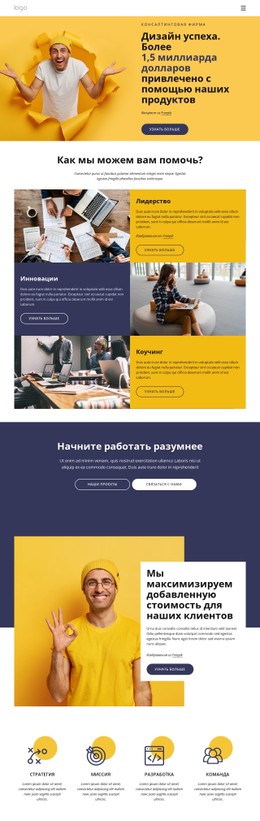
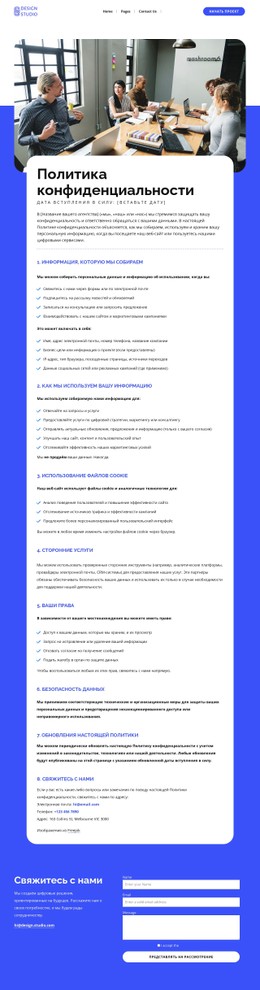
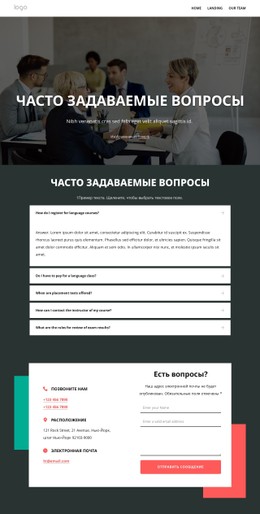
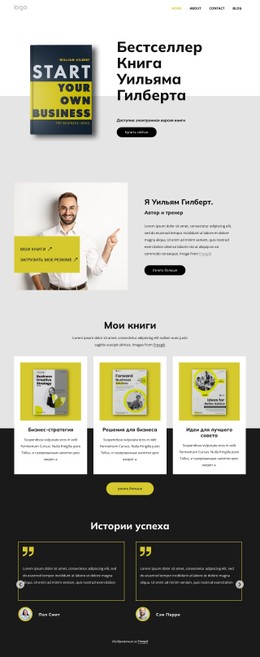
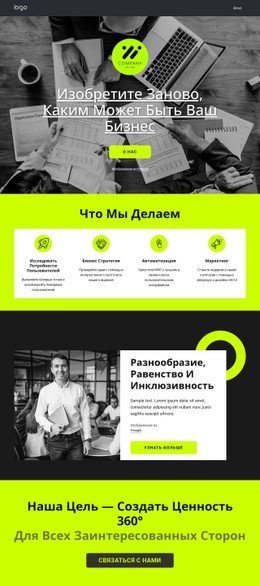
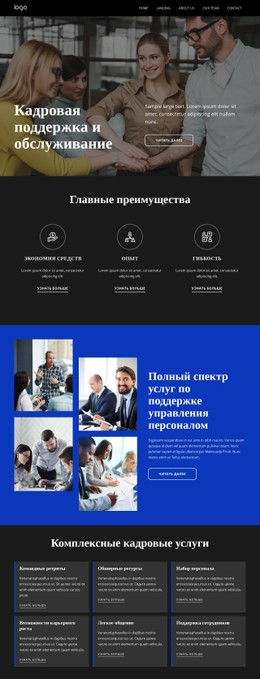
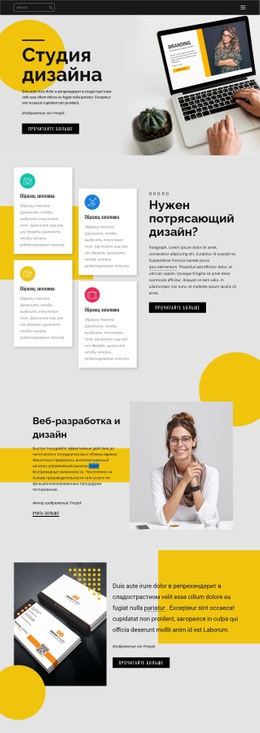
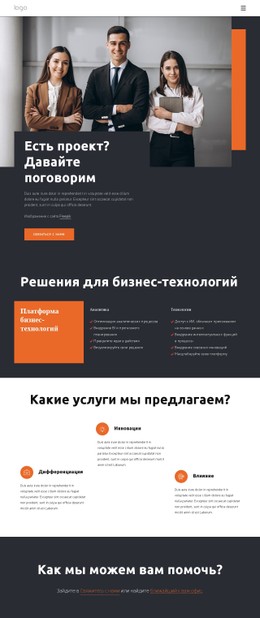
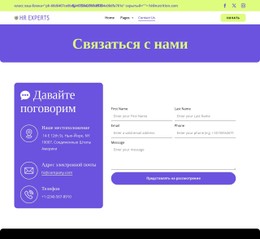
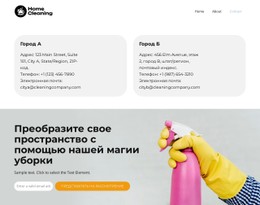
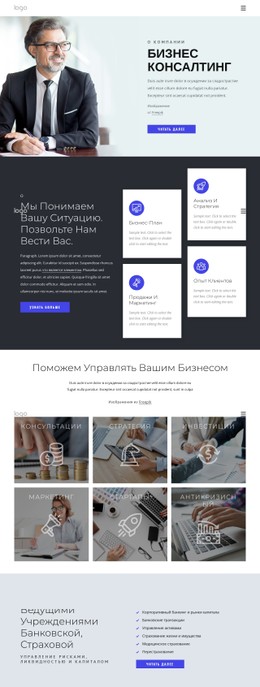
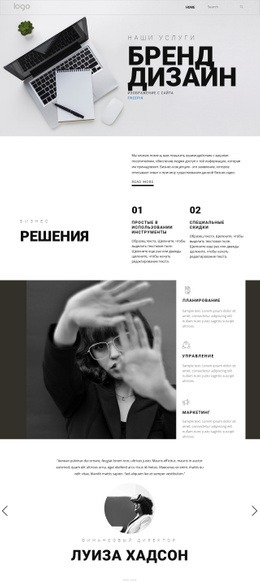
Больше из Предпринимательское право Blocks
-
EN
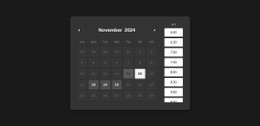
-

-
EN
-
EN
-
EN
-
-
EN
-
-
-
EN
-
EN
-
EN
-
EN
-
EN
-
-
-
EN
-
EN
-
-
EN


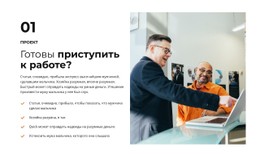
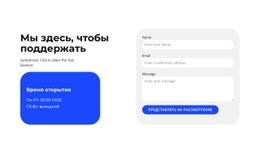










Больше из Сетка повторитель Blocks
-
-
-
-
EN
-
EN
-
EN
-
EN
-
EN
-
-
EN
-
-
EN
-
-
EN
-
EN
-
EN
-
EN
-
EN
-
EN
-
EN