Welcome to babysitting agency Web Page Design


The Left Image Sets the Rhythm for the Four-Point Information Row
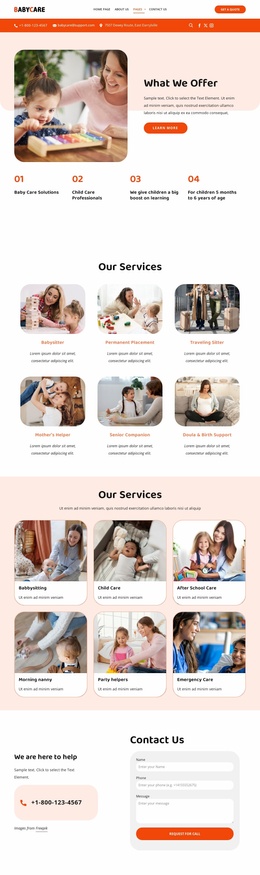
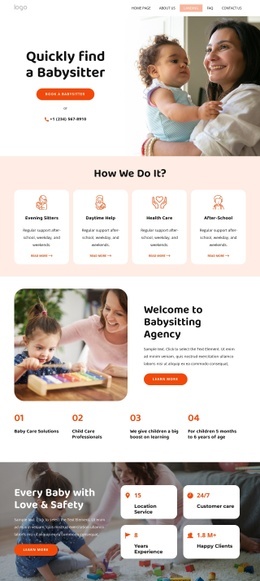
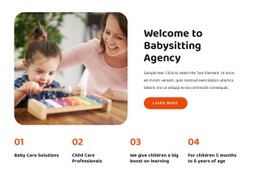
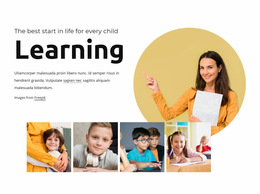
The block’s page composition is built around a deliberate contrast between visual focus and information density. The rounded image of a child with an adult caregiver occupies the left side of the upper row, creating an immediate anchor. On the right, the heading, supporting paragraph, and Learn More button form a compact text-and-action group. This arrangement lets the image introduce the subject while the adjacent copy explains it without competing for the same space.
The four numbered items below change the rhythm from a two-part introduction to a wider information band. “Baby Care Solutions” and “Child Care Professionals” carry the service vocabulary, while the learning statement and age range add supporting context. Their repeated alignment creates a clean pause beneath the denser upper text, making the section easier to scan as part of one webpage.
Within a larger page, this composition can work as an early introductory section because it moves from visual recognition to explanation and then to concise supporting points. The Learn More button provides a small action within the block, but surrounding sections determine the broader page journey. Generous whitespace prevents the four-column row from feeling crowded, while orange numerals and button emphasis guide the eye through the layout. The result is a self-contained page component whose balance depends on the relationship between the rounded image, right-hand text group, and lower numbered sequence.
Customize with Nicepage
Open this ready-made template in the Web Page Design Builder and customize it visually in the Nicepage editor. Replace demo content, edit page sections, and adapt the design to your project without rebuilding the template from scratch.
Edit Template Offline
2. Create a new page or select existing
3. Click Add new block, search for id 6330889 and click enter
Edit Template Online
Create Awesome Websites


Free Nicepage Builder
Keywords
Design a Web Page Section by Section
Choose a Design for Each Section
Build the page from individual content sections instead of starting with a fixed full-page layout. Use Block Designs to browse ready-made sections for different purposes, including introductions, services, galleries, testimonials, contact forms, pricing, and other common parts of a web page. Search or filter the available designs to find a layout that fits the content you want to add.
Combine Blocks and Page Elements
Add selected Blocks to the page and arrange them in the order that supports the page's purpose. A hero section can introduce the main message, followed by services, benefits, portfolio content, testimonials, calls to action, or contact information.
Inside each section, use Web Page Elements such as Text, Image, Hyperlink, Grid, Gallery, and other elements to build and present the page content. Individual elements can be added and adjusted within the Blocks, giving you more control over the composition of each section without having to create the complete layout from scratch.
Refine the Page Layout and Flow
After assembling the main sections, adjust their content, spacing, backgrounds, images, typography, and element placement in the Nicepage editor. Reorder Blocks when necessary and refine the transition from one section to the next so the information hierarchy and visual flow remain clear throughout the page.
This workflow makes the template useful as a web page design that can be composed from ready-made sections, customized with individual page elements, rearranged, and adapted to the content and purpose of an individual page.