Good design elicits emotions and should be felt Web Page Design


Edit Template Offline
2. Create new page and search for id 5479417
Edit Template Online
Create Awesome Websites


Free Nicepage Builder
Keywords
The page shifts from staggered cards to a dense portfolio and proof sequence
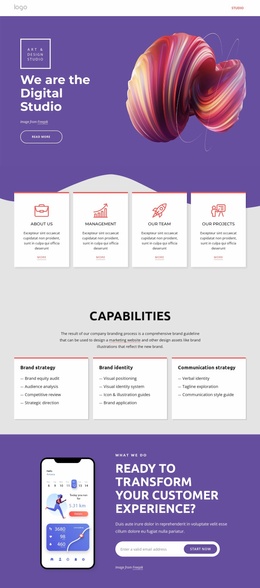
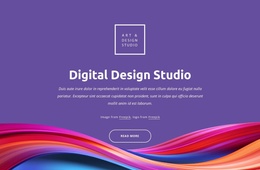
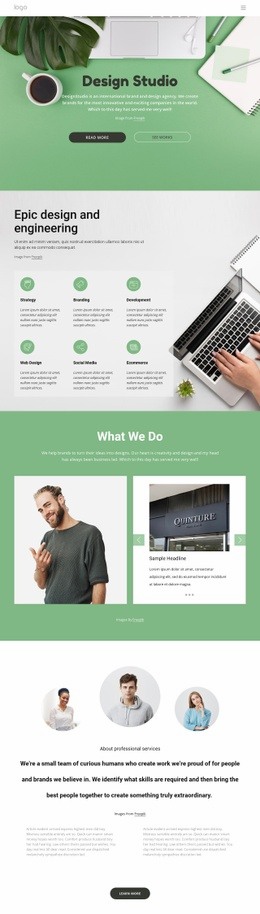
The composition begins with an asymmetrical two-column hero: text and the read more action occupy one side, while laptop and colorful artwork imagery create visual weight on the other. The centered What We Do heading then introduces five vertically staggered white cards, changing the page from a single opening statement into a grouped service overview. This contrast in scale and alignment keeps the opening sections from reading as one continuous block.
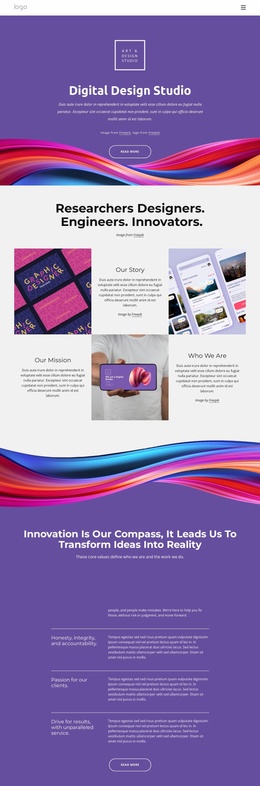
The following four-column discipline section is more text-dense, which prepares the visitor for the twelve-item portfolio. Its repeated image cards create a strong visual field and a different reading mode from the service lists. After that concentration, the split company section restores a two-column balance with editorial imagery and explanatory text. Four metric cards beside a device image add compact evidence, while three adjacent testimonial cards repeat the card structure at a smaller scale.
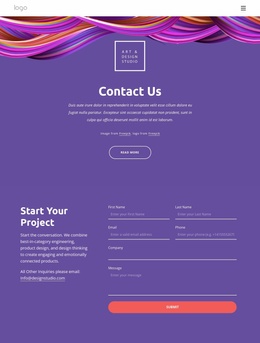
The final contact form and dark footer provide a quieter close after the visual density of the portfolio and proof sections. Navigation links for Studio and About Us help frame the page as part of a broader studio presentation, but the verified composition remains centered on this single page. Nicepage’s Block Designs are a relevant product bridge for interpreting the page as an arrangement of distinct sections, not a substitute for the specific composition already present here.
Customize with Nicepage
Open this ready-made template in the Web Page Design Builder and customize it visually in the Nicepage editor. Replace demo content, edit page sections, and adapt the design to your project without rebuilding the template from scratch.
Design a Web Page Section by Section
Choose a Design for Each Section
Build the page from individual content sections instead of starting with a fixed full-page layout. Use Block Designs to browse ready-made sections for different purposes, including introductions, services, galleries, testimonials, contact forms, pricing, and other common parts of a web page. Search or filter the available designs to find a layout that fits the content you want to add.
Combine Blocks and Page Elements
Add selected Blocks to the page and arrange them in the order that supports the page's purpose. A hero section can introduce the main message, followed by services, benefits, portfolio content, testimonials, calls to action, or contact information.
Inside each section, use Web Page Elements such as Text, Image, Hyperlink, Grid, Gallery, and other elements to build and present the page content. Individual elements can be added and adjusted within the Blocks, giving you more control over the composition of each section without having to create the complete layout from scratch.
Refine the Page Layout and Flow
After assembling the main sections, adjust their content, spacing, backgrounds, images, typography, and element placement in the Nicepage editor. Reorder Blocks when necessary and refine the transition from one section to the next so the information hierarchy and visual flow remain clear throughout the page.
This workflow makes the template useful as a web page design that can be composed from ready-made sections, customized with individual page elements, rearranged, and adapted to the content and purpose of an individual page.